
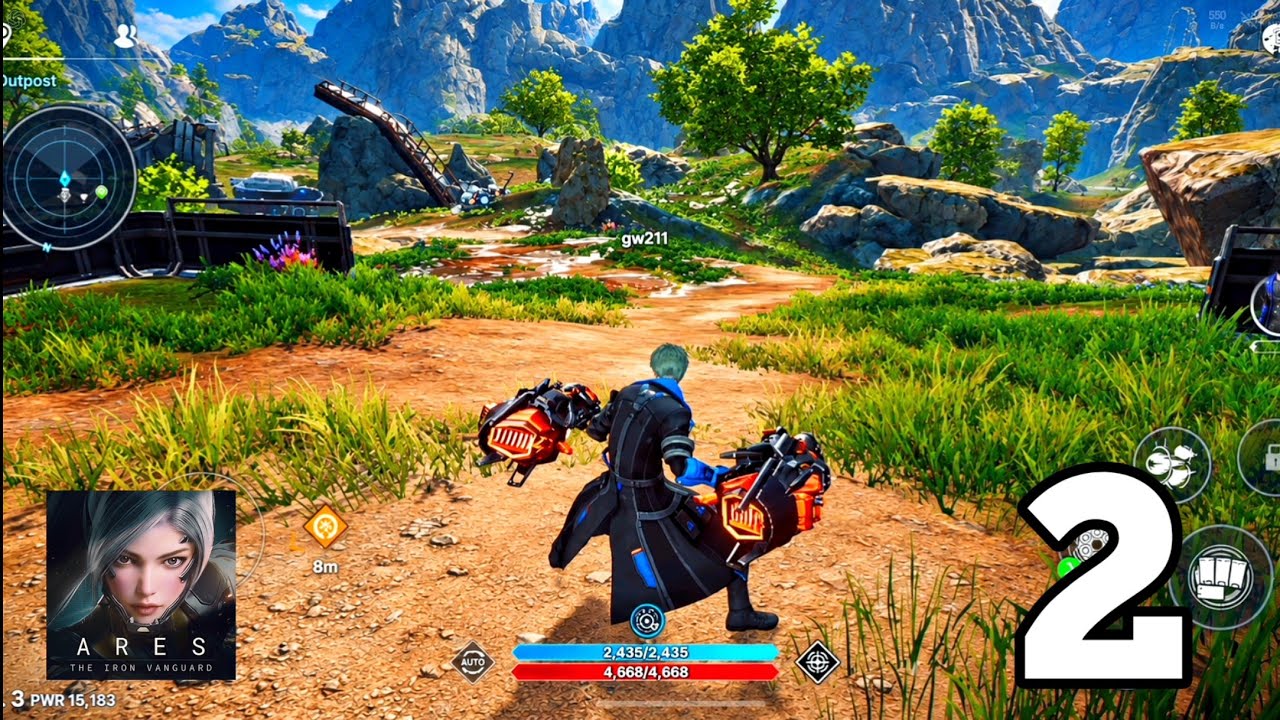
To maintain fast main quest progression in ARES: THE IRON VANGUARD, tap the active quest tracker on the left side of your screen to trigger automated movement, then manage your menu rewards and suit upgrades while your character is in transit.
Automating Quest Travel
The quest tracker automatically moves your character toward the next objective, whether you need to speak with an NPC or reach a designated combat spot.
- Trigger Auto-Travel: Tap the active quest objective on the left side of the screen to start moving immediately.
- Prep During Movement: Use the travel time to open menus, inspect new equipment, or prepare suit upgrades so you do not waste time while standing still.
- Track Objective Shifts: Keep an eye on your character’s arrival to ensure auto-navigation does not stop abruptly near hostile enemy spawns.
Claiming Red-Dot Rewards and Suit Upgrades
Resource rewards are often held inside interface sub-menus rather than being sent directly to your inventory. Neglecting these items creates a Combat Power (CP) bottleneck during main storyline bosses.
- Check Notification Markers: Open any main menu tab displaying a red notification dot after completing quest segments or gaining levels.
- Inspect the Mission Tab: Claim completed milestone rewards, experience chests, and currency bonuses.
- Inspect the Character Tab: Collect level-threshold rewards and suit upgrade materials.
- Apply Suit Upgrades: Equip fresh gear drops and upgrade your active suit using the materials you just claimed before starting the next combat objective.
Managing Story Sequences
Main story progression features frequent dialogue sequences. If your primary goal is rapid leveling and resource gathering, skip optional cutscenes to return to the core combat loop quickly.
Look for the skip prompt at the bottom right of the screen during dialogue windows. Once skipped, tap the quest tracker again to resume pathfinding toward your target area.

Free ARES: THE IRON VANGUARD Codes
Current active codes and how to redeem them.

James Brown
James focuses on Android gaming on PC, emulator setup, controls, performance tuning, and practical troubleshooting for longer play sessions.
COMMUNITY
Player Comments
119 players commented on this guide.
I wish I had read this before upgrading the wrong thing.
This guide answered the exact question I had.
I tried this today and it worked better than my old setup.
This saved me time in the early game.