
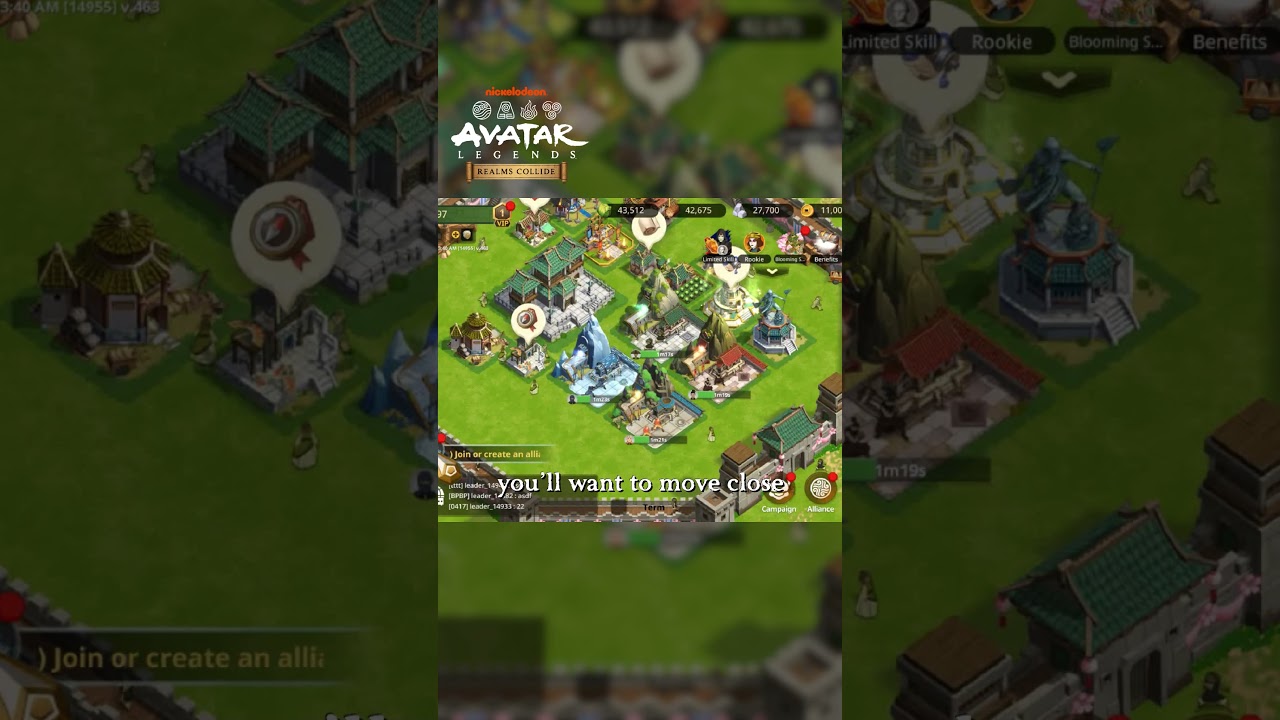
To relocate your city in Avatar: Realms Collide, recall all deployed marches and scouts, locate an unobstructed tile on the kingdom map, and confirm your move using a relocation item or gems. Moving your base lets you join alliance clusters for shared defensive buffs and faster reinforcement times, or escape enemy attacks before your walls are breached.
Relocation Item Types
The game offers three primary relocation items, each suited for different tactical situations:
- Targeted Relocation: Transports your city to an exact coordinate chosen manually on the map. This item is required for precise positioning within an alliance hive, occupying forward war zones, or taking specific spots near high-level resource nodes. It costs more resources or gems than other relocation methods.
- Alliance Relocation: Places your base directly onto territory controlled by your alliance, positioning you near an alliance fortress or leader. Use this item after joining a new alliance or when your group shifts territory. It cannot place you outside friendly boundary lines.
- Random Relocation: Moves your city immediately to an arbitrary coordinate within your current province or map sector. Because you cannot pick the landing spot, use this primarily as an emergency escape when targeted teleports are unavailable or you do not have time to manually select coordinates.
| Item Type | Placement Method | Primary Use Case | Main Trade-Off |
|---|---|---|---|
| Targeted Relocation | Selected coordinates | Strategic offensive staging, hive placement | Higher item or gem cost |
| Alliance Relocation | Alliance territory tile | Group consolidation, territory moves | Restricted to alliance borders |
| Random Relocation | System-selected tile | Emergency escape during raids | Unpredictable destination |
Pre-Relocation Checklist and Common Blockers
The game cancels relocation attempts if your settlement has active external tasks or invalid terrain targets. Clear the following conditions before moving:
- Recall all field marches: Every unit must return inside your walls. This includes squads gathering resources, troops stationed to reinforce an ally, and marches fighting monsters or rival armies.
- Retrieve active scouts: Scouting units count as deployed forces. Wait for active scouts to return to your watchtower or cancel their pending missions.
- Check rally states: While you can teleport to dodge incoming enemy attacks, you cannot relocate while hosting an active rally as the rally leader. You must launch or disband the rally first.
- Clear terrain hitboxes: Your settlement requires a flat, uninterrupted footprint. You cannot place a city over mountains, water bodies, NPC camps, resource tiles, or the boundary radius of another player's base.
How to Relocate to an Exact Coordinate
Follow these steps to move your settlement using a Targeted Relocation:
- Locate your destination: Open the kingdom map, zoom in, and find a flat, open area, preferably within your alliance's territory borders.
- Inspect the footprint: Tap and hold the empty ground. A green outline indicates the footprint is valid. If the outline is red, surrounding terrain, trees, or nearby settlement borders are obstructing the grid. Slide the indicator until it turns green.
- Confirm the move: Tap the relocate icon on the valid tile, then confirm the prompt to consume your Targeted Relocation item or pay the gem fee.
- Restart economic queues: Once your city appears on the new coordinate, immediately redeploy your gathering marches, assist nearby alliance construction projects, and check your watchtower settings.
Defensive Teleporting to Avoid Raids
Relocation functions as an active defense when peace shields are expired or unavailable. When hostile rallies or scouts lock onto your settlement, remaining stationary risks wall failure and permanent troop loss if wounded units exceed your hospital capacity.
Executing a relocation while an attack march is incoming causes that march to target empty coordinates. The hostile army strikes nothing and automatically marches back to its starting base, expending the attacker's march time. If enemy troops are seconds away and you do not have time to locate open terrain for a targeted jump, use a Random Relocation from your inventory to sever the march lock instantly.

Free Avatar: Realms Collide Codes
Current active codes and how to redeem them.

James Brown
James focuses on Android gaming on PC, emulator setup, controls, performance tuning, and practical troubleshooting for longer play sessions.
COMMUNITY
Player Comments
81 players commented on this guide.
Good guide for Avatar: Realms Collide players. The strategy part was useful.
I wish I had read this before upgrading the wrong thing.
Nice guide. I am checking the other Avatar: Realms Collide articles next.
This saved me time in the early game.