
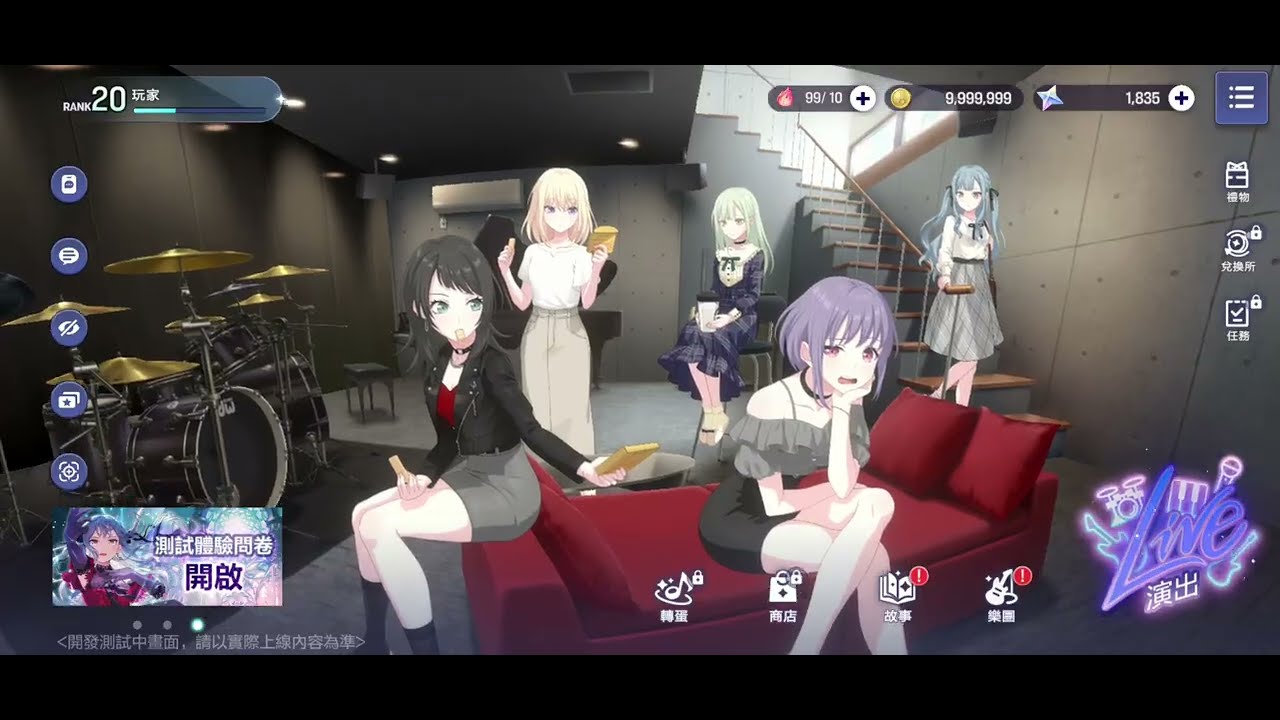
Achieving precision in BanG Dream! Our Notes requires more than just natural rhythm; it demands a finely tuned interface that compensates for your device’s hardware latency and your personal reaction speed. By carefully adjusting your timing calibration, lane speed, and visual feedback settings, you can significantly reduce the margin of error during dense note clusters. This guide provides the technical adjustments needed to ensure your inputs register correctly, helping you maintain full combos even when chart complexity ramps up across the game's various performance modes.
Calibrating Your Timing for Absolute Precision
The most critical step in BanG Dream! Our Notes is aligning the game’s internal clock with your specific device's audio latency. If you find yourself consistently hitting "Great" or "Good" ratings on notes you feel you hit perfectly, your calibration is likely lagging behind your physical inputs. Adjusting this setting ensures that your tactile tap registers exactly when the note crosses the judgment line.
To perform this adjustment, navigate to the settings menu and locate the "Timing Adjustment" or "Sync" option. Use the built-in test pattern, which plays a rhythmic beat, to find your offset. You should adjust the value in small increments—usually one or two milliseconds at a time—until the audio sync feels natural.
Expert Tip: Because Bluetooth headphones almost always introduce significant audio lag that varies based on the device, it is highly recommended to use wired headphones or a low-latency dedicated gaming headset. If you must use wireless, ensure your device is in a dedicated "Gaming Mode" to minimize signal delay.
Optimizing Note Speed for Better Chart Readability
Note speed is the single most influential setting for reading complex charts. Many beginners make the mistake of playing at a slow speed, which causes notes to stack on top of one another, making it nearly impossible to distinguish between individual taps, long holds, and rapid-fire slides. Increasing your note speed spreads the icons across the screen, providing a much clearer visual trajectory of the upcoming rhythm sequence.
When testing new speeds, look for a setting where you can clearly see the pattern of the incoming notes without feeling overwhelmed by the horizontal spread. A higher speed does not necessarily make the song "harder"; it simply provides more clarity. Most veteran players of BanG Dream! Our Notes settle on a speed that allows them to read the chart as a cohesive sequence of movements rather than individual, panicked taps. We recommend increasing your speed by 0.5 increments until you find your "sweet spot" where your eyes can track notes comfortably.
Configuring Lane Transparency and Visual Cues
Beyond speed and timing, the visual presentation of the lanes and the judgment line can be customized to minimize eye strain and distraction. BanG Dream! Our Notes features beautiful 3D live performances, but these visual spectacles can occasionally obscure the notes during high-tempo sections.
- Lane Opacity: If you struggle with focus during high-tempo songs, consider lowering the background brightness or increasing the lane opacity. This creates a high-contrast environment that forces your eyes to stay locked on the judgment line.
- Note Design: Ensure your "Note Design" settings are uniform. Using a consistent, high-visibility note style prevents visual clutter, allowing you to react instinctively to the chart rather than processing the aesthetic of individual note types.
- Effect Intensity: If you are playing on a mobile device, consider turning down the "Live Effect" settings. While the 3D models are a highlight of the experience, reducing the particle effects and background motion significantly improves your ability to track the rhythm.
Managing Device Performance for Stable Input
Hardware limitations can translate into dropped frames, which in BanG Dream! Our Notes manifests as "ghost touches" or skipped notes. To maintain a competitive edge, you must ensure your device is performing optimally during sessions. Excessive background tasks or thermal throttling from intense graphics settings can interfere with the touch registration layer, leading to missed inputs during particularly fast sections of a song.
Before starting a high-difficulty track, close all background applications to free up RAM. If you notice stuttering during 3D lives, toggle the visual settings to a "Light" or "Performance" mode. In competitive rhythm gaming, a consistent 60 FPS is far more valuable for score-chasing and full-combo attempts than higher-fidelity character models that sacrifice your input accuracy.
Identifying and Adjusting Your Personal Tap Style
Every player has a different tactile style, whether it is using the pads of the fingers or the tips, and this affects how you should configure your screen sensitivity. BanG Dream! Our Notes allows for some flexibility, but the physical interaction remains constant. If you play with your device on a flat surface, your fingers may require a different amount of pressure than someone holding the device.
Test your responsiveness in the "Live Settings" menu by running a practice track at a lower difficulty. Pay close attention to your "Great" vs. "Perfect" ratio:
- Consistently Late: You are reacting behind the beat. Try increasing your sensitivity or manually adjusting the timing offset to compensate for a slower physical reaction time.
- Consistently Early: You are jumping the gun. Your fingers are likely more responsive than the audio feedback, suggesting you may need to adjust your timing offset in the opposite direction.
By identifying these patterns, you turn the settings menu from a generic utility into a precision tool tailored specifically to your physical playing habits. Regularly revisit these settings, especially if you switch between playing on a phone and a tablet, as the screen size and touch-surface area will fundamentally change how you interact with the game.
Final Decision: Prioritizing Stability Over Flash
While BanG Dream! Our Notes is designed to be an immersive adventure, your primary goal when pushing for high scores or full combos is to eliminate variables. Start by stabilizing your frame rate, then calibrate your audio sync, and finally, incrementally increase your note speed until the chart feels readable. By removing visual noise and ensuring your device is hardware-optimized, you create the perfect environment to master the rhythm and climb the leaderboards.

Free BanG Dream! Our Notes Codes
Current active codes and how to redeem them.

Michael Smith
Michael covers live-service games, events, reward systems, and efficient daily routines, turning frequent updates into clear actions for players.
COMMUNITY
Player Comments
157 players commented on this guide.
The tips are practical and easy to follow.
This guide answered the exact question I had.
This saved me time in the early game.
I tried this today and it worked better than my old setup.