
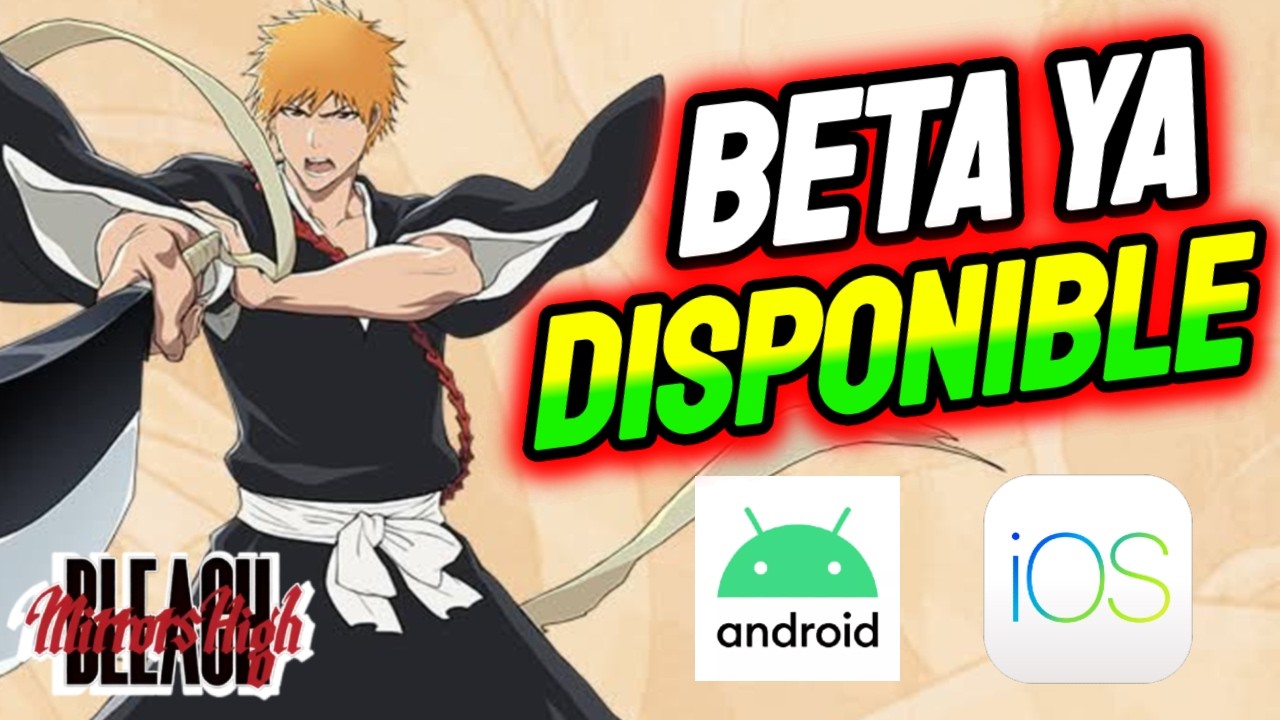
To enter the BLEACH Mirrors High open beta without launch-day delays, complete your full client installation ahead of time, maintain a stable network connection during peak login windows, and link your account immediately upon entry. Converting the announced launch time to your local time zone and preloading required assets ensures you bypass download congestion and authentication bottlenecks.
Server Launch Tracking and Global Unlock Windows
Open beta deployments operate on fixed global server clocks rather than phased regional rollouts. Players across North America, Europe, Latin America, and Asia access the servers simultaneously once the gates unlock.
Because official launch windows can shift by 30 to 60 minutes due to store synchronization or pre-launch maintenance, monitor official announcement channels directly for live status updates. Tracking the announced unlock hour precisely allows you to authenticate before concurrency limits trigger extended queue times.
Client Storage Requirements and Pre-Load Setup
Installing the initial game client is only the first part of setup. Before you can play, the application must download and decompress supplemental asset packs, including high-definition textures, Thousand-Year Blood War (TYBW) character models, sound libraries, and combat animations.
- Free Up Additional Storage: Reserve 5 to 8 gigabytes of free disk space beyond the base game package. This buffer prevents decompression failures and client crashes during file extraction.
- Finish Downloads Before Unlock: Complete the asset download during the pre-load phase. Attempting to download secondary packages at server launch exposes your client to content delivery network throttling and download errors.
Navigating Server Queues and Login Congestion
Surges in authentication requests automatically activate dynamic login queues to protect server databases. Handle the launch rush with the following protocol:
- Launch the Game Early: Boot the client 10 minutes prior to the scheduled live time to detect and download any last-minute micro-patches.
- Use Low-Latency Connections: Connect your device to a 5 GHz Wi-Fi band or use a wired Ethernet connection to prevent packet loss during login authentication.
- Remain in the Queue: If placed in an authentication line, leave the client running. Force-closing or restarting the application forfeits your place and moves you to the back of the queue.
- Identify Error Messages: Distinguish between temporary server capacity alerts, which clear as player slots open, and network timeout errors that require checking your local router.
Account Linking and Data Retention Rules
Always bind your game profile to a permanent platform or email account rather than playing on an unlinked guest profile. Beta client crashes, rapid hotfixes, and cache purges can erase unlinked local saves.
Your resource management strategy depends on whether the open beta includes data retention:
- Account Wipe Beta: If player data resets before the global release, spend all earned currencies and summon resources immediately to test combat mechanics, character synergies, and team compositions.
- Persistent Progress Beta: If progress carries forward into the official launch, hoard premium currencies and summon tickets for future high-tier limited banners.
Day 1 Progression Priorities
Once past the authentication screen, bypass secondary cosmetic customization and prioritize campaign milestones to establish daily resource generation.
| Launch Phase | Primary Objective | Practical Player Benefit |
|---|---|---|
| Stage 1: Initial Ingress | Complete the prologue and profile setup | Finalizes account credentials and clears mandatory tutorial gates |
| Stage 2: Campaign Push | Clear initial main story chapters | Unlocks energy regeneration, roster slots, and daily commissions |
| Stage 3: Mail Collection | Claim pre-registration and beta mail | Secures summon currency and materials before the first server reset |
| Stage 4: Feature Activation | Unlock resource stages and auto-clear modes | Prevents stamina overflow and opens material farming for your roster |

Free BLEACH Mirrors High Codes
Current active codes and how to redeem them.

Sarah Williams
Sarah specializes in RPG and collection games, explaining team building, character growth, and beginner-friendly ways to avoid expensive early mistakes.
COMMUNITY
Player Comments
78 players commented on this guide.
This saved me time in the early game.
Can you add more details about early game in a future update?
Nice guide. I am checking the other BLEACH Mirrors High articles next.
This helped me understand early game much better.