
Free Fire OB55 2-Player Horse Mount Guide: Controls and Duo Combat
Free Fire OB55 leaks detail a two player horse mount featuring quiet navigation, rough terrain jumping, and passenger firing without cover.

The latest Free Fire guides.
Free Fire: 9th Anniversary is a mobile survival shooter game that pits players against each other in fast-paced combat matches. This guide hub provides detailed information on anniversary event tasks, weapon upgrade systems, tactical match reviews, and strategic gameplay tips for various modes.
Game information is refreshed when tracked chart data changes; guides are added as they are published.
Free Fire OB55 leaks detail a two player horse mount featuring quiet navigation, rough terrain jumping, and passenger firing without cover.

Pair Tatsuya with Hayato, Kelly, and Jota in Free Fire to maximize dash mobility, armor penetration, and immediate health sustain during close rushes.

Drop along outer castle parapets for safe loot, then use Free Fire's flying owl to claim elevated spires while avoiding exposed mid air flight.

Steer with the movement joystick to walk toward cover while healing in Free Fire, avoiding sprint, jump, or attack inputs that abort the channel.

To improve combat speed in Free Fire, set the Left Fire Button to Always, enable Hold Fire to Scope, and lower your right fire button to 40% to 50% size.

To secure a Free Fire Wall Royale Gloo Wall skin, skip community spin tricks and invest diamonds into 10+1 batch draws to redeem event tokens.

Pair the scoped AUG for mid range fire with the high speed MP40 for close rushes while using drag headshots and quick weapon swaps in Free Fire.

Back up your Free Fire sensitivity sliders and custom HUD layout using Settings Sync in the Basic menu to restore them after game updates.
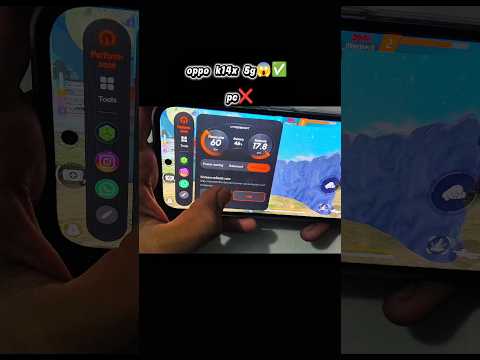
Deploy instant cover in Free Fire by pairing a downward camera swipe and crouch input with the dedicated left fire button on a custom HUD.

To play Free Fire with a keyboard and mouse on a phone, connect via an OTG adapter, permit USB debugging, and bind inputs using a keymapping overlay.