
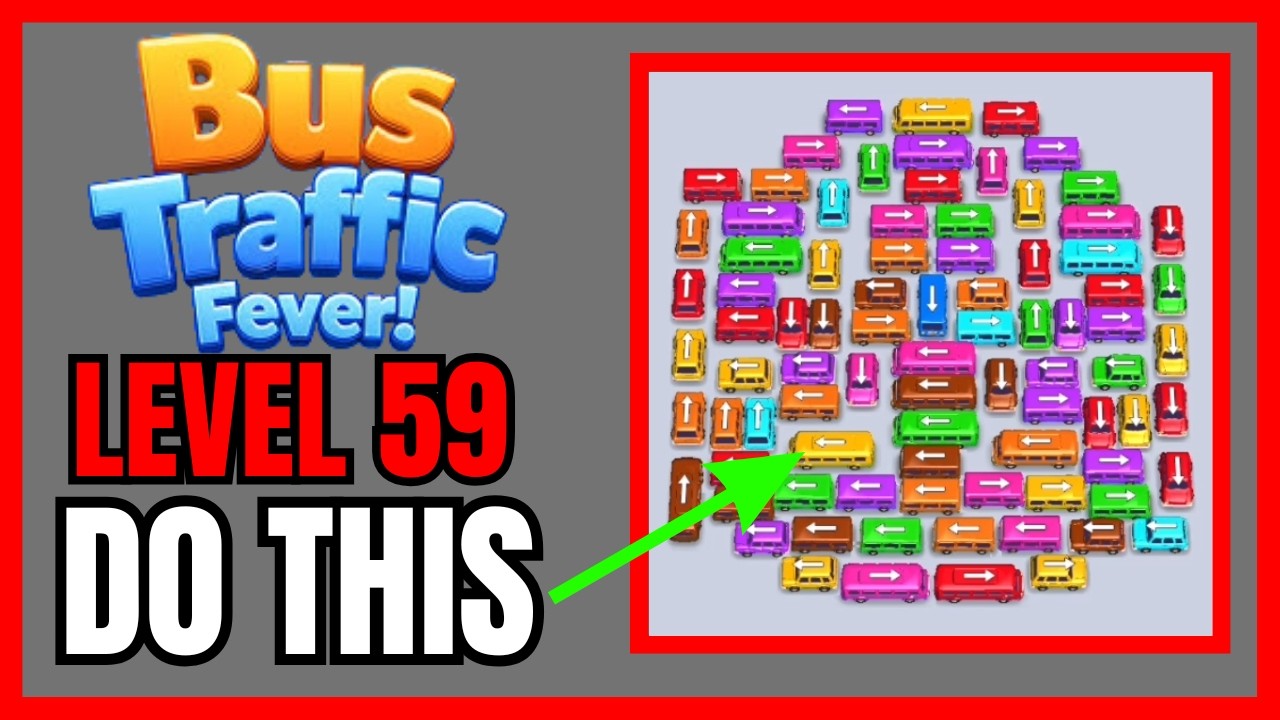
To clear Level 59 in Bus Traffic Fever! without using hints or spending coins on booster slots, you must dispatch unblocked perimeter buses that immediately match the active passenger line and keep your temporary holding bays open. Storing mismatched vehicles in the holding area will quickly cause a deadlock if the queue stalls.
Core Rules and Win Conditions
Level 59 places inward-facing buses in a tight lot bordered by narrow exit lanes. Success depends on two mechanics:
- Direct Path Trajectory: A bus cannot move if its forward bumper or turn radius is clipped by an adjacent vehicle or wall.
- Holding Bay Capacity: If you tap a bus whose color does not match the front commuters at the terminal, it parks in an auxiliary holding bay. Filling all available bays with inactive buses causes an immediate loss.
Step-by-Step Clearing Strategy
1. Clear Unblocked Exterior Buses First
Examine the outer boundary of the lot before tapping anything. The level starts with one or two perimeter buses that have fully open escape routes.
Check the commuter color currently at the front of the terminal line. If an unobstructed perimeter bus matches that color, tap it to load passengers and remove it from the board immediately. If no direct match is available, only send an unblocked bus into an empty holding bay if doing so exposes an immediate match behind it.
2. Open Corridors for Central Anchor Vehicles
The dense center cluster contains inward-facing buses that block each other's turns. These central vehicles trap multiple rows behind them. Once perimeter vehicles are removed:
- Identify the central bus that blocks the highest number of adjacent lanes.
- Clear the specific vehicle obstructing its front bumper.
- Confirm that the bus's intended turn arc has sufficient clearance, as even slight bumper overlap will halt the vehicle mid-turn.
- Dispatch the newly freed bus either directly to matching passengers or into a vacant bay to open the interior lane.
3. Cycle Commuter Colors in the Mid-Game
Interior buses carry multi-passenger capacities. Loading a high-capacity bus clears a large segment of the waiting queue, revealing the next commuter color in line. Always check which color is next in the queue before tapping your next vehicle so you can clear holding bays instead of filling them.
| Move Decision | In-Game Risk | Correct Tactical Play |
|---|---|---|
| Tapping mismatched buses early | Fills temporary holding bays and causes gridlock | Move non-matching buses only to reveal an immediate passenger match |
| Committing to tight turns | Vehicle clips a neighboring bumper and stops | Check full turning corridors before tapping interior vehicles |
| Ignoring queue order | Traps active colors behind unready vehicles | Align vehicle departures with the visible order of waiting passengers |
Endgame Execution
When three to four buses remain, physical blockades are largely gone, but failing to match the commuter order can still fill your remaining holding slots.
Do not tap remaining vehicles simply because their paths are clear. Look at the final chain of waiting passengers at the curb and release your remaining buses in the exact sequence of those colors. If an open vehicle does not match the front commuters, verify that you have enough empty holding bays to park it before tapping. Once the queue order matches the remaining board, dispatch each bus to finish the level.

Free Bus Traffic Fever! Codes
Current active codes and how to redeem them.

Emily Johnson
Emily writes practical mobile strategy guides with a focus on resource planning, base progression, and the early decisions that shape a long-term account.
COMMUNITY
Player Comments
77 players commented on this guide.
I tried this today and it worked better than my old setup.
Nice guide. I am checking the other Bus Traffic Fever! articles next.
This saved me time in the early game.
The explanation is clear, especially for beginners.