
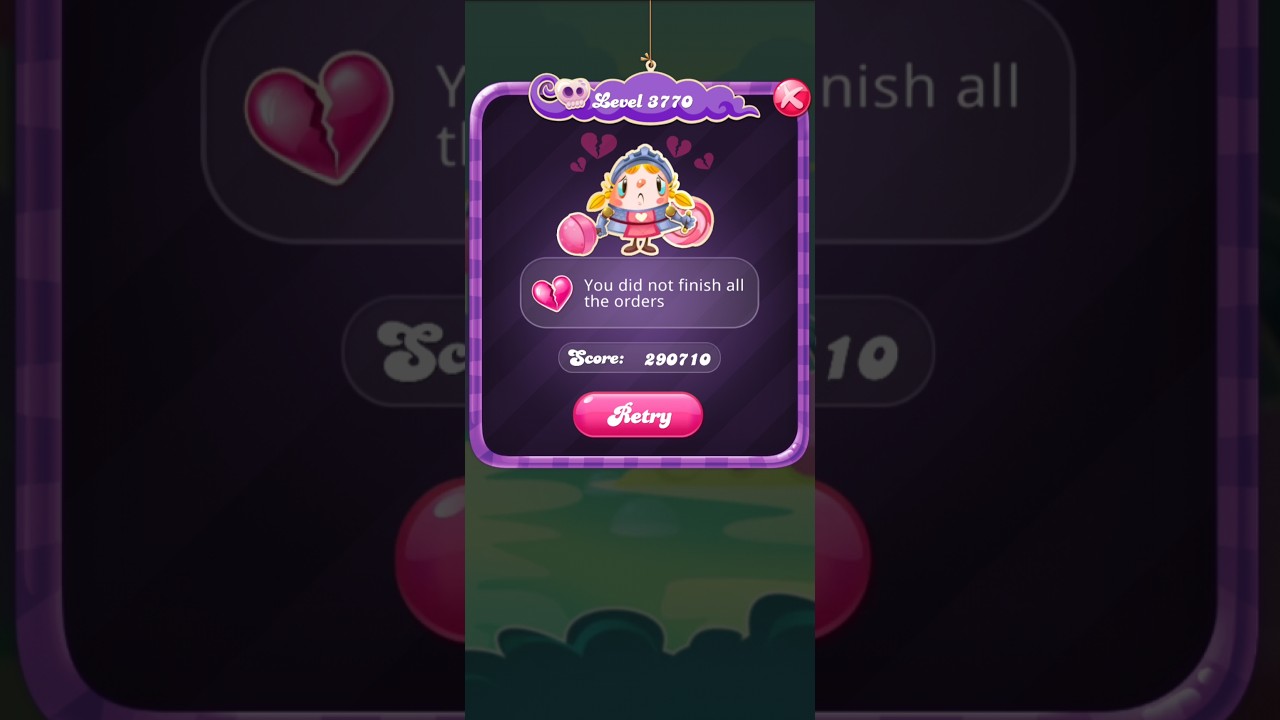
When Candy Crush Saga displays the banner No More Possible Switches!, the board contains zero legal three-candy matches or special candy combinations. The game engine automatically pauses input, scrambles the positions of all unblocked candies, and arranges them so at least one valid move exists.
This automatic reshuffle does not deduct a turn from your move counter. It functions as a free mechanical reset to prevent an unavoidable softlock.
How the Reshuffle Affects Your Candies and Moves
After every cascade settles, the game scans horizontally and vertically for valid standard matches, match-4 lines, match-5 alignments, or T- and L-shapes. If no valid switches exist across the active grid, the reshuffle triggers immediately.
During the shuffle, your remaining move counter stays frozen. The game rearranges the movable items on the board while retaining the exact properties of your crafted power-ups:
- Striped Candies: Keep their horizontal or vertical clearing orientation, though their coordinates change.
- Wrapped Candies: Remain primed as explosive two-stage clearing tools at their new landing spots.
- Color Bombs: Retain their active status without losing the ability to clear a selected candy color.
- Coloring Candies: Maintain their color-matching transformation abilities after settling.
Because power-ups are preserved rather than converted back into regular candies, a reshuffle can occasionally place special candies into direct alignment with one another.
What Moves and What Stays Locked
A reshuffle only repositions loose, movable board elements. Static obstacles and trapped candies stay anchored to their specific grid tiles.
| Board Element | Moves During Reshuffle? | Behavior During Reset |
|---|---|---|
| Standard Candies | Yes | Relocates to open tiles to create at least one legal match. |
| Special Candies | Yes | Scrambles to new open tiles while preserving all special effects. |
| Licorice Swirls | Yes (if loose) | Shifts across open spaces alongside standard candies. |
| Frosted Layers | No | Remains locked on its tile until cleared by adjacent matches. |
| Marmalade & Licorice Locks | No | Anchors in place; trapped candies inside cannot move. |
| Chocolate | No | Remains on its tile and continues spreading on subsequent normal turns. |
On stages heavily restricted by Frosting, Marmalade, or Chocolate, the pool of open tiles is small. When fewer loose candies are available to swap, reshuffles occur much more frequently.
Managing Reshuffles During Play
You can use board reshuffles to salvage bad layouts or adjust your play to protect high-value setups:
- Force a free reroll on dead boards: If your candies are clustered unproductively away from your target jellies or ingredients, clear out the few remaining matching colors on the board. Depleting the remaining valid moves forces a reshuffle, resetting your candy layout without burning extra turns.
- Protect assembled special combos: If you have positioned a Color Bomb next to a Striped Candy, check the rest of the grid before making an unrelated switch. If the wider board has almost no legal moves left, making an off-target move could trigger an automatic shuffle that separates your combo. Match candies in constrained zones first to keep valid switches available until you detonate your combo.
Preventing Deadlock Failures
While a reshuffle usually solves a stuck board, severe obstacle spread can trigger an instant level failure. If spreading Chocolate or dense Frosting covers almost the entire grid, the engine may reach a state where it has zero valid switches and physically lacks enough open tiles to form a single match-3. If the game cannot construct a legal move during the scramble, the level ends in defeat.
To prevent this failure state, clear spreading Chocolate and break open frosted corridors during your early turns. Keeping open channels beneath candy dispensers ensures a steady supply of varied colors, giving the engine enough room to execute reshuffles whenever manual switches dry up.
Free Candy Crush Saga Codes
Current active codes and how to redeem them.

James Brown
James focuses on Android gaming on PC, emulator setup, controls, performance tuning, and practical troubleshooting for longer play sessions.
COMMUNITY
Player Comments
87 players commented on this guide.
Can you add more details about strategy in a future update?
This helped me understand strategy much better.
I wish I had read this before upgrading the wrong thing.
Good guide for Candy Crush Saga players. The strategy part was useful.