
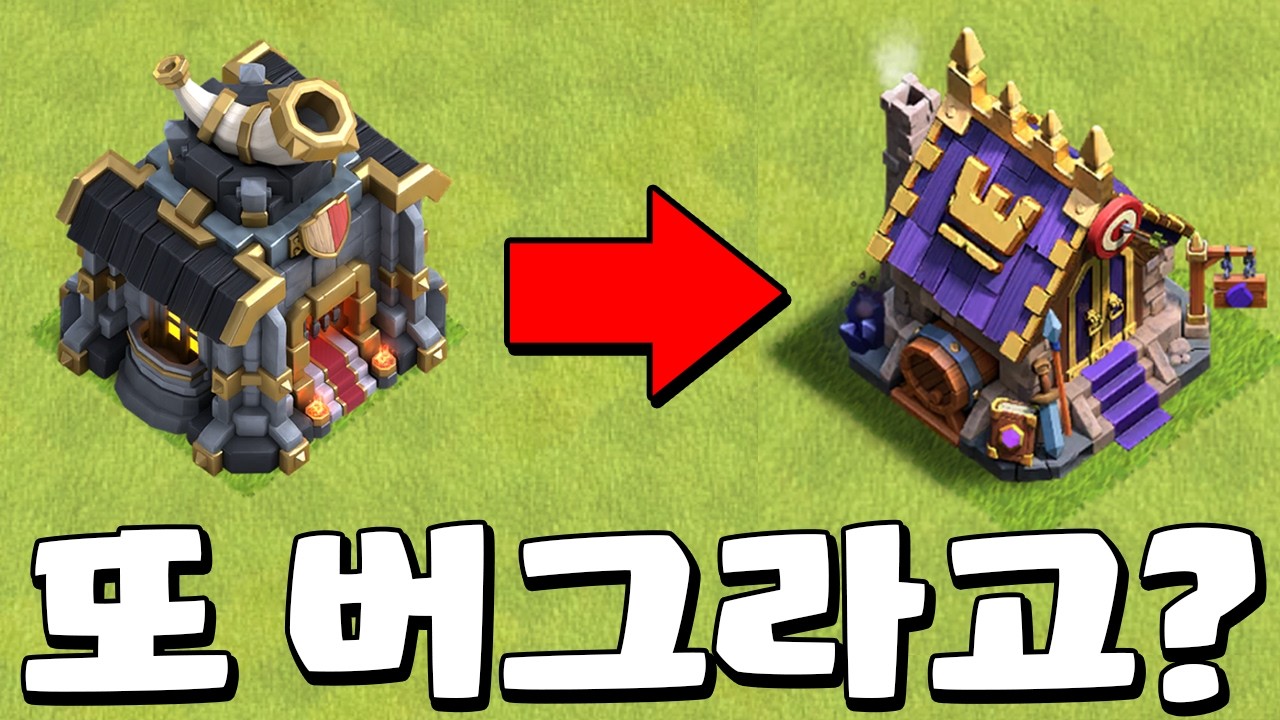
To fix the Town Hall Journey interface bug in Clash of Clans and prevent client reload crashes, force close the app, clear cached data, and avoid opening unreleased milestone tracks such as the Town Hall 19 preview.
Steps to Clear the Journey Bug
Follow these steps in order to reset corrupted interface memory and stabilize your client:
- Force close the game: Terminate Clash of Clans through your device's app switcher or task manager. Do not leave the application idling in the background, as background standby preserves frozen UI memory.
- Clear cached client data:
- Android: Navigate to Settings > Apps > Clash of Clans > Storage and select Clear Cache.
- iOS: Perform a complete device reboot to flush temporary memory buffers without deleting saved Supercell ID login credentials.
- Bypass the Journey interface: Refrain from tapping the Town Hall Journey shortcut button on your Town Hall. Check upcoming unlocks and building stats directly through individual structure upgrade cards or the Builder Overview.
- Avoid tapping unreleased nodes: If the progression track scrolls past active content into placeholder Town Hall 19 tiers, do not tap blank reward boxes or missing asset icons.
Symptoms and Root Causes
The Town Hall Journey functions as an in-game roadmap showing defenses, troops, and hero levels unlocked at each tier. Following updates, indexing desynchronization can cause the interface array to overshoot the current maximum level and reference unreleased placeholders, such as Town Hall 19 data containers.
Because the live game server holds no validated entries for unreleased tiers, local interactions create client-server conflicts:
| Bug Symptom | Root Cause | Gameplay Impact |
|---|---|---|
| Stuck Red Badge | Phantom milestone trigger at an unreleased index | Permanent notification dot on the village screen |
| Touchscreen Lockup | Missing local textures and null asset pointers | The Journey menu stops responding during scrolling |
| Out of Sync Reload | Client queries unreleased server-side data | Immediate client restart that drops unsaved base edits |
Managing Village Upgrades Safely
Viewing the glitched Town Hall 19 milestone track is strictly a client-side display error and carries no risk of account suspension. However, avoid using third-party packet tools or modified game files to interact with hidden data containers, as memory manipulation violates the Supercell Fair Play Policy. External transactions, including creator code entry (such as creator code fada) and purchases made through the official Supercell Store, process independently on web servers and remain unaffected by in-game UI bugs.
You can continue normal village progression while waiting for an official maintenance hotfix:
- Construction Planning: Tap the Builder Overview icon at the top of the screen to track ongoing upgrades and open builder slots.
- Offensive and Hero Progress: Access Laboratory research and Blacksmith Hero Equipment upgrades directly from their respective structures rather than through the Journey summary.
- Base Layout Changes: Save layout adjustments immediately before opening any milestone menus to prevent unsaved changes from being lost during an unexpected reload crash.

Free Clash of Clans Codes
Current active codes and how to redeem them.

Sarah Williams
Sarah specializes in RPG and collection games, explaining team building, character growth, and beginner-friendly ways to avoid expensive early mistakes.
COMMUNITY
Player Comments
137 players commented on this guide.
The explanation is clear, especially for beginners.
This guide answered the exact question I had.
Can you add more details about strategy in a future update?
I wish I had read this before upgrading the wrong thing.