
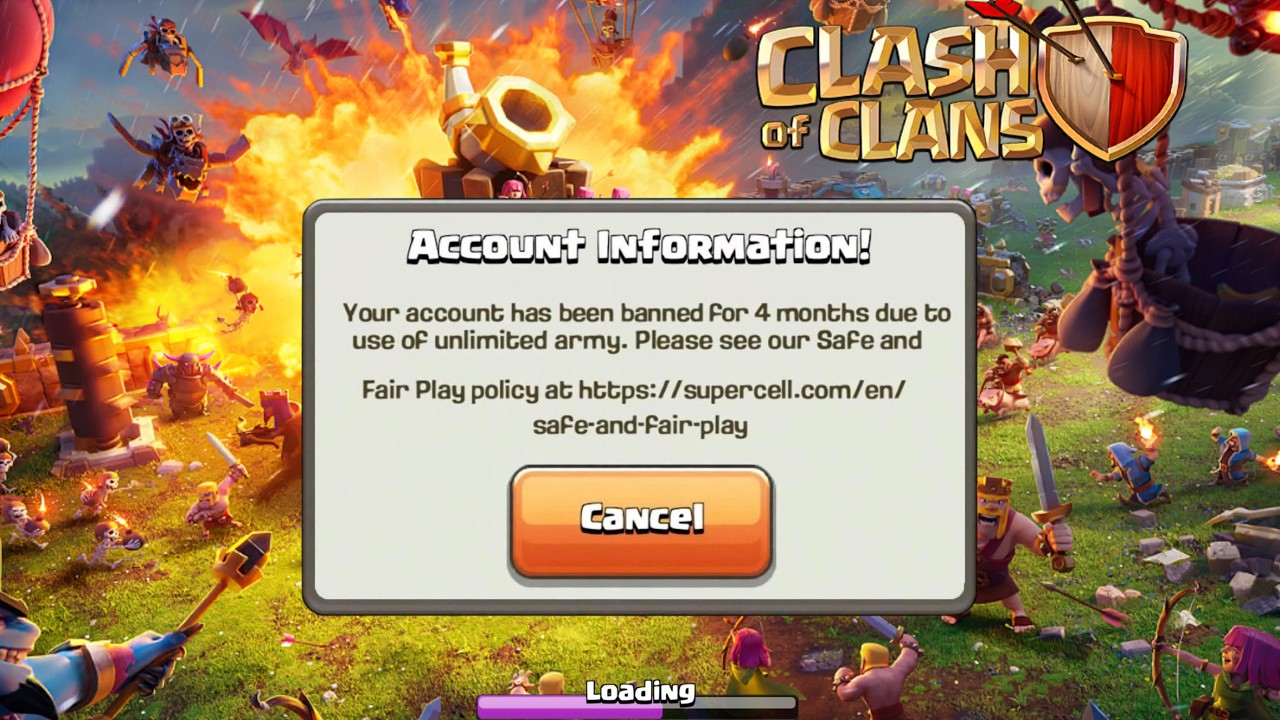
To protect your Clash of Clans account from bans when encountering a bug after a major update, stop tapping the screen immediately, force-close the app, and avoid repeating the action. Supercell enforces account penalties based on deliberate, repeated exploitation rather than passive, accidental encounters with game anomalies.
Accidental Glitches vs. Intentional Exploits
Major releases such as Town Hall updates overhaul significant client and server code, which can cause temporary desynchronizations. Passive errors like mid-attack crashes or missing textures register on server logs as routine connection or rendering drops.
Risk emerges when a player discovers an actionable loophole and triggers it repeatedly to gain an unfair advantage. Automated backend systems monitor transaction velocity, currency balance flows, and upgrade timing. Repeatedly triggering an anomaly to bypass timers or duplicate items flags the account for cheating under Supercell’s Fair Play Policy.
| Gameplay Scenario | Player Action Taken | Backend Classification | Account Risk Level |
|---|---|---|---|
| Raid deployment freeze | Game crashes mid-attack; player reopens app | Routine client-server desync | Zero Risk (Safe) |
| Resource or ore duplication | Intentionally loops shop or claim buttons | Deliberate server exploitation | High Risk (Permanent Ban) |
| Building timer desync | Closes client and reboots device | Unresolved local cache state | Zero Risk (Safe) |
| Defensive trap bypass | Repeatedly drops troops in broken dead zones | Unfair competitive manipulation | Moderate Risk (30-Day Ban or CWL Lock) |
What to Do When You Encounter an Update Bug
Follow this sequence to ensure your client state clears cleanly without triggering anti-cheat monitoring:
- Halt all inputs immediately: Stop tapping the screen the moment a timer finishes without deduction, currencies fail to register, or troop actions behave erratically. Continuing to interact can register on server telemetry as deliberate exploit testing.
- Force-close the app: Swipe Clash of Clans away from your device's active task switcher completely. Terminating the process forces the client to request a clean game state from the server upon restart.
- Clear local cache: If visual anomalies or timer errors persist after restarting, open your device's application settings and clear the local cache data. This removes damaged temporary files without deleting your saved village progress.
- Inspect transaction logs: Check whether legitimate Gems, Magic Items, or builder allocations were applied correctly. Note the timestamp if balances appear inaccurate.
- Submit a support ticket: Open the in-game Settings menu, tap Help and Support, and contact customer service through your Supercell ID profile to report the issue factually.
Penalties and Rollback Consequences
Progression gained through exploits is rarely permanent. During post-patch maintenance windows, developers routinely deploy database rollbacks to undo unauthorized progress.
Accounts identified abusing currency or progression loopholes frequently receive negative resource balances. If an account spent improperly gained Dark Elixir or Gems, those assets are deducted retroactively. This leaves the account in a negative balance, halting all future upgrades, lab research, and Hero progression until the deficit is repaid through normal gameplay or purchases.
Competitive penalties are applied alongside financial corrections. Flagged accounts risk being removed from Clan War Leagues rosters, stripped of Legend League trophies, or banned from Clan Games, directly penalizing your clan's standing.
Safe Progression Habits After Major Patches
During the initial days of a major content patch, practice caution before committing high-value resources:
- Hold rare Magic Items like Books of Everything or Hammers of Building until the developer releases routine Day 2 or Day 3 maintenance fixes and client point updates.
- Disregard social media clips promoting "unlimited loot" methods or "instant upgrade" shortcuts, as these often feature private servers or tactics already targeted by automated ban waves.
- Rely strictly on standard upgrade workflows and wait for confirmed stability before executing critical village transactions.

Free Clash of Clans Codes
Current active codes and how to redeem them.

Emily Johnson
Emily writes practical mobile strategy guides with a focus on resource planning, base progression, and the early decisions that shape a long-term account.
COMMUNITY
Player Comments
34 players commented on this guide.
This helped me understand strategy much better.
The explanation is clear, especially for beginners.
This guide answered the exact question I had.
This saved me time in the early game.