
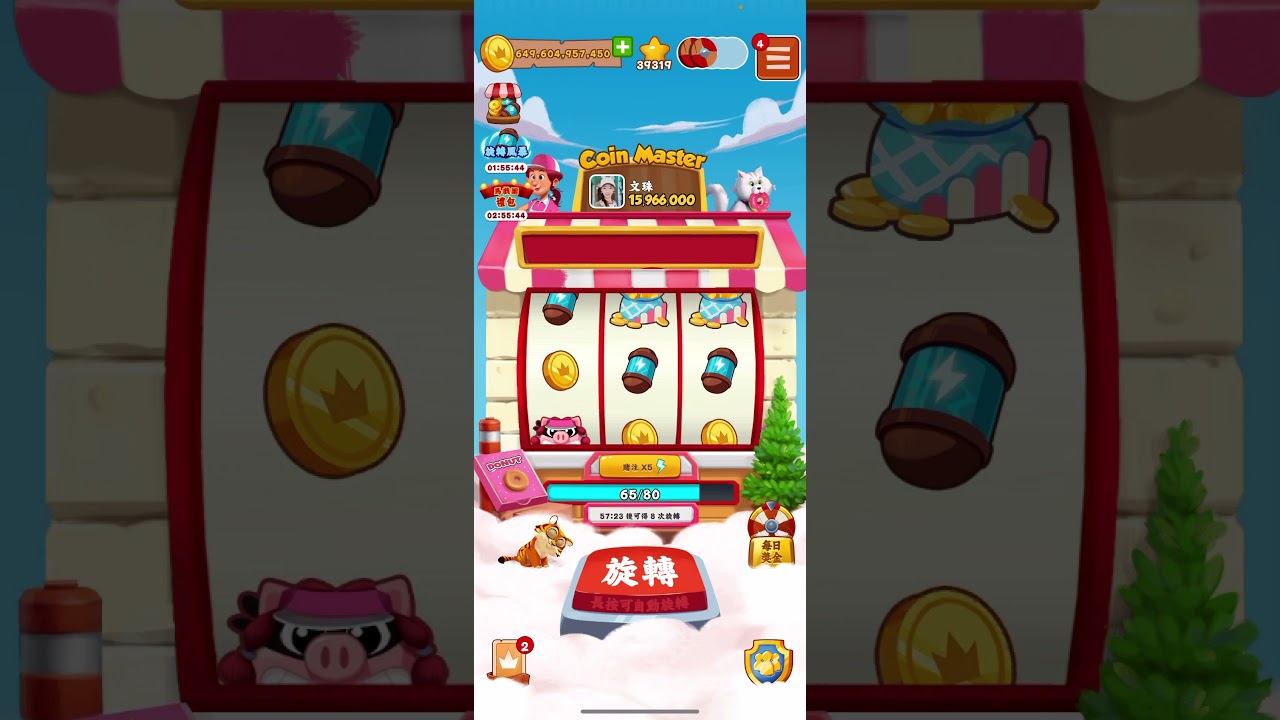
To stash energy in Coin Master, leave spins unclaimed in your gift inbox, completed card sets, and event menus rather than collecting them to your active counter immediately. Keeping your active spin meter below your account's capacity cap preserves hourly spin regeneration while building a private reserve for tournaments.
Why Stash Spins Instead of Holding Them
Coin Master provides passive energy refills—granting up to five free spins every sixty minutes—only when your active balance sits below your village capacity cap (typically between 50 and 100 spins). The moment your visible spin count exceeds this threshold, the regeneration timer freezes. Holding thousands of active spins on your main screen forfeits these free daily spins entirely.
Maintaining a lean active balance also prevents the game from seeding your account into high-spending tournament brackets. Event matchmaking evaluates active spin balances and recent activity when assigning player pools. By entering a tournament with a near-empty active counter, you register into lower-tier brackets with manageable point targets before collecting your stashed spins.
Where to Bank Unclaimed Energy
Spins can be stored across several independent game menus without inflating your active balance:
| Storage Location | Retention Limit | Recommended Timing to Claim |
|---|---|---|
| Friend Gift Center | Subject to daily receive limits and overwriting | During high-multiplier raid events |
| Completed Card Sets | Indefinite until the reward popup is cleared | During Card Boom or tournament pushes |
| Team Chests | Until the active event ends | After securing an easier tournament bracket |
| Event Milestones | Until the specific side-event timer expires | Final hours of a competitive leaderboard |
Friend Gift Center
Spins sent by friends remain in your Gift Center queue until claimed. You can let these stack up to your daily limits without advancing your active spin bar, giving you a quick reserve for daily play sessions.
Completed Card Sets
Card set completion rewards deliver large payouts ranging from 1,000 to over 10,000 spins. You can delay claiming these payouts by avoiding the completion confirmation or intentionally waiting to trade for the final card until a major event begins.
Team Chests and Side Events
Milestone prizes from ongoing events and Team Chests sit in their respective event screens until collected. These rewards provide large burst injections when you need to push a high bet multiplier quickly.
Step-by-Step Stashing Routine
- Burn down your active balance: Spin down your active energy counter until it reaches zero or stays well below your capacity cap.
- Let passive regeneration work: Allow the hourly timer to generate free spins while you are offline or idle. Do not open storage menus or claim inbox items during this period.
- Seed your tournament bracket: When a new tournament begins, take a single spin using your passively regenerated balance to lock your entry into a lower bracket.
- Redeem your stored reserves: Open the Gift Center, side-event menus, or completed card sets to credit your banked spins all at once.
- Scale your bet multipliers: Deploy your collected spins at higher multipliers (such as x50 or x100) to outpace competitors in your bracket.
Expiration Risks and Failure Points
Card set rewards remain indefinitely until accepted, but other storage methods carry strict deadlines:
- Gift overwriting: Friend gifts have daily limits and can expire or get overwritten if left uncollected across multiple reset cycles.
- Event timer expiration: Unclaimed Team Chest prizes and side-event milestone rewards are wiped or automatically forced into your balance when the event timer ends. If forced into your account while you are offline, they freeze your passive hourly regeneration.
Always check event countdown clocks and claim time-sensitive rewards shortly before their timers run out.

Free Coin Master Codes
Current active codes and how to redeem them.

James Brown
James focuses on Android gaming on PC, emulator setup, controls, performance tuning, and practical troubleshooting for longer play sessions.
COMMUNITY
Player Comments
24 players commented on this guide.
The tips are practical and easy to follow.
This guide answered the exact question I had.
I wish I had read this before upgrading the wrong thing.
This helped me understand updates much better.