
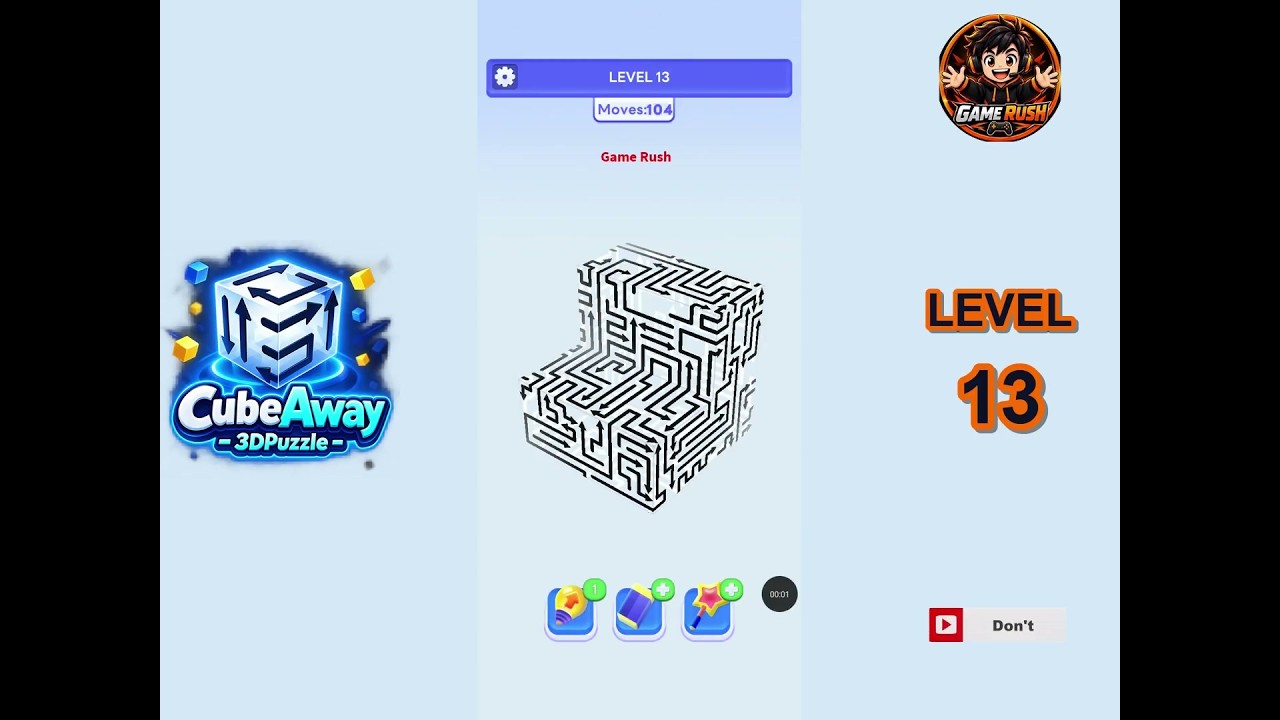
To solve Level 13 in CubeAway, dismantle the outer perimeter arrows before touching the central cluster. In CubeAway, tapping a block sends it flying in the direction of its arrow. If another cube stands in that trajectory, the tapped block collides, bounces back, and stays locked in place. Clearing Level 13 requires peeling away unobstructed exterior layers to open flight corridors for the trapped core pieces.
Step-by-Step Clearing Sequence for Level 13
Follow an outside-in clearance path to avoid collision penalties and deadlocks:
- Remove unblocked corner blocks: Rotate the puzzle horizontally and tap exterior corner cubes whose arrows point outward into empty space.
- Clear top and bottom caps: Tilt the view vertically to check the upper and lower faces. Tap the cubes pointing directly upward or downward to open vertical clearance lanes.
- Dismantle secondary flank pieces: With the outer corners and caps removed, identify the perimeter blocks that previously faced occupied tiles. Tap them as soon as their forward paths are vacant.
- Untangle cross-locked middle arrows: Inspect the middle ring for opposing arrows. Once their perpendicular perimeter blockers are gone, tap the freed blocks to break the lock.
- Clear the remaining core: Tap the final central cubes, which now have open trajectories through the lanes created by your earlier moves.
| Clearing Phase | Target Block Type | Primary Objective | Flight Path Requirement |
|---|---|---|---|
| Phase 1: Outer Shell | Exterior corner cubes | Open working space | Clear outward into empty space |
| Phase 2: Vertical Caps | Upward and downward cubes | Remove vertical boundaries | Clear upward or downward axis |
| Phase 3: Flank Blocks | Secondary perimeter edges | Expose interior arrows | Path cleared by Phase 1 |
| Phase 4: Core Resolution | Interlocked central cubes | Complete stage clearance | Path cleared by Phases 2 and 3 |
Camera Rotation and Line-of-Sight Checks
Level 13 hides open paths behind visual overlap. When viewed from a flat angle, background cubes frequently align with foreground cubes, making clear flight paths look blocked.
To confirm an arrow's flight path, drag across the screen to orbit the cluster across both horizontal and vertical axes. Align the camera directly behind an arrow to sight down its straight-line trajectory. If no block intersects that line of sight, tap the cube immediately.
Resolving Interlocking Arrows
Interlocking arrows occur when adjacent blocks point toward one another, preventing either piece from moving directly forward.
Do not tap opposing blocks back and forth expecting them to clear. Instead, locate the perpendicular neighbor that blocks the dependency chain. Removing a side cube or an adjacent flank piece breaks the mutual obstruction, allowing you to clear the remaining locked pair in two consecutive taps. Always check top and bottom plates before attempting lateral moves to ensure vertical exit routes remain clear.

Free CubeAway Codes
Current active codes and how to redeem them.

Emily Johnson
Emily writes practical mobile strategy guides with a focus on resource planning, base progression, and the early decisions that shape a long-term account.
COMMUNITY
Player Comments
119 players commented on this guide.
The explanation is clear, especially for beginners.
The tips are practical and easy to follow.
Can you add more details about strategy in a future update?
I wish I had read this before upgrading the wrong thing.