
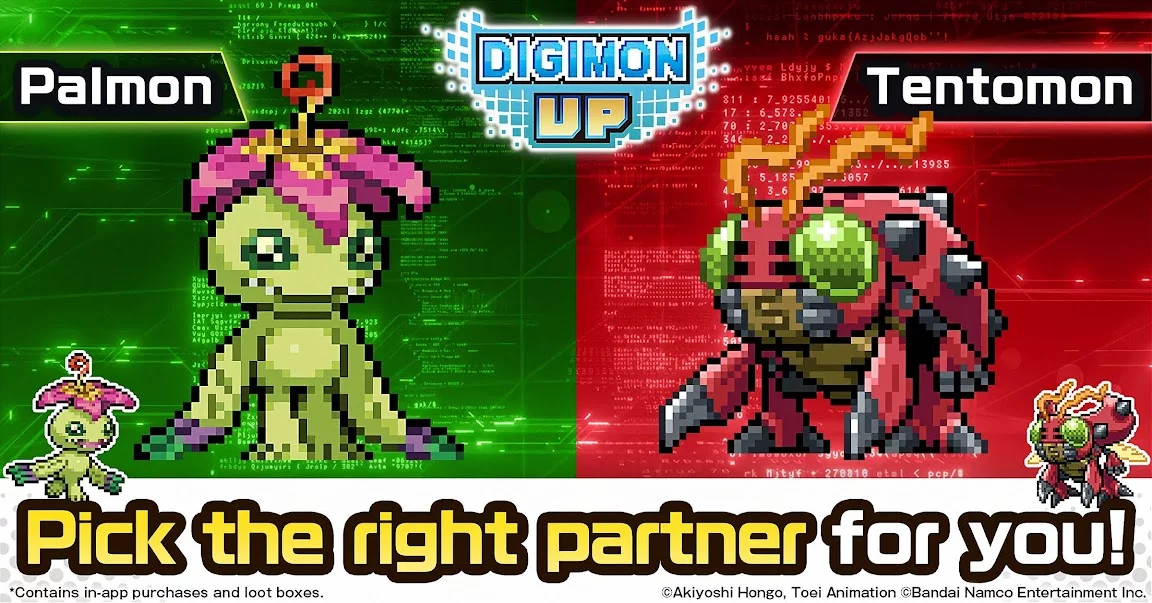
In DIGIMON UP, character customization and visual progression play a significant role for players looking to personalize their digital partners. Beyond raw combat stats and evolution paths, understanding how to manage character aesthetics and visual upgrades allows for a more tailored experience.
Whether you are looking to refine the look of your favorite Digimon or maximize the visual appeal of your roster, this guide covers the core mechanics of character customization and cosmetic management.
Understanding Character Aesthetic Systems
While combat power is primarily driven by gear, crests, and evolution levels, the game features various mechanics that allow you to modify or highlight the appearance of your Digimon. These visual adjustments are often tied to specific progression milestones or rare items.
- Evolutionary Visuals: Each evolution stage brings a distinct visual overhaul. Choosing a path often comes down to personal preference regarding character design, not just combat efficiency.
- Emblem Displays: Equipping certain high-tier emblems may trigger unique visual effects or holographic overlays on your Digimon, making them stand out in both the overworld and battle menus.
- Customization Menus: Accessing the character profile allows you to inspect model details and adjust display settings for your primary team members.
Visual Progression and Rarity Milestones
Not all characters have the same depth of customization. As you progress, you will find that higher-rarity Digimon often feature more complex 3D models and advanced animations.
| Rarity Level | Customization Depth | Visual Perk |
|---|---|---|
| SSR | Standard | Default evolution animations |
| UR | Enhanced | Unique idle animations and glow effects |
| GR | Specialized | Exclusive skins and model variations |
Tips for Managing Your Cosmetic Collection
If you are prioritizing the visual aspect of your Digimon collection, keep these strategic tips in mind to avoid wasting resources:
- Preview Before Evolving: Always utilize the evolution preview screen to inspect the final model. Since some evolutions require significant material investment, ensure you are satisfied with the aesthetic result before committing your resources.
- Focus on Emblem Synergy: Some players prioritize emblems that provide the best visual "aura" rather than just the highest stat boost. Check the emblem library to see which effects pair best with your favorite character's color palette.
- Resource Allocation: Cosmetic upgrades should generally be secondary to Combat Power (CP) growth. If you are struggling with high-level stages, prioritize gear and crest upgrades before focusing on purely cosmetic adjustments.
- Community Showcases: If you are unsure how a specific character looks at its final evolution stage, check the community guild boards or player profiles in the rankings menu to see how veteran players have customized their own top-tier Digimon.
Frequently Asked Questions
- Can I change a Digimon's appearance without evolving? Currently, most significant appearance changes are tied to the evolution system or specific event-related cosmetic emblems.
- Do skins impact battle performance? No, cosmetic skins or visual effects obtained through specific event items are purely decorative and do not provide stat bonuses unless they are tied to an active emblem.
- Where can I see all available evolution designs? You can access the Digimon Archive or Index within the menu to view all possible forms and their respective visual designs, even if you haven't unlocked them yet.

Free DIGIMON UP Codes
Current active codes and how to redeem them.

Emily Johnson
Emily writes practical mobile strategy guides with a focus on resource planning, base progression, and the early decisions that shape a long-term account.
COMMUNITY
Player Comments
66 players commented on this guide.
I tried this today and it worked better than my old setup.
Nice guide. I am checking the other DIGIMON UP articles next.
This helped me understand heroes much better.
Good guide for DIGIMON UP players. The heroes part was useful.