
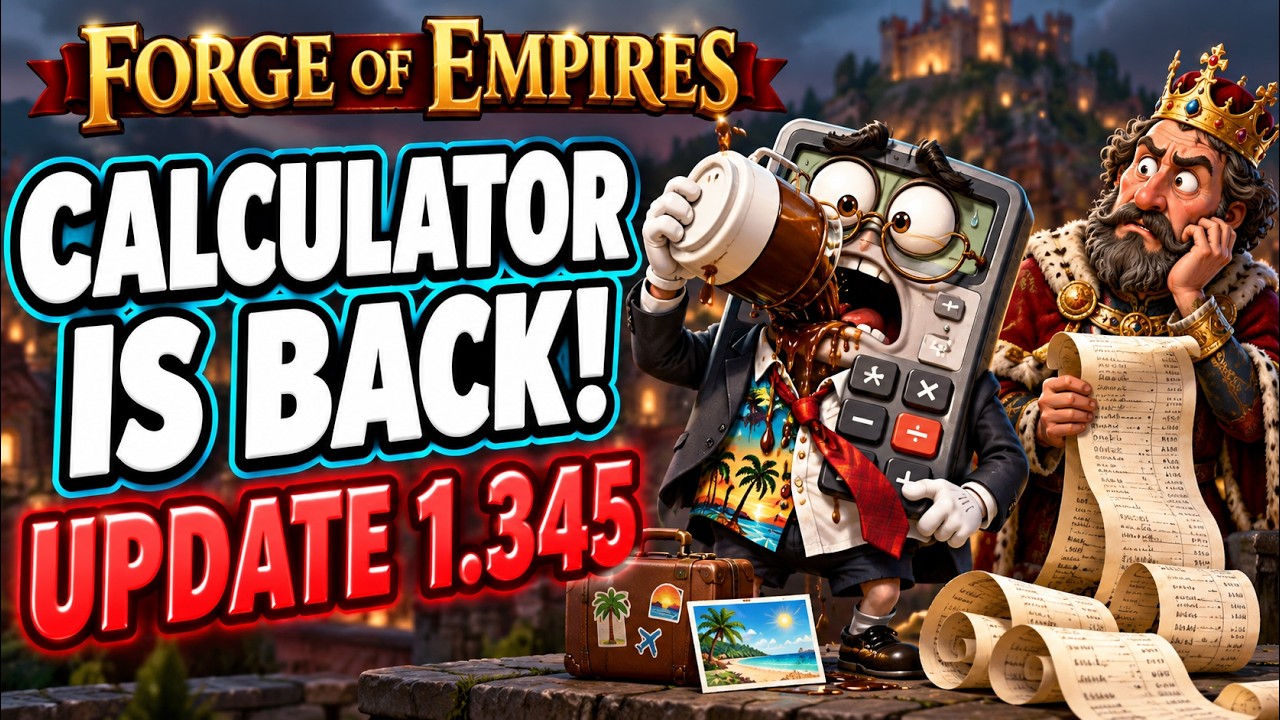
Forge of Empires Update 1.345 repairs the client's built-in calculator and updates the in-game store with clearer bundle contents, comparative pricing, and purchase confirmations. Your immediate next action is to verify that subtraction works correctly in your Great Building reward windows before making major Forge Point deposits.
In-Game Calculator Fixes and Great Building Math
Update 1.345 restores functional subtraction and chained arithmetic to the client calculator. Prior to this patch, subtraction inputs frequently reset the active number field, produced calculation errors, or failed when switching between Great Building reward screens.
With subtraction working directly inside the client interface, you can calculate contribution lock thresholds without relying on external calculators:
- Find the target lock threshold: Multiply the remaining Forge Points required to complete the level by your guild's designated reward rate (such as 1.9 or 1.92).
- Subtract current contributions: Take the total points needed for the level, subtract the owner's deposits and any active contributor totals, then verify whether the remaining deficit matches your required lock deposit.
- Verify inventory reserves: Subtract your intended Forge Point deposit from your inventory balance to ensure you maintain enough points for upcoming Guild Battleground sectors or research requirements.
Store Interface Updates
The in-game store receives visual adjustments aimed at clarifying item quantities, pricing structures, and offer durations before you spend Diamonds or currency.
| Store Element | Previous Interface | Update 1.345 Changes | Practical Effect |
|---|---|---|---|
| Bundle Contents | Cluttered icons hiding secondary items | Expandable tooltips with itemized breakdowns | Displays exact fragment counts before purchase |
| Price Display | Inconsistent discount visibility | Side-by-side comparative base pricing | Shows direct price comparison against standard tiers |
| Offer Timers | Inconsistent timers across different menus | Synchronized server-side expiration countdowns | Clarifies the exact remaining purchase window |
| Purchase Confirmations | Inconsistent single-tap purchases | Standardized confirmation steps for premium packs | Reduces accidental Diamond expenditures |
When reviewing store bundles under the new layout, check the expanded tooltips to verify whether an offer grants complete selection kits or partial fragments. Partial fragments provide no benefit until you gather the full quantity required to assemble the building.
Beta Development Changes
Parallel development on the Beta server focuses on resource management and event rewards:
- Inventory and fragment tuning: Developers are testing adjustments to fragment drop rates and inventory organization to address storage clutter.
- Event reward structures: Beta iterations include adjustments to event pass progression and reward superboards, altering how high-tier event buildings are earned.
- Platform parity: Ongoing testing targets consistency between browser and mobile interfaces, specifically around event milestones and quest tracking.
To prepare for these adjustments before they reach live servers, retain versatile utility items—such as Store Building items, Finish Special Production consumables, and Mass Self-Aid Kits—in your inventory rather than consuming them immediately on standard city cycles.

Free Forge of Empires Codes
Current active codes and how to redeem them.

Michael Smith
Michael covers live-service games, events, reward systems, and efficient daily routines, turning frequent updates into clear actions for players.
COMMUNITY
Player Comments
116 players commented on this guide.
This helped me understand updates much better.
The explanation is clear, especially for beginners.
Nice guide. I am checking the other Forge of Empires articles next.
Can you add more details about updates in a future update?