
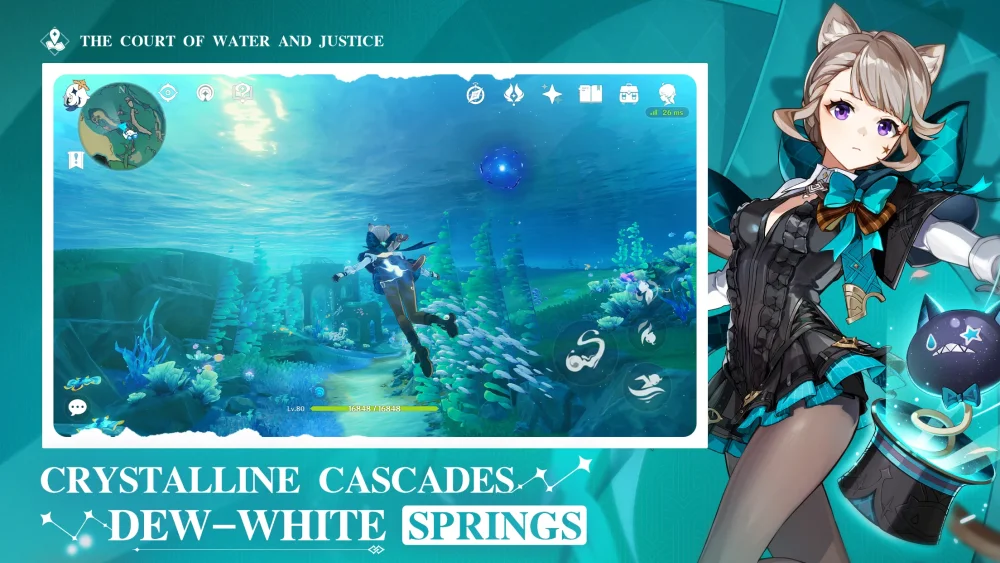
To access and archive Genshin Impact Version 7.1 story cutscenes for video guides, edits, or lore study, download shared footage provided by community creators or save key cinematic sequences directly during play. Organize your saved video files by Archon Quest act, regional lore reveals, and Harbinger encounters to streamline future video production and narrative cross-referencing.
Sourcing and Reusing Version 7.1 Footage
You can capture your own gameplay clips or use shared main story footage uploaded by creators who explicitly allow reuse.
- Community Downloads: Full main story cutscene compilations uploaded by creators often include open permissions for guides, edits, reviews, and compilations without copyright strikes.
- In-Game Review: The in-game Archive allows you to review past quest dialogue, which you can supplement with direct screen recordings for personal study or video commentary.
- Ethical Use: When using downloadable footage, keep private archives for personal study or verify that the creator permits public editing and compilation use.
Priority Lore Moments to Archive
Rather than storing entire play sessions, focus your storage on high-value narrative clips that contain long-term plot implications:
- Harbinger and Archon Encounters: Save cutscenes featuring Fatui Harbingers, Traveler interactions, or any exchange involving a Gnosis.
- Character Revelations: Record key sequences where character motivations, faction allegiances, or hidden backgrounds are revealed.
- World-Building Cinematics: Preserve cinematics that describe the history, lore, or political landscape of Snezhnaya.
Organizing and Managing File Storage
High-definition video files consume significant disk space. Structure your collection systematically to balance access speed with device storage limit constraints:
- Categorize by Act: Create folders named after the specific Archon Quest chapter and act (for example,
Act 4 - Harbinger Encounter). - Standardize File Names: Label files with descriptive titles describing the event or lore detail rather than generic timestamps.
- Use External or Cloud Storage: Offload finished 1080p or 4K archive folders to an external hard drive or cloud service to keep your primary gaming device's storage free for future Genshin Impact updates.
- Compress Non-Essential Clips: Apply video compression to supplementary clips to maintain visual clarity for note-taking while keeping file sizes small.

Free Genshin Impact Codes
Current active codes and how to redeem them.

Sarah Williams
Sarah specializes in RPG and collection games, explaining team building, character growth, and beginner-friendly ways to avoid expensive early mistakes.
COMMUNITY
Player Comments
136 players commented on this guide.
The explanation is clear, especially for beginners.
This saved me time in the early game.
This guide answered the exact question I had.
I tried this today and it worked better than my old setup.