
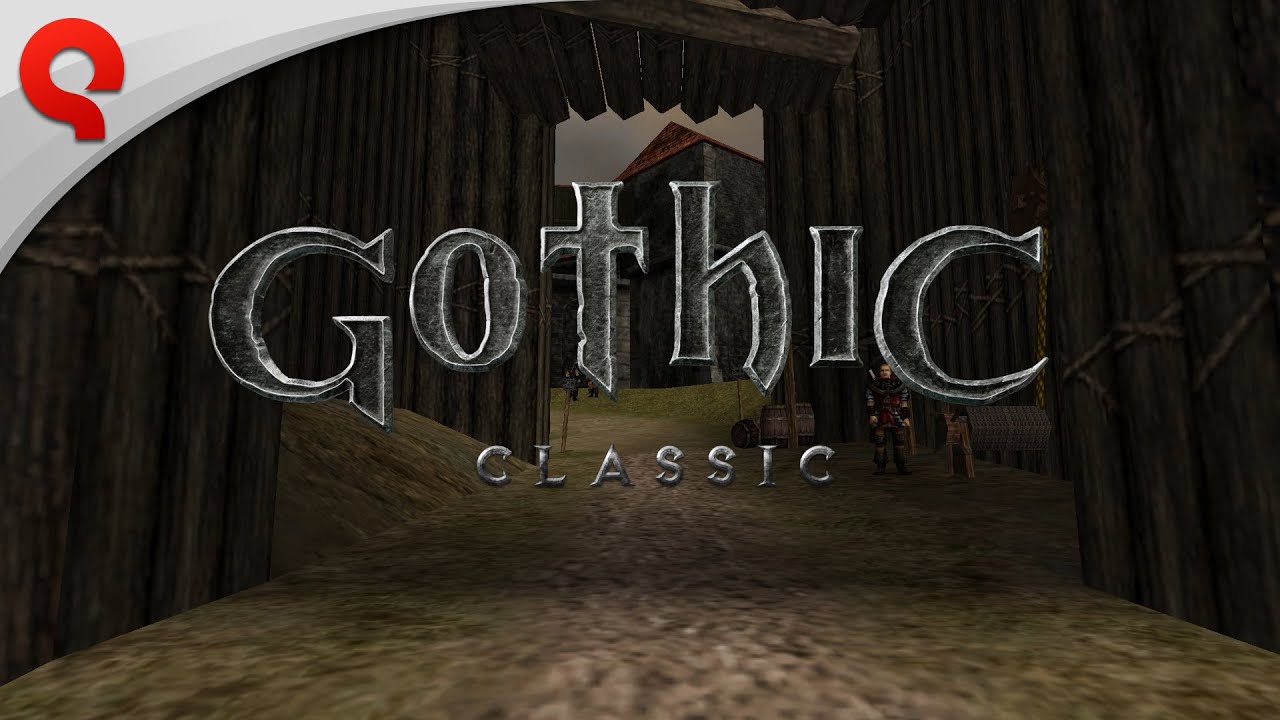
To play Gothic Classic effectively on Nintendo Switch, align your character directly facing objects before interacting, hold the lock-on trigger continuously during combat, and manage your inventory using the D-pad in safe areas. Because this console release directly ports the PC original's unforgiving design, success depends on adjusting your control habits to compensate for real-time menu systems and directional inputs.
Control Mapping and Interaction
Interacting with items, non-player characters (NPCs), and objects in Gothic Classic requires strict physical alignment. The primary Action button handles environmental interactions, but actions will fail if your character is misaligned.
- Positioning: Stand directly in front of and face an NPC, chest, or item before pressing the Action button.
- Climbing and Looting: Combine the Action button with a forward directional input ("Action + Forward") to climb ledges or search containers.
- Status Checks: Use the dedicated menu button to switch between your character statistics and inventory to monitor your gear.
Inventory Management on Handheld
The grid-based inventory system does not pause the game world in certain menu states. Accessing your items while enemies are nearby leaves you completely vulnerable to attack.
| Activity | Recommended Input | Key Operational Tip |
|---|---|---|
| Looting & Climbing | Action + Forward | Face the object directly before inputting the command. |
| Menu Browsing | D-Pad Navigation | Navigate using the D-pad for precise item selection instead of the analog stick. |
| Pre-Combat Prep | Quick Toggle Menu | Clear the surrounding area of enemies before changing armor or equipping items. |
To keep scroll times manageable on the Switch screen, regularly drop or sell scrap items, excess potions, and outdated equipment.
Combat Mechanics and Lock-On Management
Combat relies on holding a continuous target lock while executing timed directional swings.
- Maintain Target Lock: Hold the lock-on trigger constantly during an engagement. Releasing the trigger prematurely drops target focus and leaves your character open to counter-attacks.
- Space by Weapon Reach: Stand at a distance where your weapon tip hits the target while staying just out of range of their counter-swings.
- Flank with Side-Steps: Perform side-step movements while locked on to circle around to an enemy's back. This movement frequently forces enemies to reset their attack animations.
- Handling Groups: If swarmed by multiple foes, do not attempt to switch targets while locked on. Instead, release the lock-on trigger, retreat to reposition yourself, and re-engage one target at a time.
World Navigation and Exploration Safety
Gothic Classic does not feature a modern mini-map or quest markers. You must rely on environmental cues and cautious movement to travel across the Valley of Mines.
- Path Selection: Stick to established dirt roads when traveling between major hubs like the Old Camp and New Camp to minimize encounters with high-level creatures.
- Time of Day: If visibility drops too low at night, use beds or fire pits to trigger the "Wait" or "Sleep" mechanics to fast-forward to daylight.
- Save Habits: Save your game manually before stepping into uncharted regions or closing your play session. While the Switch allows system suspension, manual saves are your only protection against unexpected deaths.

Free Gothic Classic Codes
Current active codes and how to redeem them.

Sarah Williams
Sarah specializes in RPG and collection games, explaining team building, character growth, and beginner-friendly ways to avoid expensive early mistakes.
COMMUNITY
Player Comments
90 players commented on this guide.
This helped me understand heroes much better.
I wish I had read this before upgrading the wrong thing.
The explanation is clear, especially for beginners.
Can you add more details about heroes in a future update?