
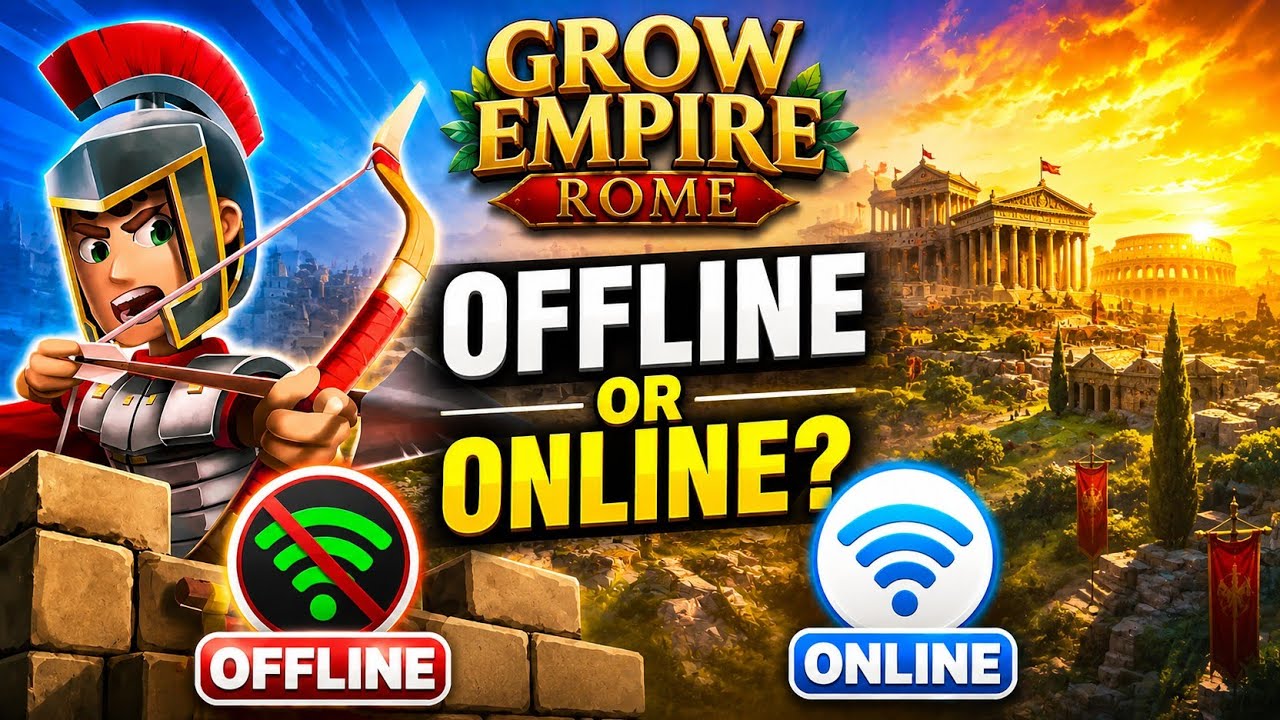
Grow Empire: Rome is primarily an offline game. You can play core wave defense battles, conquer colonies on the map, and purchase fortress upgrades without an active internet connection. However, cloud saves, purchases in the store, ad-based reward multipliers, and Weekly Challenges require an online connection.
If you are playing without internet access, your progress stays stored locally on your device until you connect and back it up.
Offline Features vs. Online-Only Features
The standard campaign loop runs client-side on your device. Unit upgrades, hero skills, Tavern commander management, and passive gold generation from captured colonies all continue while disconnected.
Online access is reserved for features that require ad servers, payment gateways, or live server validation:
| Game Feature | Works Offline? | Network Connection Purpose |
|---|---|---|
| Wave Defense Battles | Yes | None (runs locally) |
| Colony Invasions & Taxes | Yes | None (runs locally) |
| Troop & Fortress Upgrades | Yes | None (runs locally) |
| Cloud Save Syncing | No | Uploads save file to remote servers |
| Weekly Challenges | No | Tracks server-side progress and stamps |
| Ad Reward Multipliers | No | Streams video ads for bonus gold/gems |
| Diamond Store Purchases | No | Validates real-money transactions |
| Tavern Chest Resets | Partial | Accesses full server card pools |
How to Safely Back Up Offline Progress
Because offline progress is stored only in your local app cache, clearing the cache, damaging your device, or uninstalling the game without backing up will permanently delete your campaign.
To ensure your offline progress is preserved:
- Finish your session: Complete any active waves or colony captures.
- Connect to the internet: Enable Wi-Fi or cellular data before exiting the game.
- Verify account linking: Open the in-game settings menu and make sure your profile is linked to Google Play Games or Apple Game Center.
- Trigger a cloud save: Tap the cloud save button or return to the main menu to initiate a server sync.
- Check the timestamp: Confirm that the save timestamp displays the current date and time before switching to another device.
Offline Wave Grinding vs. Online Bonus Farming
Deciding whether to play offline or online depends on whether you value speed or resource efficiency:
- Offline Play (Speed): Playing without an internet connection removes all third-party video ads and interstitial prompts. This lets you cycle through repetitive barbarian waves back-to-back with minimal downtime and lower battery consumption.
- Online Play (Rewards): Playing while connected gives you access to voluntary ad multipliers, such as doubling your end-of-wave gold reward after defeating difficult boss encounters or milestone stages (such as Wave 100 or Wave 500). Online play also allows you to claim daily free diamonds and open Tavern card chests.
A practical hybrid strategy is to clear standard waves offline for quick progression, then connect online before major milestone waves to double large gold payouts and back up your save.
Avoiding Connection and Desync Errors
If event menus fail to load or the store shows an endless loading icon after reconnecting, force-close the app, ensure your internet connection is active, and reopen the game to re-establish a handshake with the server.
Do not alter your device's system clock to accelerate colony tax generation or Tavern timers. When the game reconnects to the network, the server detects the time mismatch, which can lock you out of Weekly Challenge rewards, corrupt event timers, or cause cloud save synchronization failures. Always leave your device set to automatic network time.
Free Grow Empire: Rome Codes
Current active codes and how to redeem them.

Emily Johnson
Emily writes practical mobile strategy guides with a focus on resource planning, base progression, and the early decisions that shape a long-term account.
COMMUNITY
Player Comments
35 players commented on this guide.
I wish I had read this before upgrading the wrong thing.
This helped me understand updates much better.
This guide answered the exact question I had.
The explanation is clear, especially for beginners.