
 Police Chief
: How to Clear and Set Up Your First Precinct
To launch your Police Chief precinct, clear floor debris, space out workstations to prevent pathing issues, and log desk paperwork after patrols.

Browse newly published mobile game guides from AAYYY. Find walkthroughs, team builds, event strategies, progression tips, and practical answers organized by game.
Guides are prepared by named contributors using available official announcements, public source material, existing guide research, and relevant game context. Each published guide remains subject to editorial review.
Publishing & corrections. This archive is ordered by Published, the date a guide first went live. An Updated label is reserved for material revisions after source changes or corrections. Meet the editorial team or read our standards and corrections policy.
Police Chief
To launch your Police Chief precinct, clear floor debris, space out workstations to prevent pathing issues, and log desk paperwork after patrols.
 Police Chief
Navigate radial menus and fix unresponsive interaction prompts in Police Chief by adjusting your standing angle and clearing terminal pathways.
 Police Chief
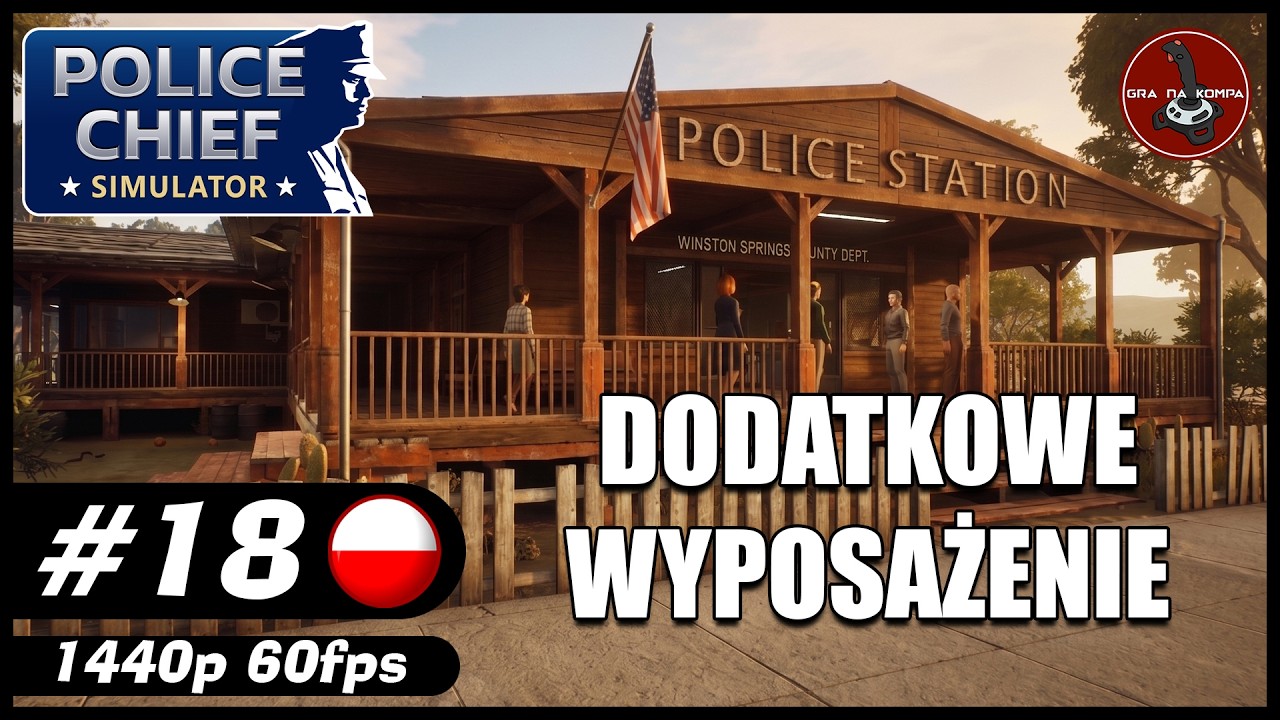
To upgrade officers in Police Chief, purchase items from the precinct terminal, then manually equip them on active units via equipment management.
 Police Chief
To expand your Police Chief precinct, hire two officers to handle booking paperwork while keeping workstations unblocked in a central hub layout.
 Police Chief
To maximize efficiency in Police Chief, align computer terminals near central desks while keeping corridors clear between booking areas and holding cells.
 Police Chief
To establish a functioning precinct in Police Chief, clear station debris first to set up booking terminals and maintain a clean suspect intake.
 Police Chief
To build a functional station in Police Chief, clear main office debris before placing furniture and activating your administrative desk computer.
 Police Chief
Approach suspects directly, remain still during the arrest animation, load them into your vehicle, and return to the precinct for booking.
 Police Chief
Complete prisoner booking in Police Chief by transferring suspects to the desk interface and holding cells before jail capacity becomes full.

 Last Z: Survival Shooter
Counter raid aggressive players in Last Z: Survival Shooter by waiting for an incoming strike to fail before retaliating with prioritized hero lineups.
 Last Z: Survival Shooter
Maximize your power growth in Last Z: Survival Shooter by holding speed ups and queueing major upgrades for active server event windows.
 Last Z: Survival Shooter
Disabling Auto Join in Last Z: Survival Shooter lets you save daily rally attempts for coordinated, high tier alliance Night Falls rewards.
 Last Z: Survival Shooter
Focus post SvS research in Last Z: Survival Shooter on combat stat nodes for your primary troop type while saving resources for key upgrades.

 Clash Royale
Win with Clash Royale Miner and Skeleton Barrel decks by tanking tower focus with the Miner while cycling low cost units to bait small enemy spells.
 Clash Royale
Swap Minions into your Clash Royale 2.6 Hog Rider cycle deck to quickly clear heavy ground tanks and force opponents to waste damage spells.
 Clash Royale
To maximize Clash Royale progression without spending money, claim web rewards, finish daily tasks, and reserve gold for your main ladder deck.
 Clash Royale
Master the Clash Royale Royal Giant Evolution deck by timing win condition pushes behind tight defensive pulls and cost efficient spell cycles.
 Clash Royale
Master Clash Royale fast cycle decks by placing low cost distractor units to kite heavy threats while cycling constant Hog Rider bridge pressure.
 Clash Royale
Pull enemy troops to the center with low cost cards, avoid leaking elixir, and support surviving units at the bridge to win Clash Royale matches.
 Clash Royale
Survive high level Clash Royale pressure by tracking opponent elixir, spending minimal defensive resources, and upgrading your core defensive cards.