
Participating in recurring events is a primary method for accelerating your progress in Huntopia. However, with multiple menus and varying objectives, it can be difficult to track exactly what needs to be done to secure the best loot. This guide helps you navigate the event interface so you can focus on completing tasks rather than hunting through menus.
Understanding the Event Dashboard
When an event is active, you will typically see a dedicated icon on your main HUD, usually located near the top right or side of the screen. Clicking this icon opens the event hub, which acts as your central control panel for all time-sensitive activities.
- Event Overview: Displays the total time remaining for the event. Always check this first to ensure you have enough time to finish your current goals.
- Mission Log: A list of specific tasks required to earn event-exclusive currency or milestone rewards.
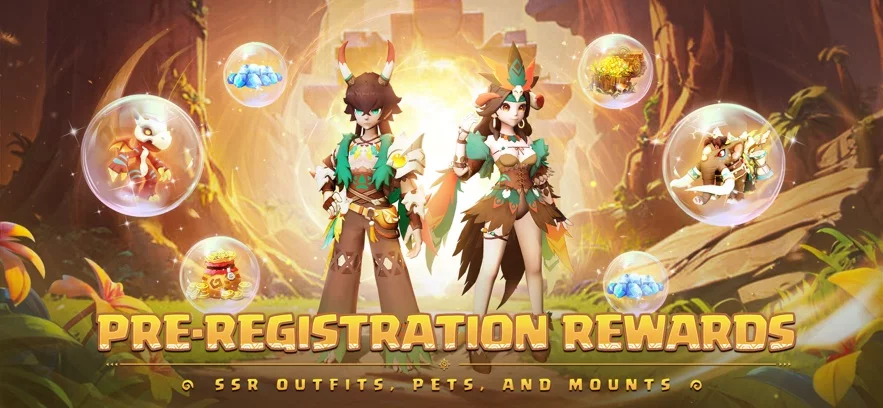
- Reward Preview: A visual display of the top-tier items available for the current event cycle.
Tracking and Completing Event Missions
To maximize your efficiency, you should prioritize missions based on their difficulty and the rewards they offer. Many Huntopia events feature "Active" tasks that require specific interactions with monsters or resource nodes.
| Task Category | Typical Objective | Strategy |
|---|---|---|
| Kill Quests | Defeat a set number of monsters | Use auto-pathing features to reach spawn zones quickly. |
| Resource Gathering | Collect event-specific items | Focus on high-density spawn areas in event maps. |
| Login Milestones | Log in for consecutive days | Ensure you claim your daily reward before the server reset. |
| Spending Tasks | Use specific currencies | Only complete if you were planning to spend those resources anyway. |
Tips for Efficient Event Completion
- Check the Reset Timer: Most events in Huntopia operate on a daily reset cycle. If you see a mission that is incomplete, prioritize finishing it before the server reset to avoid missing out on progress.
- Monitor the HUD Notifications: The game often provides small pop-ups or red dot indicators on the event menu when a task has been completed. Check these frequently to claim rewards as soon as they become available.
- Prioritize High-Value Rewards: If you have limited time to play, scan the reward list for items that improve your Combat Power (CP), such as upgrade materials or exclusive gear, and ignore low-value cosmetic rewards until the end.
- Use Auto-Navigation: If a mission requires you to travel to a specific NPC or location, use the auto-navigate feature embedded in the mission menu to save time and ensure you are heading to the correct coordinate.
By staying organized and regularly checking the event dashboard, you can ensure that you aren't leaving valuable resources on the table during limited-time events in Huntopia.
Free Huntopia Codes
Current active codes and how to redeem them.

Emily Johnson
Emily writes practical mobile strategy guides with a focus on resource planning, base progression, and the early decisions that shape a long-term account.
COMMUNITY
Player Comments
95 players commented on this guide.
This saved me time in the early game.
This helped me understand updates much better.
I wish I had read this before upgrading the wrong thing.
Nice guide. I am checking the other Huntopia articles next.