
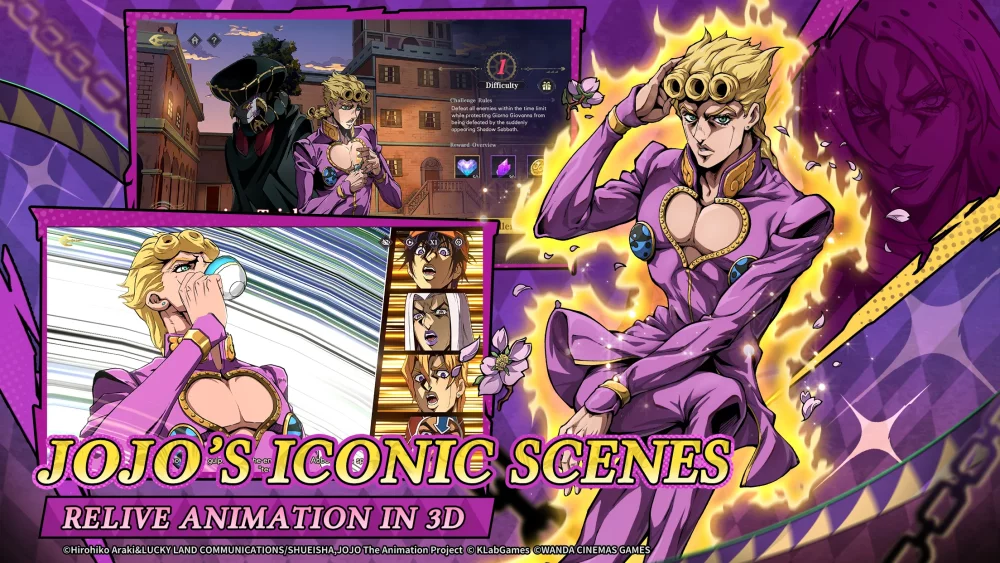
Immersive storytelling in JoJo's Bizarre Adventure: GS relies heavily on the integration of voice acting and on-screen text. When encountering desynchronized subtitles during high-intensity cutscenes, players may need to utilize manual delay adjustments to ensure the dialogue matches the character delivery. This guide addresses the common technical hurdles players face when aligning audio tracks with localized text in the Golden Wind story segments to maintain a seamless experience.
Addressing Audio-Visual Desync Issues
The most effective way to resolve subtitle lag in JoJo's Bizarre Adventure: GS is to manually adjust the timing of text overlays if the game client's automated systems fail. When using third-party tools or recording software to capture or view Golden Wind content, audio drift often occurs due to differences in frame rates or processing lag.
If you are experiencing a mismatch between the character's voice and the displayed subtitles, consider these troubleshooting steps:
- Check Input Delay: Ensure your display settings are set to "Game Mode" if you are playing on a console or PC connected to a television, as input lag can affect the perception of subtitle timing.
- Manual Offset Adjustments: If you are recording or editing footage for community sharing, use software like FFmpeg to set a specific delay (in milliseconds) to realign the text stream with the audio stream.
- Audio Cache Clearing: Sometimes, restarting the game client clears temporary cache files that may be causing audio processing bottlenecks during long story sequences.
Optimizing the Golden Wind Experience
Maintaining visual fidelity and audio timing is crucial for appreciating the voice acting performances in the Golden Wind arc. Players often find that the emotional impact of character dialogue is diminished when subtitles appear before or after the line is delivered.
Common Synchronization Factors
| Factor | Effect on Sync | Recommended Action |
|---|---|---|
| High Bitrate Video | Increased processing load | Lower output resolution during recording |
| Frame Rate Fluctuations | Desynced text timing | Lock frames to 60 FPS |
| External Software | Potential input lag | Disable overlay software during playback |
By prioritizing a stable frame rate and ensuring your audio drivers are up to date, you can minimize the occurrence of desynchronization. If these technical issues persist during specific JoJo's Bizarre Adventure: GS story chapters, verify your game files to ensure no assets were corrupted during installation, as missing subtitle timing data is a common symptom of file integrity errors.

Free JoJo's Bizarre Adventure: GS Codes
Current active codes and how to redeem them.

Emily Johnson
Emily writes practical mobile strategy guides with a focus on resource planning, base progression, and the early decisions that shape a long-term account.
COMMUNITY
Player Comments
77 players commented on this guide.
This guide answered the exact question I had.
The explanation is clear, especially for beginners.
The tips are practical and easy to follow.
This helped me understand strategy much better.