
Play Last Fortress: Underground on Windows PC
Download the official Last Fortress: Underground Windows PC client and learn how to install and play the game on PC, with controls, system requirements, and practical tips.

Download Last Fortress: Underground Official Windows PC Client
Official Windows PC client provided by LDPlayer.
About the Official Last Fortress: Underground PC Client
Developer: Life Game Global
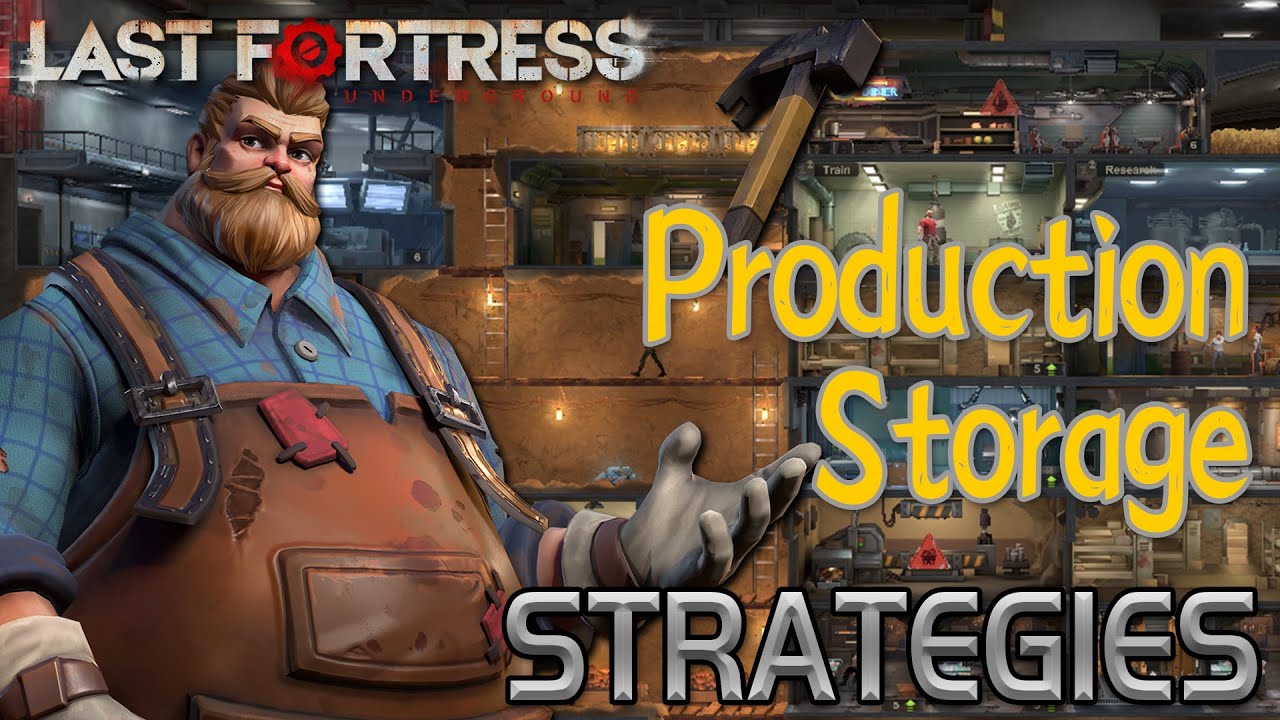
The core loop combines construction, survivor management, team planning, and wasteland expeditions. Inside the fortress, you can add and arrange facilities including the Satellite Nexus, Power Generators, and Mission Control, shaping the shelter’s layout around the needs of your growing operation. The survivors and heroes are more than interchangeable workers: their life skills reflect the roles that kept them alive, including chefs, doctors, engineers, scientists, miners, and soldiers. Putting those abilities to effective use is central to maintaining a capable shelter. You also assemble teams of heroes with distinct personalities and abilities, then look for combinations whose strengths and synergy can handle difficult situations. That makes team composition an ongoing strategic decision rather than a one-time choice, especially as you determine which diverse group best suits the challenge ahead.
Survival also depends on leaving the relative security of the underground base. Expeditions into the wastelands let you scavenge valuable resources, but every trip carries risk because zombies may attack at any moment. Establishing camps gives you forward operating bases and resource points, extending your reach while creating additional places that need to be considered during your operations. The game’s social layer expands that struggle beyond your own shelter. By joining or creating an Alliance, you can fight alongside friends against the zombies, assist allies by accelerating construction, and help speed up tech research. Those cooperative actions connect individual fortress development to a wider group effort, giving alliances a practical role in surviving and advancing.
On PC, the larger display is useful when you are arranging the underground shelter and reviewing several facilities at once. It gives you more room to inspect the relationship between buildings such as the Satellite Nexus, Power Generators, and Mission Control while deciding how to customize the layout, rather than relying on a cramped view. Keyboard-and-mouse input also suits the game’s repeated management tasks: selecting facilities, moving through shelter functions, checking survivor roles, and organizing hero teams can be handled with precise, quick inputs. When planning an expedition, a larger screen helps keep the shelter, available personnel, and objectives easier to read before you send survivors into the wastelands. It is similarly helpful when comparing team combinations and coordinating Alliance support, construction acceleration, or tech research. The PC version therefore presents Last Fortress: Underground as a more spacious command center for balancing shelter growth, resource gathering, hero synergy, and cooperation while the zombie apocalypse closes in.
Screenshots
How to Download and Install the Official Last Fortress: Underground PC Client
- Download and install the official Windows client distributed by LDPlayer.
- Open the app and sign in with your Google Play account.
- Search for Last Fortress: Underground in the app store.
- Install the game and finish the first-launch download.
- Use the same game login if account sync is available.
Why Play Last Fortress: Underground on PC?
Menus, maps, resources, and combat details are easier to read on a desktop display.
Keyboard and mouse input makes repeated actions and long sessions more comfortable.
Desktop play avoids phone battery drain during longer farming sessions.
Keep guides, codes, and notes open alongside the game on PC.
Controls and Performance
These three settings solve most common issues when playing on PC.
Map navigation, skill use, and repeated resource actions first.
Lower resolution or graphics quality if crowded scenes lose frames.
Link your account before switching devices so progress can be restored safely.
Last Fortress: Underground Official PC Client FAQ
Can I play Last Fortress: Underground on PC?
Yes. Download the official Windows PC client distributed by LDPlayer and play with a larger screen, keyboard, and mouse controls.
Is Last Fortress: Underground better on PC than mobile?
Playing on PC can make longer sessions, detailed menus, and resource management more comfortable, while mobile is still convenient for quick check-ins.
Will my Last Fortress: Underground progress sync on PC?
Progress depends on the sign-in options supported by the game. Use the same linked Google, Facebook, Apple, or game account on both devices.
Why does Last Fortress: Underground lag on PC?
Lag can be caused by limited RAM, demanding graphics settings, outdated client files, or background apps. Lower the graphics settings and keep the PC client up to date.
DOWNLOAD STARTED
Your download is starting
Check your browser Downloads if it does not appear.
Official PC client for Windows, distributed by LDPlayer.
Download again