
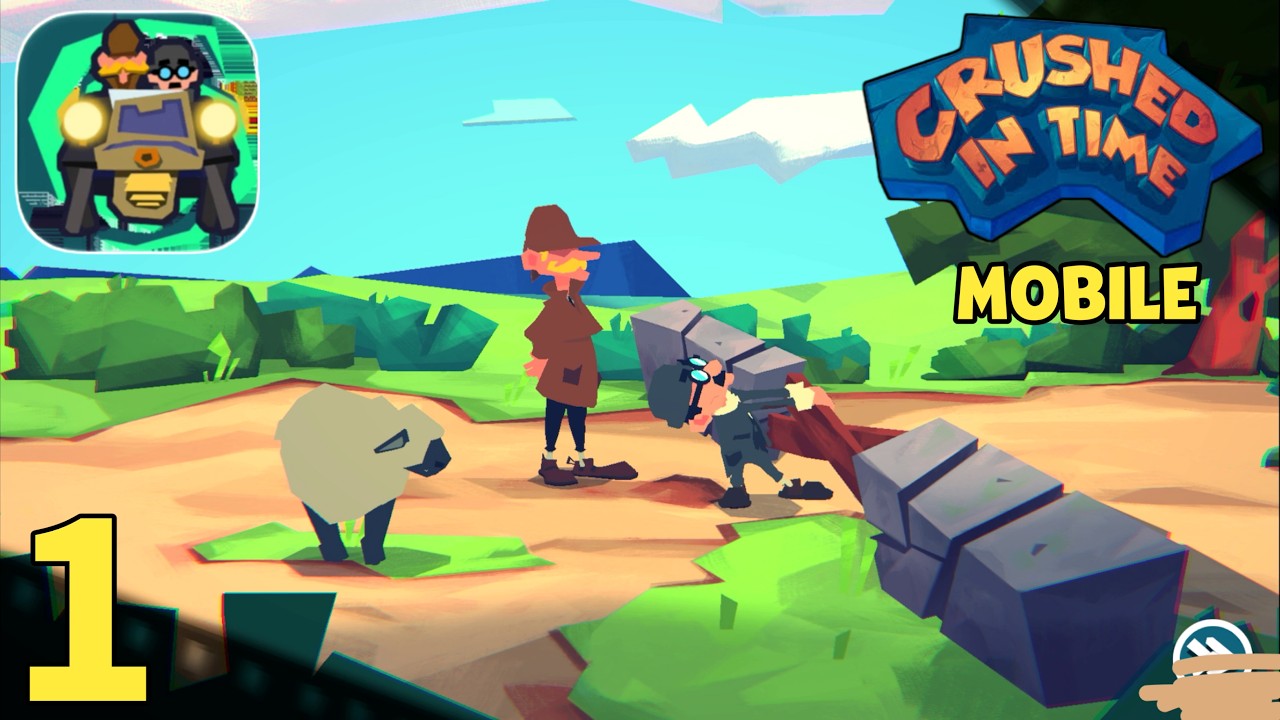

To clear puzzle rooms in Crushed In Time, grab, pull, and release characters and interactive objects using tactile elastic physics instead of standard point-and-click tapping. Progression requires managing launch tension, coordinating Sherlock Holmes and Dr. Watson across interactive mechanisms, and resetting trajectories when shots miss.
Mastering the Elastic Pull-and-Release System
Instead of selecting inventory items to combine them with scene objects, Crushed In Time requires you to drag, stretch, and launch elements across the screen. Dragging backward from an anchor point builds directional velocity, and releasing sends the character or prop flying along that trajectory.
- Measure tension carefully: Pulling to maximum distance often causes characters to overshoot targets, ricochet violently, or land in hazard zones. Adjust pull distance to match the target's proximity.
- Compensate for gravity: Firing directly horizontal causes characters to drop below their mark mid-flight. Aim slightly above the intended target so the natural arc intersects the object.
- Test prop resistance: Tap and tug on props before launching characters. Fixed objects act as anchors, while loose objects can be cleared out of the flight path.
Coordinating Sherlock Holmes and Dr. Watson
Solving multi-part rooms requires using both detectives as physical puzzle components. Sherlock and Watson serve distinct tactical roles based on their mass and mobility.
| Character | Primary Role | Tactical Function |
|---|---|---|
| Sherlock Holmes | Precision Navigation | Reaching elevated levers, inspecting clues, and activating delicate mechanisms |
| Dr. Watson | Weight & Anchoring | Depressing pressure plates, serving as a slingshot pivot, and catching rebounds |
To solve dual-switch and timed gate puzzles, execute actions in sequence rather than moving both characters simultaneously:
- Drag Dr. Watson onto weighted pressure plates or heavy levers to open gates and stabilize moving platforms.
- Check that the mechanism remains locked open under Watson's weight before initiating the next launch.
- Pull back on Sherlock Holmes, align the trajectory with the open threshold or clue, and release him while Watson maintains the anchor.
Leaving Watson unanchored before launching Sherlock causes tension-based doors to snap shut before Sherlock reaches the objective.
Managing Environmental Surfaces and Debris
Objects in the environment react dynamically to elastic impacts:
- Clear obstacles first: Flick loose books, crates, and small clutter away before launching a character. Loose clutter deflects characters mid-air and ruins calculated trajectories.
- Check rebound angles: Firm masonry walls rebound characters across the room, while soft furniture and curtains absorb momentum and stop movement immediately.
- Utilize hanging anchors: Chandeliers, ceiling ropes, and wall pegs allow you to redirect momentum by grabbing them mid-flight or using them as secondary slingshots.
Using Time Travel Resets and Anomalies
When a shot misses or a character becomes stuck behind scenery, use the room's reset and rewind mechanics to correct the mistake without restarting the stage:
- Quick rewind: If a trajectory fails, activate the room reset immediately rather than waiting for physics to settle. This snaps Sherlock and Watson back to their initial positions.
- Clock rewinds: Clocks spinning counterclockwise signal localized temporal anomalies. Interacting with them rewinds specific environmental pieces, allowing you to reposition a character onto a moving platform before it cycles out of reach.
- Shimmering outlines: Objects with distinct visual shimmers interact directly with the timeline. Manipulate these items to change room layouts that are physically impassable in standard time.
Device Storage and Offline Setup
Crushed In Time functions entirely offline on iOS and Android. Because all physics calculations and animations run locally, device setup affects gameplay performance:
- Storage requirement: The game requires approximately 1.7 GB of free storage. Maintain additional overhead cache space to ensure smooth physics calculations and steady frame rates.
- Input responsiveness: Input latency from background processes can cause late releases and inaccurate launch angles. Close demanding background applications before tackling precise rooms.
- Save preservation: Because the game operates offline without automatic cloud synchronization, save data remains local. Do not clear the game's application data or cache manually, as doing so wipes campaign progress.

Sarah Williams
Sarah specializes in RPG and collection games, explaining team building, character growth, and beginner-friendly ways to avoid expensive early mistakes.
COMMUNITY
Player Comments
139 players commented on this guide.
This guide answered the exact question I had.
I wish I had read this before upgrading the wrong thing.
I tried this today and it worked better than my old setup.
Nice guide. I am checking the other HOT articles next.