
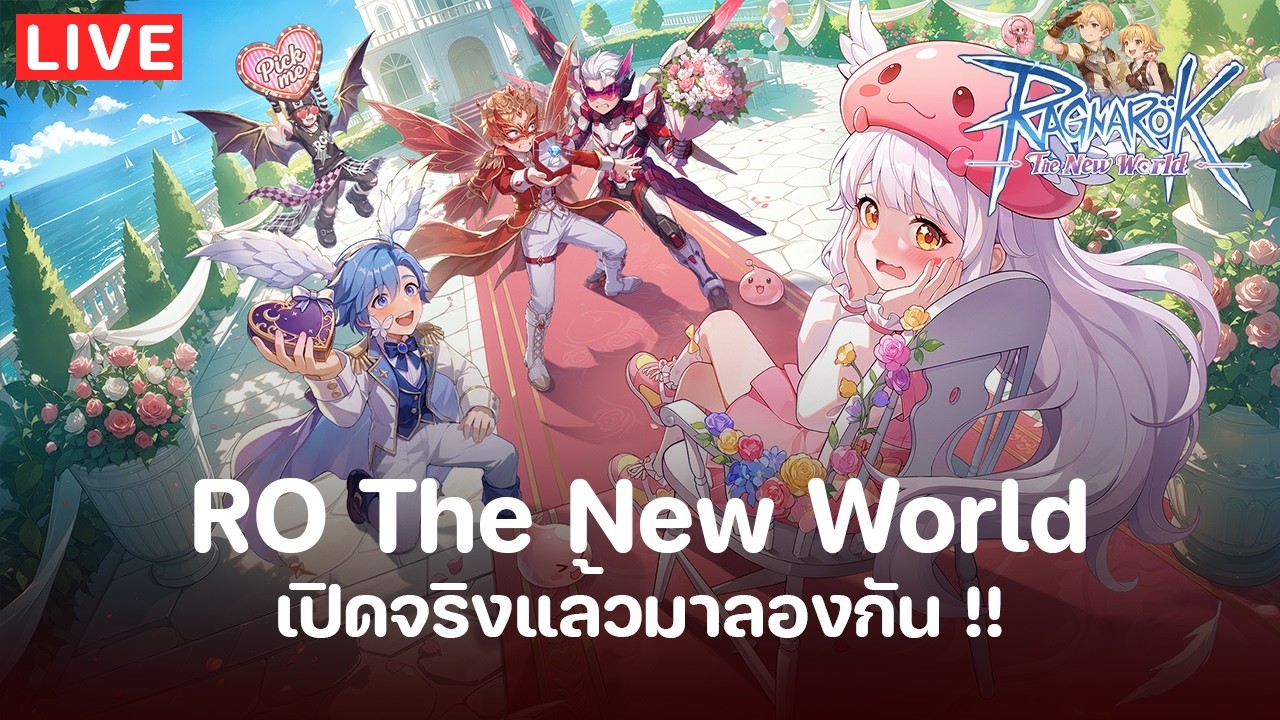

To begin your adventure in Ragnarok: The New World, you must first secure the game client through official channels to ensure account stability and access to the latest regional servers. Whether you are playing on a mobile device or PC, the game offers a cross-platform experience that allows you to maintain your progression across different hardware. Prioritize downloading the correct launcher to avoid compatibility issues and gain immediate access to the Garm server.
Navigating Official Download Channels
Your first priority is downloading the game client from the verified official links to avoid third-party security risks. The developers provide specific installers for both mobile platforms and PC, which are necessary for proper account synchronization.
- Mobile Access: Use the official mobile download link provided by the Gravity team to ensure your device meets the requirements for the open-world environment.
- PC Client: Download the PC-specific version to enjoy a more stable experience during intensive, long-duration play sessions.
- Verification: Always confirm that the download source redirects to the official Ragnarok: The New World pages managed by Gravity to protect your login data.
Server Selection and Connectivity
Choosing the right server, such as the Garm server, is the most critical decision for new players. The server you select determines your community, the availability of parties for group content, and your overall ping quality.
- Community Hubs: Join the official Discord server to stay updated on real-time announcements, server maintenance schedules, and potential downtime for the Garm server.
- Social Connectivity: Follow the official Facebook page to participate in community events. Engaging with these social channels often provides insights into active player guilds and current meta-trends, which are essential for navigating the early-game open world.
Establishing Cross-Platform Progression
One of the core features of Ragnarok: The New World is the ability to transition between platforms without losing your character data. This is particularly useful for players who want to handle daily tasks or inventory management on a mobile device while utilizing the PC client for more demanding combat scenarios or larger group activities.
- Account Binding: Ensure you link your game account to a unified login method (such as an email or social account provided by the game) to maintain your progress across your phone and desktop.
- Performance Trade-offs: Be aware that while PC offers superior visual fidelity and easier control schemes for complex UI navigation, mobile play is optimized for quick accessibility. Use the PC client for high-stakes boss encounters and the mobile version for routine resource management or exploration.
Early Progression and Open World Exploration
Once you have entered the world, focus on the primary questline to unlock the various zones and mechanics the game has to offer. The open-world nature of the game means that your initial path is guided by narrative progression, which gradually introduces you to the core combat systems and social features.
- Zone Sequencing: Stick to the main story path to unlock essential navigation tools. Deviating too early into high-level areas without proper quest-gated gear will significantly slow down your progress.
- Resource Management: Keep an eye on your inventory space and currency as you traverse new environments. The game encourages exploration, but you must balance your time between questing and gathering materials to sustain your character’s growth.
Utilizing Community and Support Resources
The transition to a new server environment like Garm can be challenging, but the developers have integrated robust support systems to assist players. Leveraging these tools is a standard practice for staying ahead of the curve.
- Official FAQ: If you encounter bugs or issues with the client, check the official Discord or Facebook groups before contacting support. Often, other players have already identified workarounds for technical hurdles.
- Event Participation: Keep track of launch events that provide starting gear or essential items. These events are often time-limited and serve as a "catch-up" mechanic for new players joining after the initial launch phase. Checking these official channels daily ensures you do not miss out on limited-time progression boosts.

Sarah Williams
Sarah specializes in RPG and collection games, explaining team building, character growth, and beginner-friendly ways to avoid expensive early mistakes.
COMMUNITY
Player Comments
105 players commented on this guide.
I wish I had read this before upgrading the wrong thing.
The explanation is clear, especially for beginners.
This guide answered the exact question I had.
The tips are practical and easy to follow.