
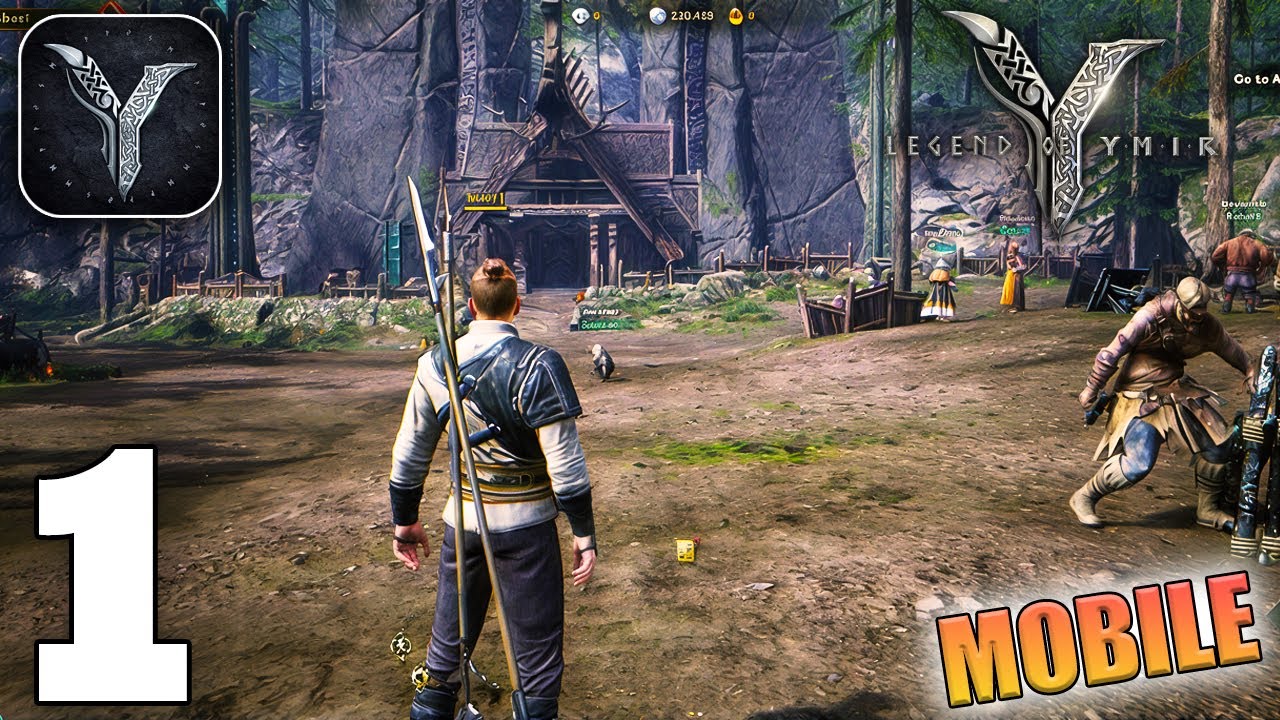
To clear early content rapidly in Legend of YMIR on iOS and Android, focus strictly on main story quests, lower your automatic health potion threshold to preserve currency, and switch to manual controls to dodge telegraphed boss attacks. While automated combat efficiently cleans up basic trash mobs, relying on it during elite skirmishes causes unnecessary potion consumption and death.
Mobile Layout and Prologue Tutorial
The mandatory opening sequence introduces basic class skills before moving your character into the starting zone. You can skip story cutscenes in the top corner of the screen without losing any starter equipment or introductory rewards.
The mobile interface uses three primary control areas:
- Left Virtual Stick: Controls movement across the terrain.
- Right Screen Area: Swiping adjusts camera angles to track surrounding targets.
- Bottom-Right Action Cluster: Holds your basic attack, active skill slots, and dedicated dodge roll.
Basic weapon swings cycle automatically when held, filling the gaps between skill cooldowns. Your active skills handle specialized functions:
- Area-of-Effect (AoE): Groups and sweeps multiple regular enemies.
- Crowd Control: Stuns or knocks back targets to disrupt incoming attacks.
- Single-Target Burst: Inflicts high damage against single priority targets.
Optimizing Main Quest Progression
Tapping the active quest tracker in the upper-right corner activates automatic navigation. Auto-pathing directs your character straight to objectives, but moving through dense enemy clusters can draw unwanted aggro, break sprint speed, and slow your completion rate.
| Objective Type | Recommended Approach | Direct Result |
|---|---|---|
| Main Story Quests | Complete consecutively without detours | Unlocks core systems, gear slots, and mounts |
| Dialogue Sequences | Advance conversation prompts manually | Eliminates waiting pauses in automated flow |
| Kill Tasks | Group enemies before triggering AoE skills | Clears required target tallies faster |
| Gathering Tasks | Defeat nearby enemies before interacting | Prevents interrupted gathering animations |
Adjusting Health Potion Thresholds
By default, potions trigger automatically when health dips below high thresholds such as 90%. In introductory zones, this consumes stock on minor chip damage and quickly depletes your early silver.
Open your recovery settings and adjust the auto-use trigger to roughly 65%–70%. This adjustment reserves potions for genuine combat emergencies, allowing natural out-of-combat recovery to restore minor health losses. Always verify your consumable count before entering instanced milestone quests to avoid retreating to town vendors mid-dungeon.
Dodging Early Boss Attacks
Automated pathing does not reliably dodge lethal mechanics. Named chapter bosses and elite enemies broadcast heavy strikes using red telegraphs on the ground, shaped as lines, frontal cones, or expanding circles.
When a red danger zone appears:
- Turn off auto-combat to take full manual control of your character.
- Dodge through or around the telegraph by rolling toward the enemy's flank rather than backward.
- Reposition behind the boss while its attack animation finishes.
- Cast your highest burst damage skills directly into the target's exposed back before resuming standard attacks.
Free Legend of YMIR Codes
Current active codes and how to redeem them.

Emily Johnson
Emily writes practical mobile strategy guides with a focus on resource planning, base progression, and the early decisions that shape a long-term account.
COMMUNITY
Player Comments
68 players commented on this guide.
I tried this today and it worked better than my old setup.
Can you add more details about early game in a future update?
This saved me time in the early game.
I wish I had read this before upgrading the wrong thing.