
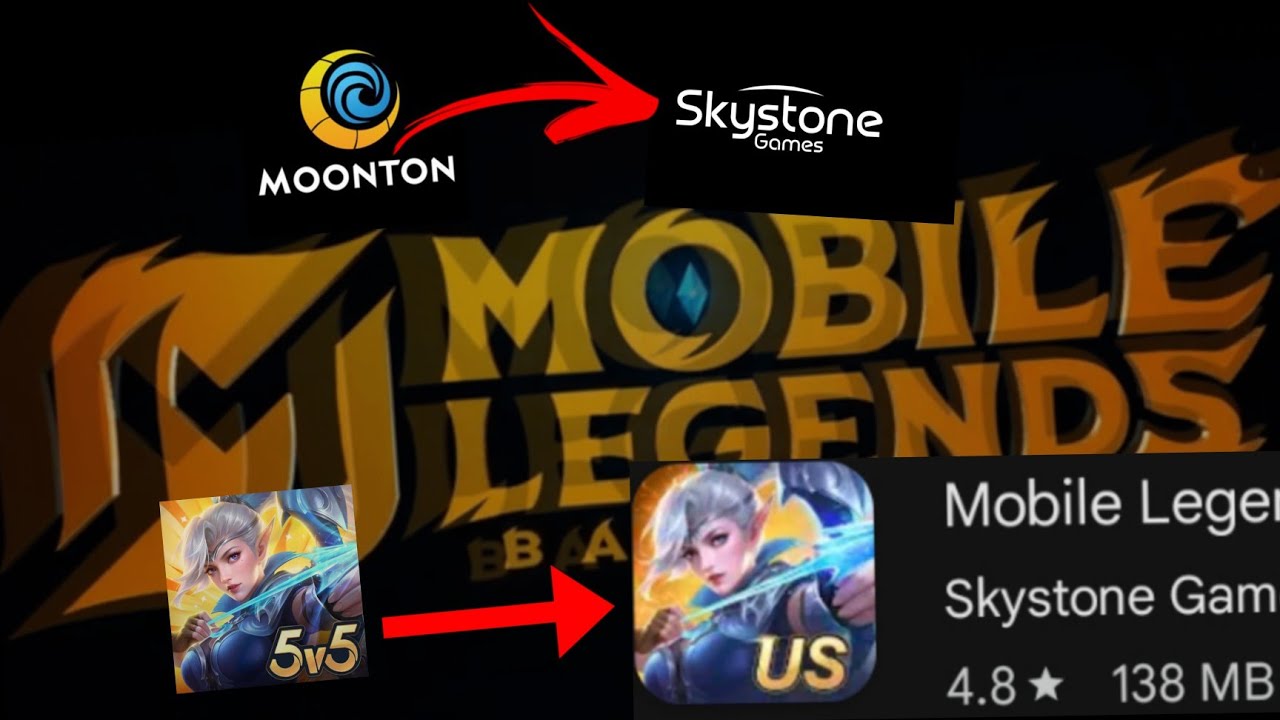
To transfer your heroes, skins, and rank history to the new Mobile Legends: Bang Bang.US application released on March 27, 2025, log into the app using your original linked platform credentials. Avoid creating a new character upon initial launch to prevent starting an unlinked level-one profile.
Accessing the Account Center
- Launch Mobile Legends: Bang Bang.US.
- Tap your profile icon in the top-left corner of the main lobby screen.
- Select the Account tab from the lower-left menu list.
- Tap Account Center to view binding options and status icons.
Selecting Your Login Method
Select the platform that holds your original save data:
- Moonton Account: Recommended as the primary option. A Moonton account uses direct credentials and avoids potential authentication issues from third-party services.
- Third-Party Platforms (Google Play, Facebook, VK): Select the exact service linked to your original profile. Choosing an unlinked platform account will create a new profile instead of loading your saved data.
Confirm all authorization prompts when redirected by your platform. Restart the game client if prompted to complete data synchronization.
Verifying Account Synchronization
After logging in, verify that your player name, level, and rank match your previous progress:
- Successful Load: Check the Account Center to confirm your selected platform displays a green checkmark or a "Connected" status.
- Level 1 Profile: If the game displays a new account, open the Account Center, select Switch Account, and choose the correct login service or email address.
Unlinking or changing established account connections requires contacting customer support. Maintain active security on your linked accounts, such as two-factor authentication, to protect your game data.
Free Mobile Legends: Bang Bang.US Codes
Current active codes and how to redeem them.

James Brown
James focuses on Android gaming on PC, emulator setup, controls, performance tuning, and practical troubleshooting for longer play sessions.
COMMUNITY
Player Comments
80 players commented on this guide.
I wish I had read this before upgrading the wrong thing.
This helped me understand strategy much better.
The explanation is clear, especially for beginners.
Can you add more details about strategy in a future update?