
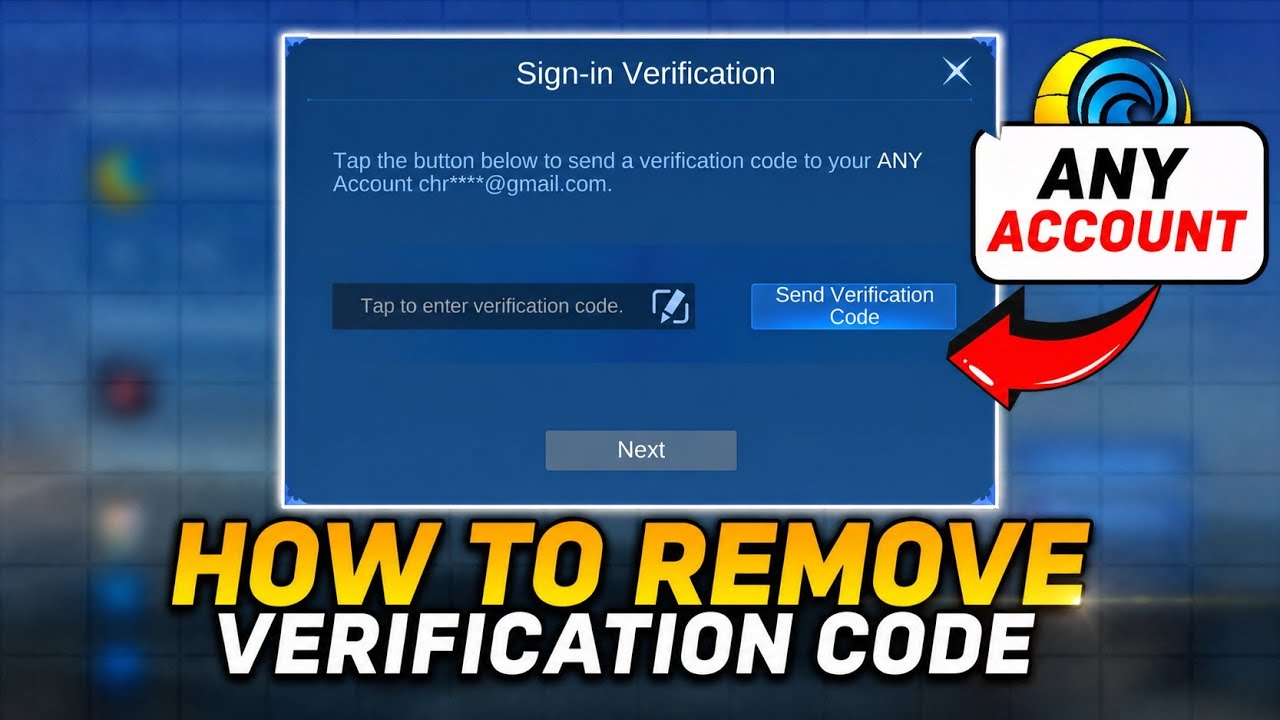
You cannot permanently disable or remove the security verification system in Mobile Legends: Bang Bang.US, as it is a required feature to protect account security. However, if you are stuck in a verification loop or fail to receive security codes, you can resolve delivery failures by syncing your device clock, clearing your application cache, or authenticating through linked secondary accounts.
Troubleshooting Verification Code Failures
When automated verification emails or SMS messages fail to arrive, system misconfigurations or temporary server bottlenecks are usually responsible. Follow these steps in order to restore account access:
- Set Device Time to Automatic: Go to your device's system settings and ensure date and time settings are set to Automatic. If your local clock is out of sync with game servers, generated codes become invalid instantly.
- Clear the Game Cache: Open your device's application manager, select Mobile Legends: Bang Bang.US, and clear the cache. Do not select "Clear Data" unless your profile is fully bound to an external platform, as clearing data resets local login states.
- Log In via Secondary Bindings: If email verification fails, attempt logging in through a linked third-party service like Google Play, Facebook, or VK.
- Observe the Security Cooldown: Avoid tapping "Send Code" repeatedly. Requesting codes rapidly can trigger a temporary IP lockout. If you suspect a lockout, wait at least 24 hours before attempting another login.
Account Binding Options
Using multiple account binding methods reduces reliance on email-based verification codes and provides alternative login pathways when automated delivery fails.
| Binding Method | Login Function | Verification Impact |
|---|---|---|
| Moonton Account (Email) | Primary email identity | Requires active email verification codes; subject to server lag or spam filters. |
| Google Play | Android platform authentication | Authenticates directly through your device's primary Google profile. |
| Facebook / VK | Social network integration | Provides an alternative gateway that bypasses standard email verification prompts. |
Managing Secondary Bindings in the Account Center
To configure backup authentication methods, access your profile in Mobile Legends: Bang Bang.US and open the Account tab. Select Account Center to view current link statuses, manage secondary passwords, and connect third-party platforms. Keeping at least one platform binding active alongside your primary email ensures continuous account access if primary code delivery service degrades.
Free Mobile Legends: Bang Bang.US Codes
Current active codes and how to redeem them.

Emily Johnson
Emily writes practical mobile strategy guides with a focus on resource planning, base progression, and the early decisions that shape a long-term account.
COMMUNITY
Player Comments
24 players commented on this guide.
The explanation is clear, especially for beginners.
Nice guide. I am checking the other Mobile Legends: Bang Bang.US articles next.
Can you add more details about redeem codes in a future update?
This guide answered the exact question I had.