
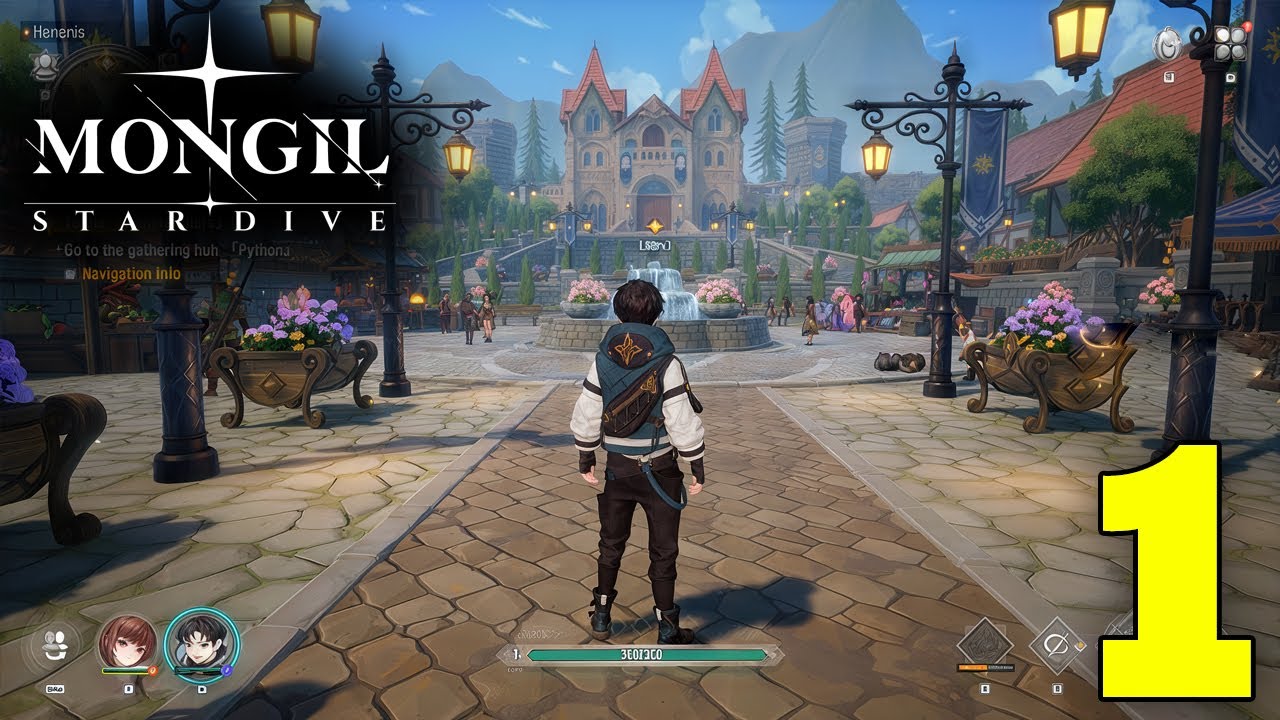

Play MONGIL: STAR DIVE on Windows PC
Download the official MONGIL: STAR DIVE Windows PC client and learn how to install and play the game on PC, with controls, system requirements, and practical tips.

Download MONGIL: STAR DIVE Official Windows PC Client
Official Windows PC client provided by LDPlayer.
About the Official MONGIL: STAR DIVE PC Client
Developer: Netmarble
Combat uses a quick triple tag team format in which you assemble a party of characters and switch between them in real time as encounters develop. The important decisions come from reading the battle, choosing which character should be active, and timing powerful Tag Skills when the situation calls for them. Mixing and matching characters gives party building a practical role: your lineup is not only a collection of personalities, but also the team you rely on to use different abilities and respond to the changing flow of each fight. The monster-taming layer adds another reason to explore, since finding and taming creatures can strengthen your options and help fill out the Monster Codex. On PC, the larger display is useful when you are moving through the game’s broad world, following the story, and keeping track of the many characters, creatures, and places introduced during the journey. Keyboard-and-mouse controls can also make repeated actions more comfortable, particularly when navigating menus, reviewing your growing collection, comparing available party choices, and reacting to real-time combat information before switching characters or activating a Tag Skill. Those advantages fit MONGIL: STAR DIVE’s blend of relaxed exploration and active battles: you can take time with the world and its cast, then rely on clearer controls and a more spacious view when a fight demands quick decisions. Between uncovering Nyanners’ mystery, discovering new monsters, completing the Codex, and shaping a party for tag team action, the PC version presents the game as an adventure where collection and combat progress together.
Screenshots
How to Download and Install the Official MONGIL: STAR DIVE PC Client
- Download and install the official Windows client distributed by LDPlayer.
- Open the app and sign in with your Google Play account.
- Search for MONGIL: STAR DIVE in the app store.
- Install the game and finish the first-launch download.
- Use the same game login if account sync is available.
Why Play MONGIL: STAR DIVE on PC?
Menus, maps, resources, and combat details are easier to read on a desktop display.
Keyboard and mouse input makes repeated actions and long sessions more comfortable.
Desktop play avoids phone battery drain during longer farming sessions.
Keep guides, codes, and notes open alongside the game on PC.
Controls and Performance
These three settings solve most common issues when playing on PC.
Map navigation, skill use, and repeated resource actions first.
Lower resolution or graphics quality if crowded scenes lose frames.
Link your account before switching devices so progress can be restored safely.
MONGIL: STAR DIVE Official PC Client FAQ
Can I play MONGIL: STAR DIVE on PC?
Yes. Download the official Windows PC client distributed by LDPlayer and play with a larger screen, keyboard, and mouse controls.
Is MONGIL: STAR DIVE better on PC than mobile?
Playing on PC can make longer sessions, detailed menus, and resource management more comfortable, while mobile is still convenient for quick check-ins.
Will my MONGIL: STAR DIVE progress sync on PC?
Progress depends on the sign-in options supported by the game. Use the same linked Google, Facebook, Apple, or game account on both devices.
Why does MONGIL: STAR DIVE lag on PC?
Lag can be caused by limited RAM, demanding graphics settings, outdated client files, or background apps. Lower the graphics settings and keep the PC client up to date.
DOWNLOAD STARTED
Your download is starting
Check your browser Downloads if it does not appear.
Official PC client for Windows, distributed by LDPlayer.
Download again