
Play MU: Dark Epoch on Windows PC
Download the official MU: Dark Epoch Windows PC client and learn how to install and play the game on PC, with controls, system requirements, and practical tips.

Download MU: Dark Epoch Official Windows PC Client
Official Windows PC client provided by LDPlayer.
About the Official MU: Dark Epoch PC Client
Developer: BUILDING-BLOCKS NETWORK TECHNOLOGY CO.,LIMITED
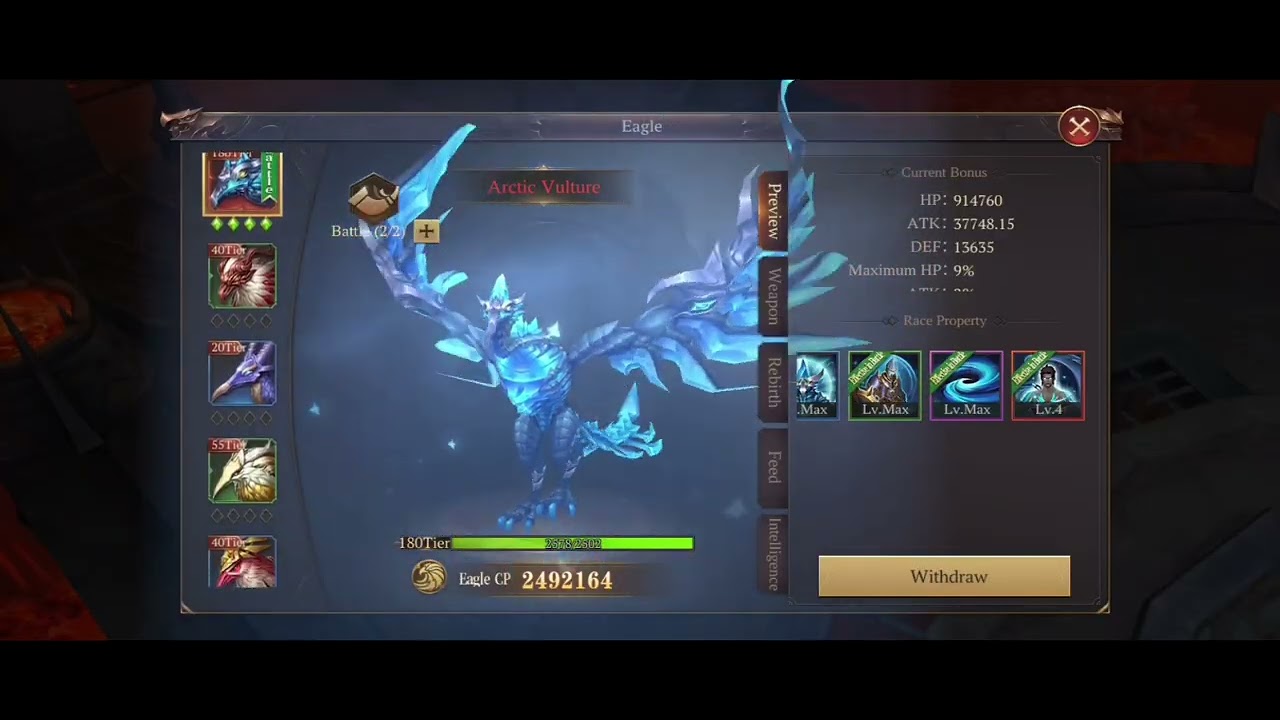
The core loop combines combat, loot collection, enhancement, and social competition. You fight regular monsters and take on dungeons with friends, looking for high-quality exceptional equipment that can be improved to +13. The stated 300% drop rate boost means even ordinary enemies can contribute meaningfully to a gear upgrade plan, so repeated battles are tied directly to power growth rather than being separate from it. Once you have equipment or other valuable rewards, the free-trade system and auction house give progression an economic dimension: you can trade without limitations, pursue high auction rewards, and share auction profits with allies. Guild play expands that loop through organized dungeon runs and the race to establish the strongest guild, while Roland City provides a dedicated setting for thrilling PvP battles and the broader struggle for server dominance. AFK leveling also supports continuous advancement when you cannot actively play, allowing your character to keep gathering experience and looting treasures during busy periods. On PC, keyboard-and-mouse controls make repeated combat and movement more manageable, while precise pointing is useful when selecting targets, navigating menus, comparing exceptional gear, and handling auction-house transactions. The larger screen gives dungeon encounters, character equipment, dynamic costumes, and Roland City battles more room to read clearly, which is especially helpful when coordinating a class build, reviewing enhancement progress toward +13, or keeping track of the information needed before a guild activity or PvP match. Together, these systems make MU: Dark Epoch a progression-focused MMORPG where class changes, monster drops, equipment enhancement, free trading, AFK growth, cooperative dungeons, guild organization, and competitive PvP all feed into the same objective: becoming strong enough to claim a place at the top of the server.
Screenshots
How to Download and Install the Official MU: Dark Epoch PC Client
- Download and install the official Windows client distributed by LDPlayer.
- Open the app and sign in with your Google Play account.
- Search for MU: Dark Epoch in the app store.
- Install the game and finish the first-launch download.
- Use the same game login if account sync is available.
Why Play MU: Dark Epoch on PC?
Menus, maps, resources, and combat details are easier to read on a desktop display.
Keyboard and mouse input makes repeated actions and long sessions more comfortable.
Desktop play avoids phone battery drain during longer farming sessions.
Keep guides, codes, and notes open alongside the game on PC.
Controls and Performance
These three settings solve most common issues when playing on PC.
Map navigation, skill use, and repeated resource actions first.
Lower resolution or graphics quality if crowded scenes lose frames.
Link your account before switching devices so progress can be restored safely.
MU: Dark Epoch Official PC Client FAQ
Can I play MU: Dark Epoch on PC?
Yes. Download the official Windows PC client distributed by LDPlayer and play with a larger screen, keyboard, and mouse controls.
Is MU: Dark Epoch better on PC than mobile?
Playing on PC can make longer sessions, detailed menus, and resource management more comfortable, while mobile is still convenient for quick check-ins.
Will my MU: Dark Epoch progress sync on PC?
Progress depends on the sign-in options supported by the game. Use the same linked Google, Facebook, Apple, or game account on both devices.
Why does MU: Dark Epoch lag on PC?
Lag can be caused by limited RAM, demanding graphics settings, outdated client files, or background apps. Lower the graphics settings and keep the PC client up to date.
DOWNLOAD STARTED
Your download is starting
Check your browser Downloads if it does not appear.
Official PC client for Windows, distributed by LDPlayer.
Download again