
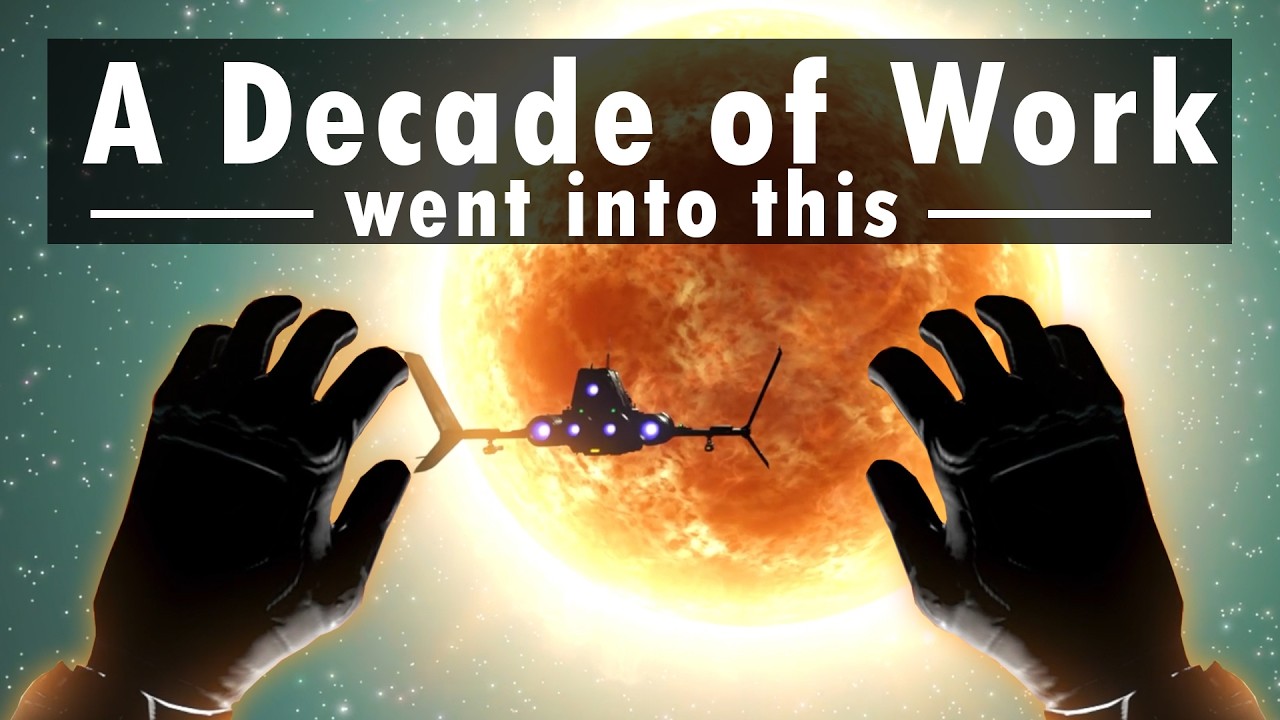
To pilot a starship cleanly in No Man's Sky VR, rest your forearms on chair armrests or your thighs, lower flight sensitivity in your control settings to between 15% and 25%, and use your wrists as pivot points for the virtual controls. Motion controllers lack the centering springs and physical resistance of real joysticks, so flying without physical arm support causes oversteering and unintended roll during atmospheric flight and space maneuvers.
Cockpit Flight Controls and Sensitivity
Virtual reality replaces standard gamepad steering with physical cockpit hardware that you manipulate using your motion controllers:
- Throttle Lever (Left Hand): Reach forward and hold the grip button to take hold of the throttle. Push forward to accelerate, or pull back to reverse and brake. Release the grip button once you reach your target cruising speed; your ship maintains that throttle position automatically.
- Flight Stick (Right Hand): Grip the flight stick on your right side to control pitch and roll. Keep your forearm anchored in place and tilt your wrist forward and back for pitch, and left to right for roll.
- Canopy Release: Grab and pull the physical handle located on the cockpit frame above or beside your seat to initiate landing and exit your starship.
Lowering flight sensitivity to 15%–25% in the controls menu prevents small wrist tremors from causing sudden spinouts during high-speed atmospheric entry or combat.
Navigating Deep Space and Asteroid Fields
Because your VR headset tracks independently of your starship's orientation, use the bubble canopy to scan your surroundings:
- Cruising: Push the throttle to your preferred speed and release your grip. Turning your head lets you spot space stations, fleets, and planetary markers without turning the ship's nose.
- Pulse Engine Travel: Align your ship's reticle with your destination marker, hold both firing triggers to engage the pulse jump, and let go of the right flight stick. Leaving your hand off the stick prevents accidental steering inputs from canceling the jump.
- Asteroid Mining: Keep your throttle below 20% or set it to neutral when entering dense asteroid belts. Fire short bursts from your Photon Cannon or Phase Beam to harvest Tritium and Gold without colliding with large rock clusters.
| Flight Phase | VR Control Method | Common Problem | Fix |
|---|---|---|---|
| Cruising | Push throttle forward, then release grip | Gripping throttle continuously | Release grip button once target speed is reached |
| Pulse Travel | Align reticle and press Pulse triggers | Drifting off course cancels jump | Take right hand off the flight stick during transit |
| Mining | Throttle below 20%, pivot with wrist | Colliding with asteroid clusters | Keep throttle low and mine with Phase Beam |
| Landing | Pull throttle back, pull canopy handle | Ejecting in rough terrain | Wait for landing gear lock before pulling handle |
Dogfighting and Combat Maneuvers
Space combat against Sentinel ships and pirate interceptors requires quick target tracking and deliberate speed control:
- Track With Your Head First: When threat indicators show hostiles, turn your head to track their vapor trails through the cockpit canopy rather than swinging your ship blindly. Once you locate the target, use the flight stick to bring your ship's nose into alignment.
- Cut Throttle in Turns: Pull the throttle lever fully back to zero during tight turns. Reducing engine power substantially narrows your turning radius, allowing you to turn onto an evasive target's tail quickly. Push the throttle forward again once aligned.
- Recharge Shields Quickly: Raise your non-dominant hand to project the quick menu, then use your dominant hand to select and apply Starshield Batteries or Sodium to recharge deflector shields under fire.
Planetary On-Foot Interactions
Leaving your starship switches your controls to physical gesture mechanics on planetary surfaces:
- Drawing the Multi-Tool: Reach your right hand behind your right shoulder, press and hold the grip button, and pull forward to unholster your weapon. Repeat the gesture to holster it.
- Activating the Analysis Visor: Raise your left hand to the side of your VR headset and press the interaction button to toggle scanner mode.
- Jetpack Flight: Hold the secondary button on your off-hand controller while moving your directional stick to engage vertical boost.
VR Comfort and Visual Settings
If rapid ship rotation or orbital entries cause motion sickness, adjust these parameters in the VR options menu:
- Turn Settings: Use Smooth Locomotion if comfortable, or switch to Snap Turning set to 45-degree increments to eliminate rotational blur.
- Vignettes: Enable turning and flight vignettes. This dims your peripheral vision during tight aerial turns and high-G maneuvers to minimize vestibular discomfort.
- Anti-Aliasing: Set Anti-Aliasing to TAA or DLSS to reduce visual shimmering across distant planetary rings and asteroid fields.

Free No Man's Sky Codes
Current active codes and how to redeem them.

Emily Johnson
Emily writes practical mobile strategy guides with a focus on resource planning, base progression, and the early decisions that shape a long-term account.
COMMUNITY
Player Comments
74 players commented on this guide.
I tried this today and it worked better than my old setup.
I wish I had read this before upgrading the wrong thing.
This guide answered the exact question I had.
This saved me time in the early game.