
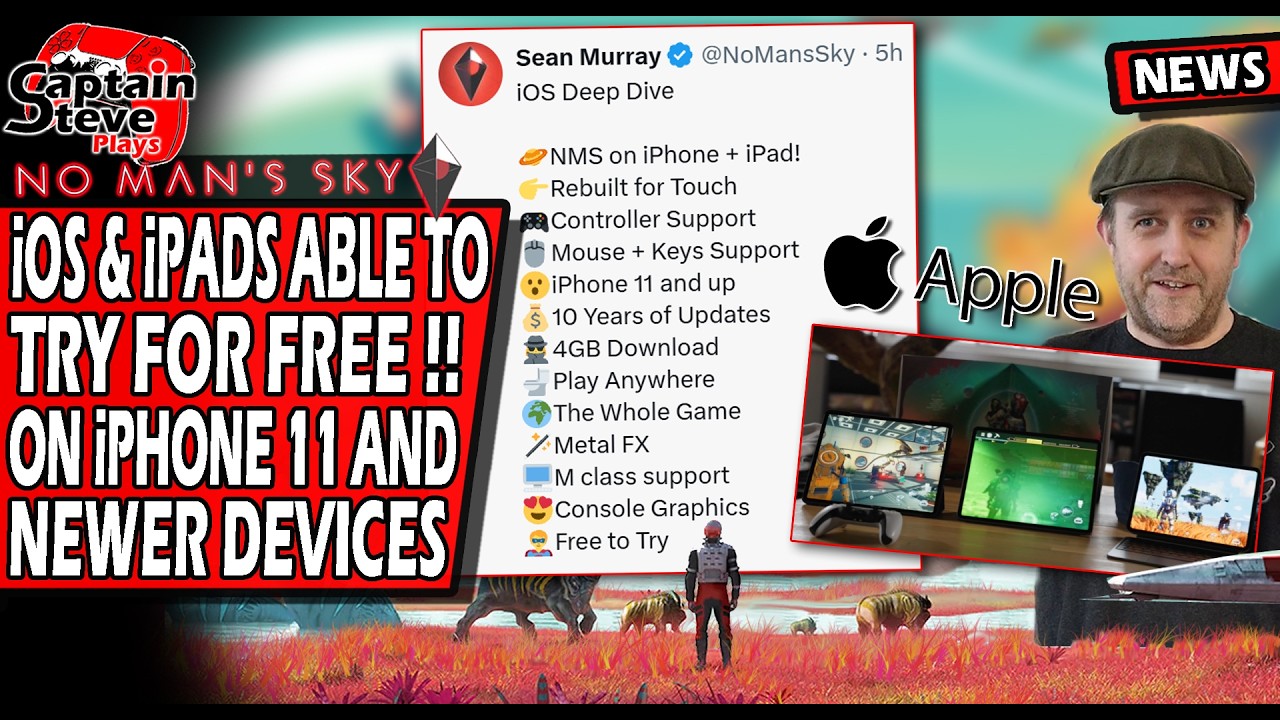
Hello Games confirmed that No Man's Sky is coming to Apple mobile platforms, bringing the full game experience to iOS and iPadOS. Hardware support begins at the iPhone 11 family, leaving earlier models unsupported due to the processing and memory demands of real-time procedural generation.
To prepare your device for launch, confirm your hardware meets the minimum tier, clear sufficient internal storage, and choose a compatible controller setup.
Supported Apple Hardware and Device Tiers
No Man's Sky relies on Apple's Metal graphics API and MetalFX upscaling to generate procedural environments without overtaxing mobile chipsets. Hardware capability scales significantly between base iPhones and M-series iPads.
| Device Category | Hardware Baseline | Expected Performance Tier |
|---|---|---|
| Standard iPhone | iPhone 11, 12, 13, 14, 15, and newer | Baseline procedural generation; variable dynamic resolution |
| iPhone Pro and Pro Max | iPhone 11 Pro through iPhone 15 Pro and newer | Higher sustained clock speeds, more RAM, and more stable frame rates |
| iPad Air and iPad Pro | iPad Air (4th Gen+) and iPad Pro (A12Z/A14 or M-Series) | Enhanced draw distances, wider field of view, and higher thermal headroom |
| Standard iPad and iPad Mini | iPad (9th Gen+) and iPad mini (6th Gen) | Scaled visual density and standard draw distances |
Devices equipped with M-series Apple Silicon chips (such as M1, M2, or M4 iPad models) have hardware similar to desktop Macs, giving them the highest headroom for rendering dense foliage, complex bases, and atmospheric transitions.
Recommended Control Setup
No Man's Sky on iOS includes customizable on-screen touch controls, but physical input devices provide distinct gameplay advantages:
- Touch Controls: Suitable for routine planetary scanning, inventory sorting, catalog review, and station trading. Complex maneuvers like dogfighting and jetpack bursts can feel crowded on a phone display.
- Bluetooth Gamepads: Pairing an Xbox Wireless Controller, PlayStation DualSense, or MFi controller maps directly to standard console layouts and keeps the display clear.
- Snap-On Mobile Controllers: Devices like the Backbone One or Razer Kishi provide direct physical triggers and thumbsticks while reducing input latency.
For sustained combat, space dogfights, and precision mining with the Terrain Manipulator, an external physical gamepad is the most reliable option.
Storage and System Preparation
Before installing No Man's Sky, complete the following pre-launch checks:
- Clear Internal Storage: Reserve 15 to 20 GB of free internal storage. Procedural universe generation requires space for audio files, textures, and locally cached discovery data, bases, and terrain edits.
- Update Your Operating System: Install the latest iOS or iPadOS release to ensure full compatibility with Metal graphics patches and stable Bluetooth controller connections.
- Manage Device Thermals: Because phones lack active cooling, heavy planetary storms and prolonged warp sequences can trigger thermal throttling. Remove thick protective cases during long sessions and keep screen brightness moderate to avoid performance drops.

Free No Man's Sky Codes
Current active codes and how to redeem them.

James Brown
James focuses on Android gaming on PC, emulator setup, controls, performance tuning, and practical troubleshooting for longer play sessions.
COMMUNITY
Player Comments
155 players commented on this guide.
This helped me understand strategy much better.
I tried this today and it worked better than my old setup.
Can you add more details about strategy in a future update?
This saved me time in the early game.