
Play Omniheroes on Windows PC
Download the official Omniheroes Windows PC client and learn how to install and play the game on PC, with controls, system requirements, and practical tips.

Download Omniheroes Official Windows PC Client
Official Windows PC client provided by LDPlayer.
About the Official Omniheroes PC Client
Developer: OmniDream Limited
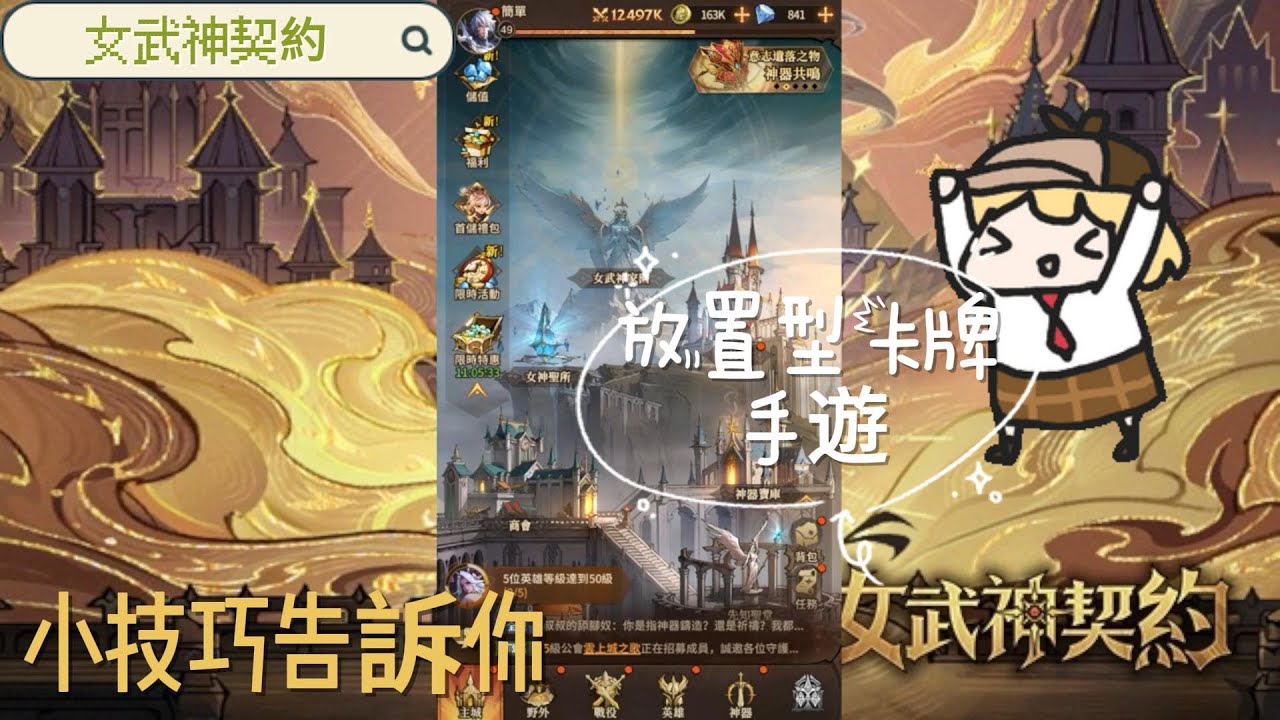
Development continues outside individual battles. Your Valkyries reside in the Manor, where you can heal them and engage in interactions that unlock different outfits. These activities are more than a separate social feature, since the game states that the Valkyries can reward your attention by helping boost your power. At the same time, the one-tap development system lets you upgrade and enhance your heroes to reveal hidden powers in Palmarius, while idle rewards keep progress moving even when you are not actively playing. That makes Omniheroes well suited to a routine of checking rewards, strengthening your roster, adjusting your team, and returning to challenges with a more capable group rather than relying on a single uninterrupted session.
Strategy becomes especially important when you take that roster into competitive play. In the World Arena, you create flexible team compositions and face global players in PvP battles, with the long-term goal of climbing the worldwide rankings. The value of collecting 100-plus heroes comes from having more options for those compositions: instead of treating every Valkyrie as interchangeable, you can consider which unique skills and combinations best support the team you are building. Seasonal content gives that process a changing target. Season 8 introduces Sakura Island and the Sakura Tournament, where Omniguardians enter the Tournament arena, challenge competitors from around the world, and compete to become the strongest under heaven. New PvP content, events, rewards, and the chance to obtain Divine and Demon Heroes for free give returning players additional reasons to revisit their lineups and progression plans.
Playing Omniheroes on PC gives these systems more room to breathe. A larger display makes it easier to review a broad collection of Valkyries, compare the heroes you have recruited, and keep their individual skills in view while deciding which lineup belongs in the World Arena or the Sakura Tournament. It is also useful in the Manor, where you can move between healing, interactions, outfits, and power-boosting activities without having to examine a crowded small-screen interface. Keyboard-and-mouse input can make repeated actions such as collecting idle rewards, selecting heroes, applying upgrades, and moving through recruitment or development screens more direct. Mouse precision is particularly helpful when you are changing a team composition or selecting a specific Valkyrie among a large roster, while keyboard access can make routine management faster between battles. The result is a comfortable format for both sides of the game: the deliberate work of planning a team for global PvP and the regular maintenance that keeps your Valkyries growing while Palmarius awaits salvation.
Screenshots
How to Download and Install the Official Omniheroes PC Client
- Download and install the official Windows client distributed by LDPlayer.
- Open the app and sign in with your Google Play account.
- Search for Omniheroes in the app store.
- Install the game and finish the first-launch download.
- Use the same game login if account sync is available.
Why Play Omniheroes on PC?
Menus, maps, resources, and combat details are easier to read on a desktop display.
Keyboard and mouse input makes repeated actions and long sessions more comfortable.
Desktop play avoids phone battery drain during longer farming sessions.
Keep guides, codes, and notes open alongside the game on PC.
Controls and Performance
These three settings solve most common issues when playing on PC.
Map navigation, skill use, and repeated resource actions first.
Lower resolution or graphics quality if crowded scenes lose frames.
Link your account before switching devices so progress can be restored safely.
Omniheroes Official PC Client FAQ
Can I play Omniheroes on PC?
Yes. Download the official Windows PC client distributed by LDPlayer and play with a larger screen, keyboard, and mouse controls.
Is Omniheroes better on PC than mobile?
Playing on PC can make longer sessions, detailed menus, and resource management more comfortable, while mobile is still convenient for quick check-ins.
Will my Omniheroes progress sync on PC?
Progress depends on the sign-in options supported by the game. Use the same linked Google, Facebook, Apple, or game account on both devices.
Why does Omniheroes lag on PC?
Lag can be caused by limited RAM, demanding graphics settings, outdated client files, or background apps. Lower the graphics settings and keep the PC client up to date.
DOWNLOAD STARTED
Your download is starting
Check your browser Downloads if it does not appear.
Official PC client for Windows, distributed by LDPlayer.
Download again