
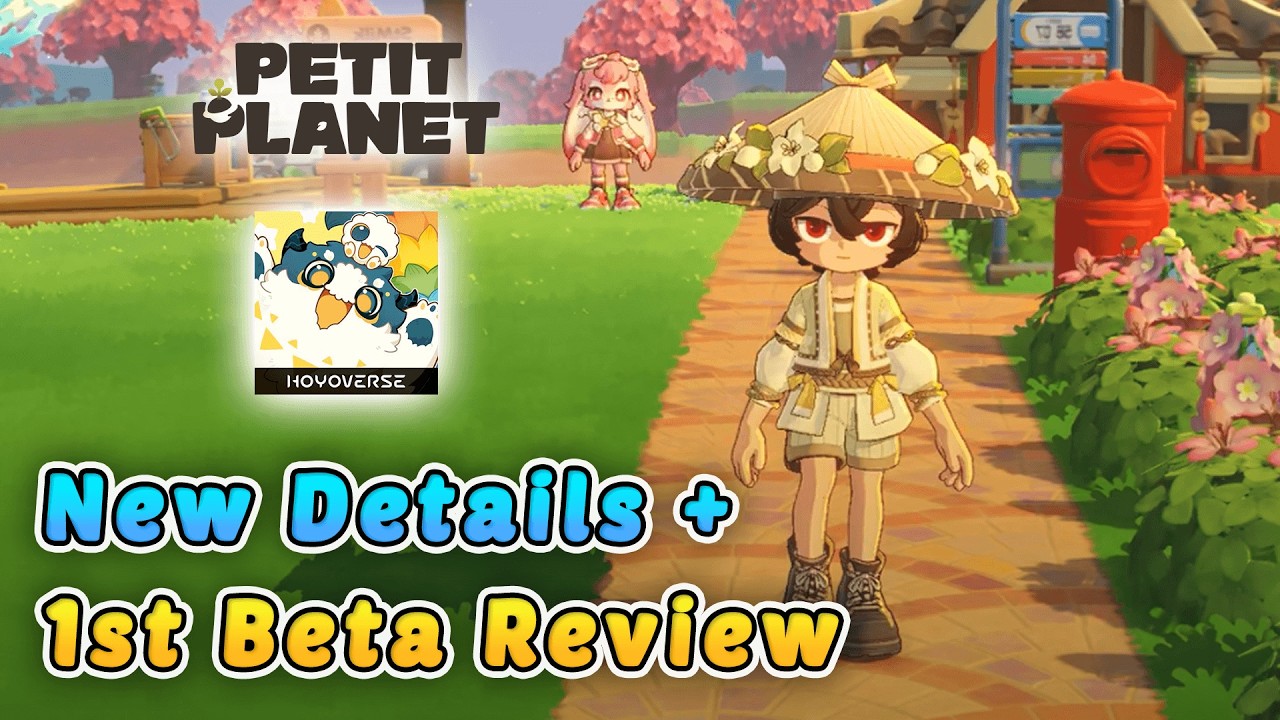
To participate in upcoming Petit Planet beta tests, you must verify your device’s platform compatibility and monitor official sign-up windows hosted by HoYoverse. Because this cozy life-simulation game is currently in a highly anticipated development phase, access is typically restricted to a limited pool of testers selected through official registration surveys. By understanding the technical requirements, regional constraints, and the nature of early-access builds, you can maximize your chances of selection and contribute effectively to the game's development.
Verifying Platform and Device Compatibility
The most critical step before attempting to join a Petit Planet beta test is confirming that your hardware meets the current development specifications. HoYoverse titles are known for their high-fidelity, stylized graphics, which require modern mobile hardware or mid-to-high-tier PC components to run smoothly.
- Mobile Requirements: Ensure your device has the latest OS version installed. Petit Planet will likely require significant storage space, so clear out unused applications to accommodate high-resolution asset downloads.
- PC Specifications: While often more forgiving than mobile, PC builds still require stable graphics drivers and sufficient RAM to handle the game's open-world environments.
- Optimization State: Remember that beta builds are not fully optimized. Even if your device exceeds the recommended specs, you may experience frame rate drops or graphical hitches. Do not mistake these for permanent performance issues, as these are exactly what developers are looking to identify and resolve before the final release.
Mastering the Registration Process
The selection process for Petit Planet is highly competitive. To improve your odds, you must engage with the official HoYoverse ecosystem correctly.
- HoYoLAB Integration: Ensure your HoYoLAB account is active and linked to a valid email address. This is the primary database the team uses to contact selected testers.
- The Survey: The sign-up form is not just a request; it is a diagnostic tool. Be honest about your hardware specs and your history with similar life-sim titles. Developers prioritize testers who can provide diverse data points—ranging from high-end enthusiast hardware to average consumer devices.
- Regional Accuracy: Always provide your correct region. Servers are often partitioned to test regional connectivity and latency, and providing false location data may result in your application being discarded during the filtering process.
Managing Language and Regional Access
Petit Planet is being built for a global audience, but beta test phases often roll out with limited language support. During early technical tests, the game may prioritize specific regions or languages to streamline feedback collection.
If your native language is not yet supported in the client, you should be prepared to navigate menus in English or the primary testing language. Do not let this discourage you; look for universal UI indicators—such as the gear icon for settings or specific map markers for navigation—that remain consistent regardless of the language setting. Adapting to these UI placeholders early is a skill that will serve you well when the game launches globally.
Understanding the Reality of Beta Testing
It is vital to approach a Petit Planet beta with the understanding that you are interacting with a work-in-progress product. The goal of the test is not for you to "win" the game, but to help the developers find where the game breaks.
- Temporary Progress: Assume that all character progress, items, and social connections will be wiped once the beta session concludes. Focus on testing, not long-term grinding.
- Identifying Issues: You will encounter missing textures, placeholder dialogue, and unexpected server downtime. Instead of viewing these as negatives, treat them as the primary objective of your playtime.
- Reporting Bugs: Utilize the in-game reporting tool. Documenting exactly what you were doing when a crash or graphical error occurred provides the developers with the logs necessary to iterate. Quality feedback is the fastest way to turn a buggy test into a polished launch version.
Strategies for Productive Testing
If you are selected, you have a unique opportunity to shape the direction of Petit Planet. Use your time wisely by focusing on core gameplay loops that define the life-sim experience.
- Test the Economy: Spend time gathering resources and interacting with the crafting systems. Does the progression feel balanced, or does it feel like a chore? This is exactly the kind of feedback that influences final game design.
- Explore UI/UX: Pay attention to how easy it is to navigate menus. If you find yourself clicking too many times to perform a simple action, note this in your feedback.
- Social Mechanics: If the beta includes multiplayer or social interaction features, test the stability of these systems. HoYoverse games often rely heavily on community interaction, so understanding the limitations of the current social tools is valuable information.
Leveraging Community and Official Channels
The Petit Planet community is your best resource for troubleshooting and staying updated. Keep a close eye on official social media pages and the HoYoLAB platform. These channels are where developers announce:
- Server Maintenance: Know when the servers are going down so you don't lose progress during a critical task.
- Known Issues: Before reporting a bug, check the official "Known Issues" list. If a bug is already documented, you can focus your testing efforts on other areas.
- Community Surveys: After the beta concludes, developers often send out comprehensive surveys. Participating in these is the most influential action you can take to see your personal preferences reflected in the final game.
Preparing for Future Progression
Even if your beta progress is wiped, the knowledge you gain is a permanent asset. By familiarizing yourself with the game's mechanics, resource scarcity, and interface layout now, you will be significantly ahead of the curve when Petit Planet officially launches.
Observe which items appear to be high-value or essential for early-game progression. When the full game releases, you will already possess the "blueprint" for success, allowing you to optimize your gameplay from day one. Treat this beta phase as a training session, and you will ensure that you hit the ground running when the servers finally open to the public.

Free Petit Planet Codes
Current active codes and how to redeem them.

James Brown
James focuses on Android gaming on PC, emulator setup, controls, performance tuning, and practical troubleshooting for longer play sessions.
COMMUNITY
Player Comments
28 players commented on this guide.
I wish I had read this before upgrading the wrong thing.
The explanation is clear, especially for beginners.
This guide answered the exact question I had.
This saved me time in the early game.