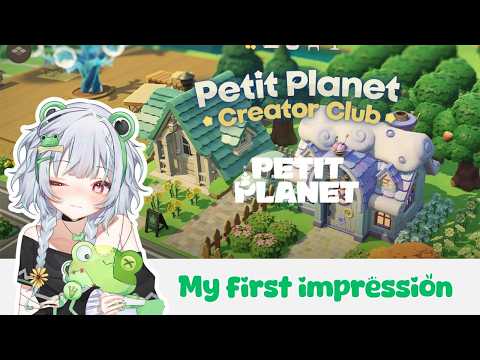
Petit Planet UI and Radial Menu Navigation Guide
Master Petit Planet menu controls by assigning tools to radial slots, watching character animations for timing, and arranging your grid island layout.

More Petit Planet guides, page 4.
Master Petit Planet menu controls by assigning tools to radial slots, watching character animations for timing, and arranging your grid island layout.

Structure your daily Petit Planet workflow around home base maintenance and radial menu shortcuts before going out on resource runs.
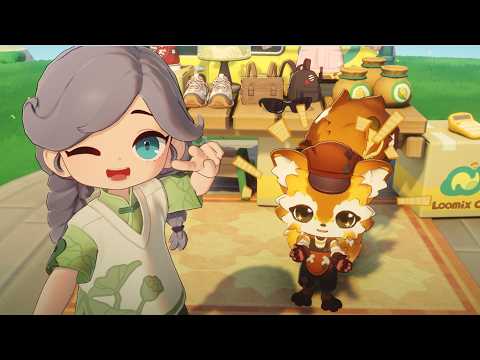
Optimize your early Petit Planet island by clearing debris for crafting space, grouping storage near workstations, and monitoring stamina usage.
Petit Planet is scheduled for a winter 2026 launch, and players can complete official pre registration now to receive key game updates.

To unlock unique rewards in Petit Planet, prioritize high value NPCs each day by aligning gifts with preferences during active routine schedules.

Design your avatar during initial setup, then hold the radial menu button in Petit Planet to quick trigger social emotes and actions.

To optimize your Petit Planet island, combine functional crafting areas with aesthetic layouts while participating actively in social features.

Collect daily bottles in Petit Planet along terrain edges to gather crafting resources, clear inventory space, and decorate your island.

Maintain your animal companions daily and centralize base crafting stations to generate rare materials for Petit Planet beta progression.

Mastering NPC dialogue in Petit Planet requires checking your memo pad, clustering visits by location, and spending energy on direct requests.