
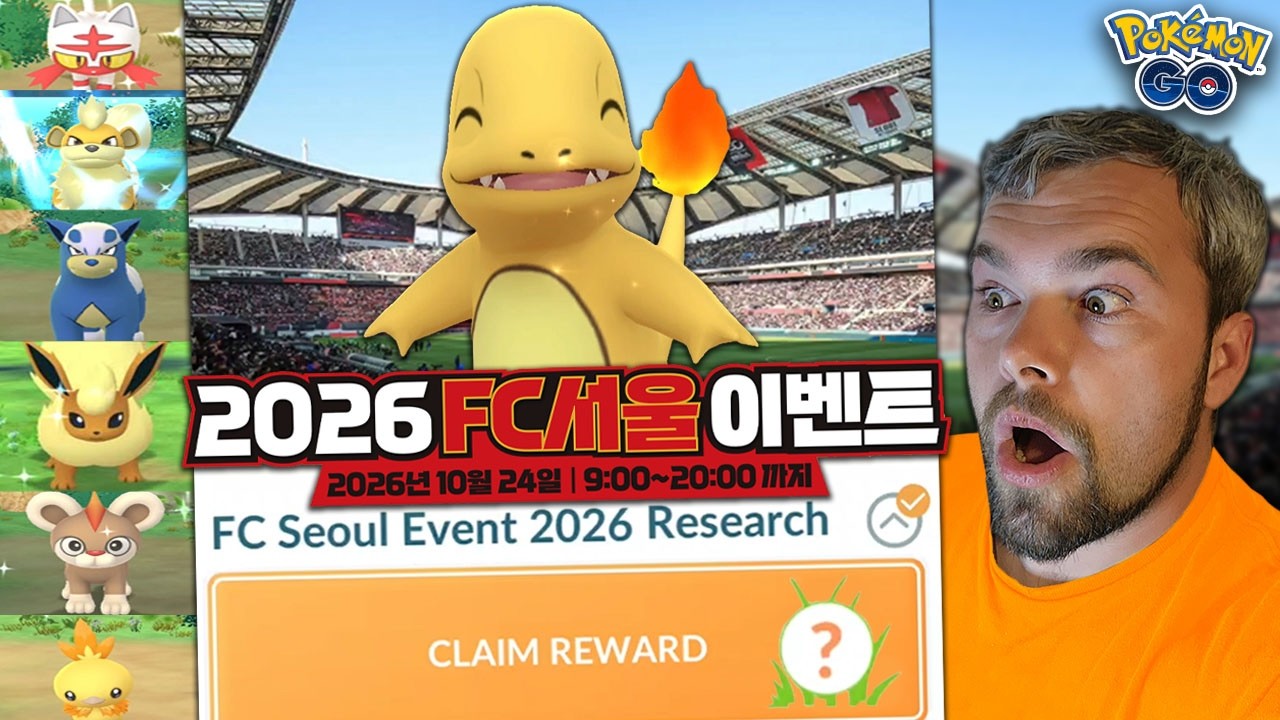
To maximize rare encounters during the 11-hour Pokémon GO FC Seoul live event at Seoul World Cup Stadium, preload all game assets on Wi-Fi before arriving, establish an outdoor walking loop around the stadium concourse, and prioritize event-exclusive Field Research and costume spawns.
Technical Setup for Stadium Cellular Congestion
Dense stadium crowds routinely congest cellular networks, causing lag, failed encounters, and app freezes. Configure your device settings before reaching the venue:
- Download All Assets: Connect to home or hotel Wi-Fi, open Settings, go to Advanced Settings, and select Download All Assets. Storing 3D models and event animations locally stops the app from downloading asset data over strained mobile networks.
- Enable Native Refresh Rate: In Advanced Settings, turn on Native Refresh Rate to keep ball throws responsive.
- Manage Device Temperature: Set screen brightness to 60–70% to prevent thermal throttling, which drops frame rates during capture encounters.
- Handle Network Freezes: If the game hangs after throwing a ball, wait at least 20 seconds for the server handshake to complete. Force-closing immediately risks losing the encounter before the catch registers.
- Prepare Backup Connectivity: Keep a secondary carrier SIM or portable mobile hotspot available to switch data routes if your primary provider throttles traffic.
Walking Routes Around Seoul World Cup Stadium
Physical positioning controls encounter rates and prevents GPS drift. Indoor corridors and covered concourses degrade satellite reception and misalign your avatar.
- Walk the Outer Concourse: Stick to a continuous perimeter loop around the stadium exterior. Maintaining a 4 to 9 km/h pace triggers steady wild spawns and keeps you within range of lured PokéStops.
- Bypass Entry Chokepoints: Avoid idling at main plaza gates and ticket booths where stationary foot traffic peaks.
- Target Open Plaza Stops: Spin temporary event PokéStops and Gyms placed in open-air plazas for research tasks and lure rotations.
Inventory Prep and Catch Prioritization
With an 11-hour operational window, managing inventory in the field cuts into catching time. Complete bag cleanup before entering the grounds.
| Resource / Setting | Target Preparation | Purpose |
|---|---|---|
| Pokémon Storage | 600–1,000 open slots | Eliminates manual transfers during the event |
| Ultra Balls | 400+ stocked | Overcomes lower base catch rates on costume spawns |
| Pinap Berries | 200+ stocked | Doubles candy yields on featured event species |
| Auto-Catcher | Regular Poké Balls only | Catches passive filler spawns while you manual-catch targets |
Prioritize Exclusive Spawns
Focus your manual throws on event-limited costume Pokémon (such as soccer-themed Pikachu), host-team Unown letters, and regional species not found in your home area. Spin venue PokéStops immediately to gather event-exclusive Field Research, which awards guaranteed encounters with featured costume variants and higher baseline IVs.
Tag potential keepers with an event label and defer IV appraisals until the 11-hour window ends. Use the fast-catch method on manual clusters by sliding the berry or ball tray while throwing, then tapping the run button immediately upon contact to skip the capture animation.
Commemorative Raids and On-Site Trading
Stadium activations bring an influx of domestic and international trainers, creating ideal trading and raid conditions:
- Stadium Raids: Spend daily raid passes on official stadium Gyms during lulls in wild spawns. Catches from these Gyms carry distinct Seoul location tags or event card designs.
- Special Trades: Use the expanded daily Special Trade allocations typical of live events. Set an inventory filter like
!traded & distance100-to quickly present trade bait to players looking for cross-region distance bonuses.

Free Pokémon GO Codes
Current active codes and how to redeem them.

Sarah Williams
Sarah specializes in RPG and collection games, explaining team building, character growth, and beginner-friendly ways to avoid expensive early mistakes.
COMMUNITY
Player Comments
99 players commented on this guide.
The tips are practical and easy to follow.
Can you add more details about updates in a future update?
This guide answered the exact question I had.
I wish I had read this before upgrading the wrong thing.