
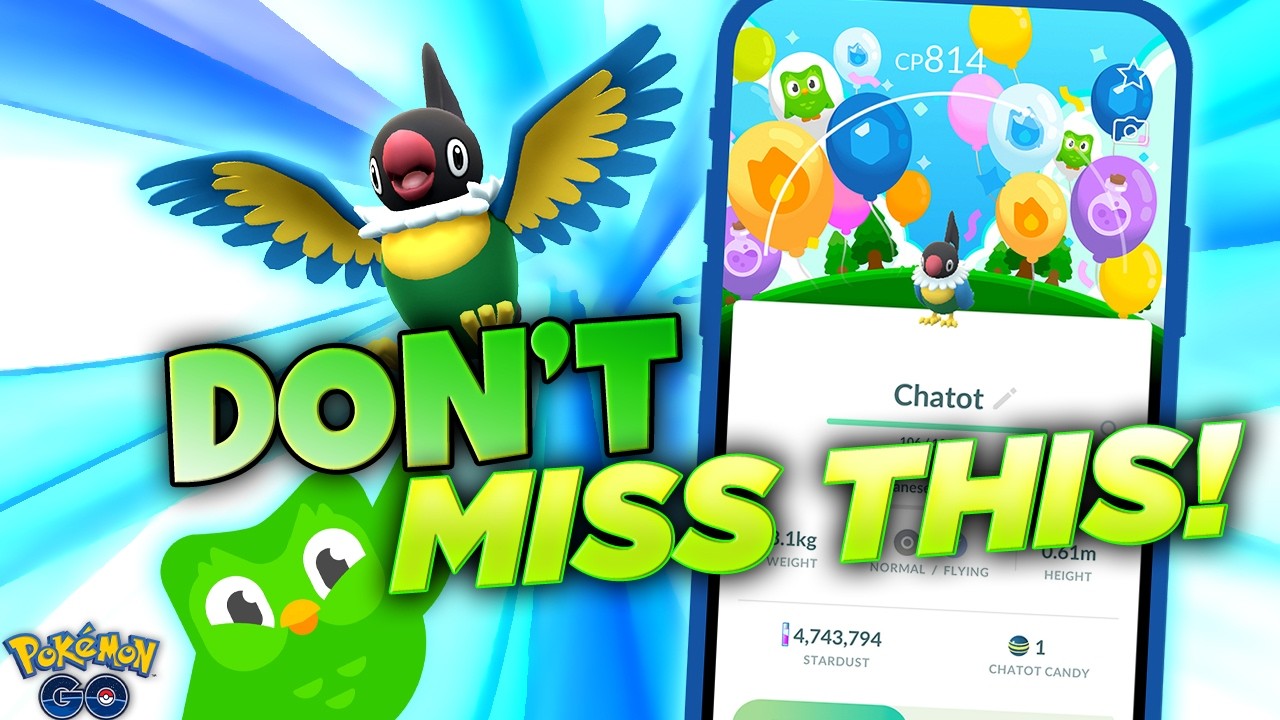
To claim your Pokémon GO and Duolingo collaboration rewards, redeem your promotional code through the official Niantic Offer Redemption website rather than the mobile app. The crossover bundle grants exclusive avatar apparel based on Duolingo's mascot Duo, consumable field supplies such as Poké Balls, Berries, and Incense, and access to a 30-day Super Duolingo trial.
How to Redeem Promo Codes on the Niantic Web Store
In-game redemption menus are unavailable in the mobile client on iOS due to platform store policies, leading Niantic to centralize all code redemption on an external web portal.
Follow these steps to apply your code:
- Open a web browser and go to the official Niantic Offer Redemption page (
store.pokemongo.com/offer-redemption). - Log in using the credentials tied directly to your active Pokémon GO account.
- Enter your promotional code into the text field and select Apply.
- Check for a green confirmation banner verifying that the items were credited to your account.
- Open or restart Pokémon GO on your mobile device, open your Journal, and verify your new items.
| Login Method | Setup Complexity | Common Pitfall |
|---|---|---|
| Google Account | Low | Signing in with a personal email not linked to your trainer profile |
| Apple ID | Moderate | Account identification failing due to hidden email relay settings |
| Pokémon Trainer Club | Moderate | Temporary server slowdowns during major promotional launches |
| Facebook Login | Low | Authentication errors caused by expired third-party sessions |
How to Activate the Super Duolingo Trial Without Extra Charges
The collaboration includes a 30-day trial of Super Duolingo, which removes ads, provides unlimited learning hearts, enables personalized practice, and offers streak repairs. However, activating the trial requires entering a payment method, such as a credit card, PayPal, Google Play, or Apple Pay account.
To use the full 30 days without recurring charges:
- Follow the campaign link to sign in or create an account on Duolingo.
- Select the trial offer and complete checkout using your preferred payment method.
- Immediately access your platform's subscription settings (via Google Play, the iOS App Store, or Duolingo account settings) and turn off auto-renewal.
- Confirm the cancellation.
Both the iOS App Store and Google Play allow you to keep your premium benefits through the end of the 30-day window after canceling. If you do not cancel before the trial period concludes, your payment method will automatically be billed for the standard subscription rate.
Troubleshooting Redemption Errors
If your promotional code fails to process on the web portal, check for these common failure points:
- Already Redeemed Codes: Collaboration codes are restricted to a single redemption per Pokémon GO account. Shared or duplicate attempts on the same account will return an error.
- Full Item Bag Storage: Avatar clothing items automatically appear in your Style menu regardless of inventory space. However, consumables like Poké Balls and Incense require open bag slots. Clear space in your Item Bag before submitting the code if you encounter delivery delays or processing errors.
- Child Account Restrictions: Accounts registered through Niantic Kids or Pokémon Trainer Club child accounts may block web-based redemption by default. A parent or guardian must log into the account management portal and enable promotional code permissions.
Free Pokémon GO Codes
Current active codes and how to redeem them.

James Brown
James focuses on Android gaming on PC, emulator setup, controls, performance tuning, and practical troubleshooting for longer play sessions.
COMMUNITY
Player Comments
36 players commented on this guide.
Nice guide. I am checking the other Pokémon GO articles next.
I tried this today and it worked better than my old setup.
This saved me time in the early game.
The explanation is clear, especially for beginners.