
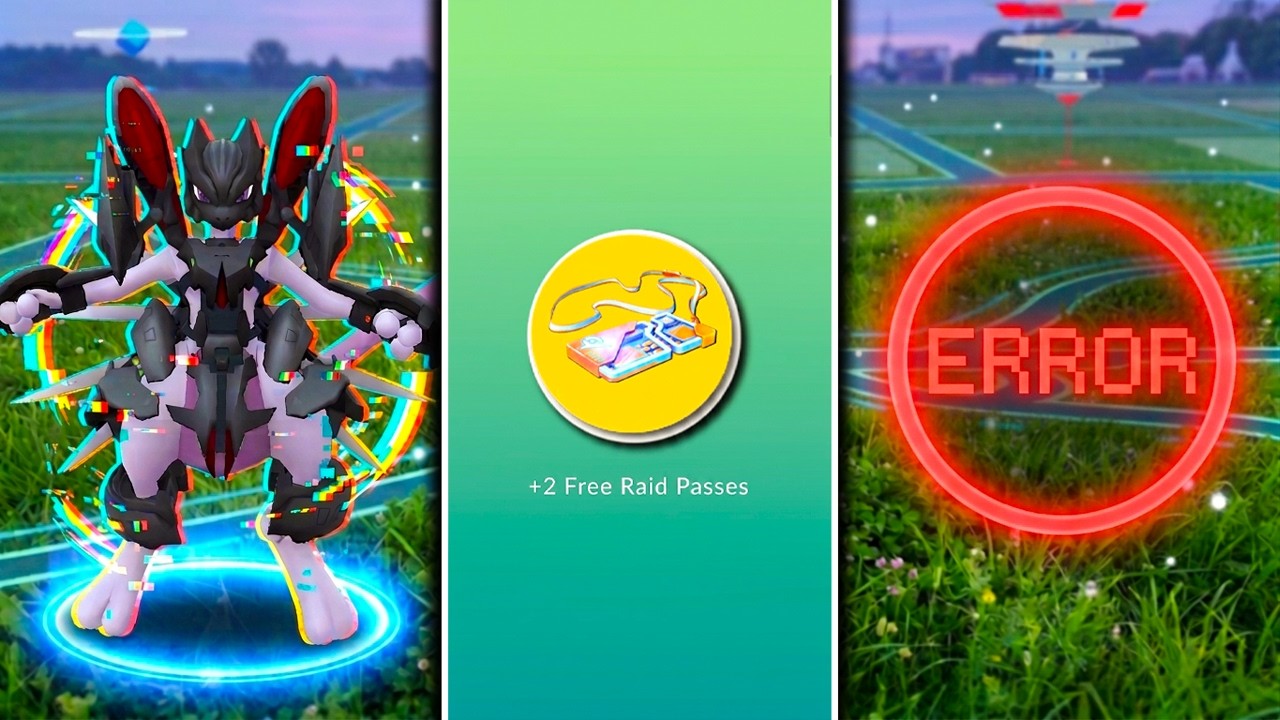
If a server error, crash, or freeze consumes a Raid Pass without letting you finish a raid in Pokémon GO, submit a ticket through the in-game support system to request a replacement. Niantic reviews server logs to verify lost passes and restores the matching item to your inventory when an error prevents battle completion.
How to Submit a Support Ticket
To request pass compensation after a failed or frozen raid, access support directly within the app:
- Open the main menu in Pokémon GO and tap Settings.
- Select Help or Support to launch the support chat interface.
- Choose the option to report an issue with a raid or item.
- Provide the requested battle details:
- Raid Details: The approximate time of the battle, the Gym location, and the specific Pokémon boss species.
- Pass Type: Specify whether you used a Remote Raid Pass, a Premium Battle Pass, or a standard daily Raid Pass.
- Error Description: Briefly describe what happened (such as the app hanging on a white screen, an unresponsive timer, or an empty battle arena).
- Attach any screenshots or screen recordings of the error screen or frozen lobby if available.
While support can verify pass consumption through internal account logs without visual evidence, providing clear screenshots can speed up the review process.
What Support Compensation Covers
Niantic's support system checks server logs to confirm that your pass was spent without a valid completion or encounter sequence.
- Restored Items: If approved, support returns the equivalent pass type (such as a Remote Raid Pass or Premium Battle Pass) directly to your item bag.
- Limitations: Support cannot grant a specific Pokémon encounter, restore lost catch opportunities, or extend expired raid timers. Compensation is limited to returning the lost pass currency.
Handling Server-Wide Outages
When widespread server lag or instability affects an entire region, multiple players will often experience raid freezes at the same time.
- Confirm Local Outages: Ask nearby players or group members if they are experiencing identical freezes. Widespread issues indicate a server-side problem rather than a local network connection failure.
- Monitor Official Channels: Check official Pokémon GO support channels on social media platforms like X (formerly Twitter) during major regional errors. For large outages, Niantic may schedule automated compensation or announce dedicated makeup raid windows for impacted regions.
- Avoid Risky Spending: If lobbies display heavy lag or rubber-banding, hold off on using additional Premium or Remote passes until server performance stabilizes.
Free Pokémon GO Codes
Current active codes and how to redeem them.

Sarah Williams
Sarah specializes in RPG and collection games, explaining team building, character growth, and beginner-friendly ways to avoid expensive early mistakes.
COMMUNITY
Player Comments
76 players commented on this guide.
This saved me time in the early game.
This guide answered the exact question I had.
Good guide for Pokémon GO players. The strategy part was useful.
The tips are practical and easy to follow.