
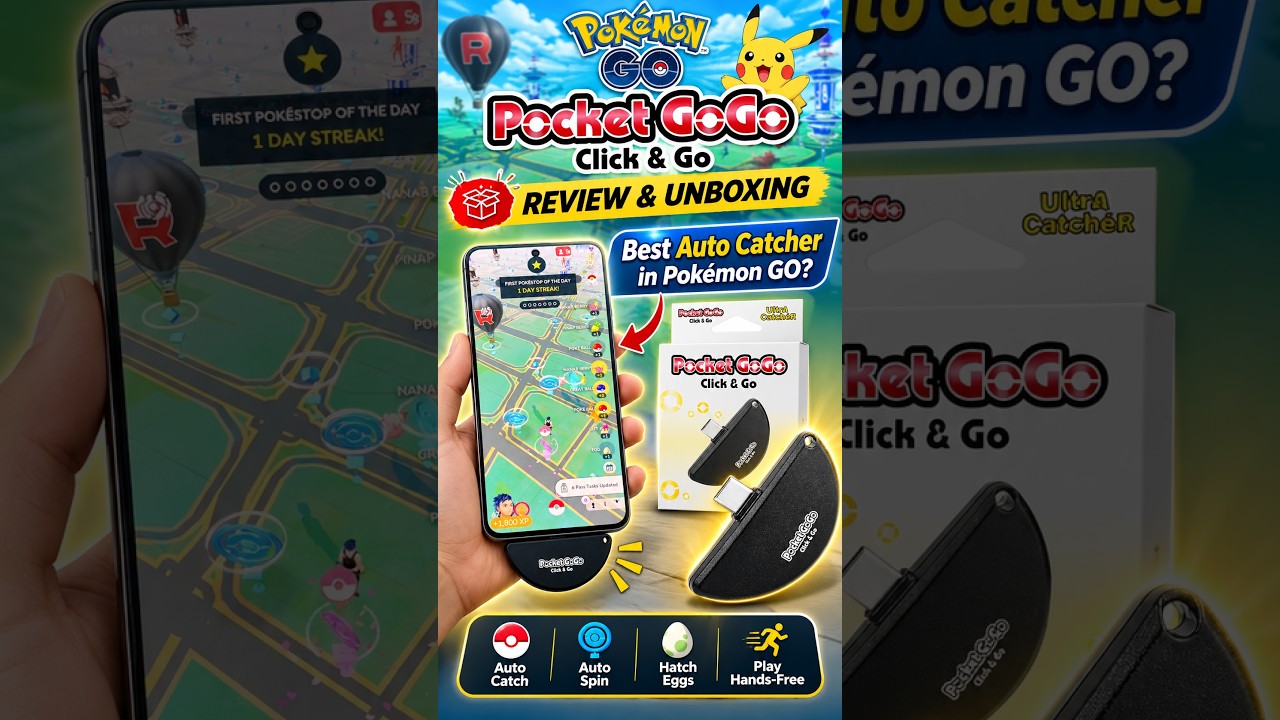
To use the Pocket GO GO auto catcher in Pokémon GO, pair the device directly inside the game's settings menu rather than through your phone's operating system Bluetooth menu. Because the game engine prioritizes wild Pokémon encounters over PokéStop interactions, you must configure your accessory notification settings to prevent the device from draining your Poké Ball inventory before it spins nearby stops.
How to Pair the Pocket GO GO
Connecting via system-level Bluetooth settings can cause handshake errors that stop the game from recognizing the hardware. Always initiate the connection within the app.
- Turn on Bluetooth on your smartphone and confirm that location permissions for Pokémon GO are set to Always Allow.
- Tap the sensor button on the Pocket GO GO to activate pairing mode.
- Open Pokémon GO, tap the Main Menu Poké Ball icon on the map screen, and select Settings in the top-right corner.
- Scroll down, select Connected Devices and Services, and tap Accessory Devices.
- Locate the Pocket GO GO under Available Devices and tap it.
- Confirm the Bluetooth pairing prompt. When connected successfully, the accessory icon on the in-game map screen lights up green.
If the pairing icon spins without connecting or drops unexpectedly, tap the eject icon next to the accessory in the Accessory Devices menu, turn your phone's Bluetooth off and back on, and repeat the pairing process in the game.
Recommended In-Game Settings for Catching vs. Spinning
The Pocket GO GO checks for wild Pokémon before attempting to spin nearby PokéStops. In spawn-dense areas, leaving both catch and spin notifications enabled will rapidly consume standard Poké Balls without replenishing items. Toggle your accessory settings according to your current inventory:
| Mode | Active Settings | Inventory Condition | Primary Benefit |
|---|---|---|---|
| Bag Restocking | Identify Nearby PokéStops only | Under 50 regular Poké Balls | Ignores spawns to spin Stops and Gyms for items |
| Balanced Grinding | Identify Nearby Pokémon & PokéStops | 150+ regular Poké Balls | Catches spawns while spinning stops between spawns |
| Event Focus | Identify Nearby Pokémon only | High stock during events | Prioritizes shiny checks during limited-time spawns |
To switch modes, navigate to Settings > Connected Devices and Services > Accessory Devices and toggle Identify Nearby Pokémon and Identify Nearby PokéStops as needed.
Poké Ball Constraints and Catch Rates
The Pocket GO GO runs on the standard GO Plus communication protocol, which enforces specific automated capture limitations:
- Poké Ball Requirement: Automated catching strictly uses standard red Poké Balls. It cannot throw Great Balls or Ultra Balls. If your red Poké Ball count reaches zero, automated catching halts even if you have hundreds of Great or Ultra Balls.
- Single-Throw Mechanic: The server resolves encounters with a single straight throw using standard Poké Ball odds. It does not apply Nice, Great, or Excellent throw multipliers, curveball bonuses, or Berries.
- Success Rate: Spawns either succeed on the first shake or flee immediately, resulting in a general capture rate between 40% and 50%. High-CP Pokémon and evolved forms have lower capture odds.
To keep the device operational throughout the day, discard excess Nanab Berries, standard Potions, and surplus evolution items to reserve 150 to 250 bag slots solely for standard red Poké Balls.
Handling the 60-Minute Timeout and Battery Life
Niantic enforces a hardcoded 60-minute Bluetooth session limit on all Pokémon GO accessories. After one hour, the connection terminates automatically, and the map icon turns gray.
- Reconnecting: You do not need to open the settings menu. Tap the grayed-out accessory icon in the upper-right corner of the map screen, then press the Pocket GO GO sensor button once to reconnect.
- Conserving Battery: Turn off the device's vibration feedback using its physical controls. Disabling haptic motors significantly reduces power draw, allowing the internal battery to last multiple days of active play on a single charge.

Free Pokémon GO Codes
Current active codes and how to redeem them.

Michael Smith
Michael covers live-service games, events, reward systems, and efficient daily routines, turning frequent updates into clear actions for players.
COMMUNITY
Player Comments
53 players commented on this guide.
I wish I had read this before upgrading the wrong thing.
The tips are practical and easy to follow.
This saved me time in the early game.
Good guide for Pokémon GO players. The strategy part was useful.