
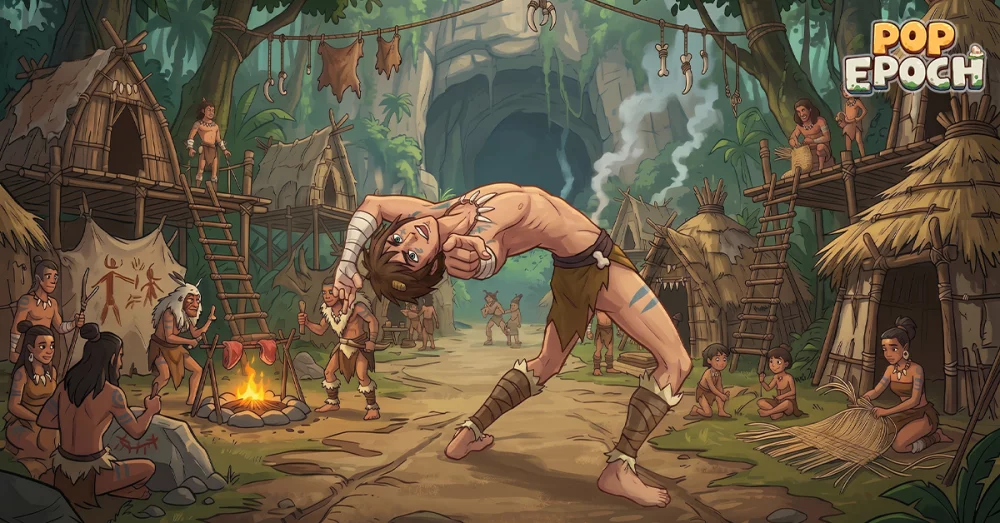
The "Glitch in the Epoch" event in Pop Epoch introduces high-energy challenges that can occasionally strain client stability. If you encounter synchronization failures or system integrity warnings while navigating these new epochs, follow this guide to troubleshoot your connection and ensure a seamless experience.
Common Signs of Synchronization Failure
Before diving into technical fixes, identify if you are experiencing a localized glitch or a wider server-side issue. Signs typically include:
- Infinite Loading Screens: The transition between event phases remains stuck.
- Asset Desync: Unit deployment or resource counts do not update in real-time.
- Integrity Alerts: Pop-up notifications warning of critical system errors during high-intensity action sequences.
Troubleshooting Steps for Stable Performance
If you find that your synchronization is failing, utilize the following checklist to restore stability:
| Priority | Action | Purpose |
|---|---|---|
| High | Clear Cache | Removes corrupted temporary event data. |
| High | Verify Connection | Switches from mobile data to a stable Wi-Fi network. |
| Medium | Re-login | Forces a resync of your account state with the server. |
| Low | Update Client | Ensures you are running the latest version compatible with the epoch. |
Managing System Integrity During High-Energy Events
"Glitch in the Epoch" pushes the game engine to its limits. If your system integrity remains critical, consider these adjustments to minimize processing load:
- Limit Background Applications: Close intensive background apps on your device to free up RAM for Pop Epoch, which helps prevent the game from being throttled by your operating system.
- Lower Graphical Fidelity: If the event features heavy particle effects, navigate to the settings menu and reduce graphical presets. This reduces the computational load on your hardware, which is often the root cause of "synchronization failed" messages during demanding combat sequences.
- Server Region Awareness: If the glitch occurs during peak hours, check if you are connected to the optimal server region. High latency is a frequent culprit for synchronization errors in global titles.
When to Contact Support
If you have performed the steps above and the error persists specifically within the "Glitch in the Epoch" event, it may indicate a deeper account-level sync issue. When filing a report, ensure you provide:
- Your unique User ID.
- A screenshot of the specific error code displayed on the screen.
- The approximate time the synchronization failed.
By maintaining a stable environment and clearing your cache between major event transitions, you can effectively bypass most integrity warnings and continue your progression through the epoch.

Free Pop Epoch Codes
Current active codes and how to redeem them.

Sarah Williams
Sarah specializes in RPG and collection games, explaining team building, character growth, and beginner-friendly ways to avoid expensive early mistakes.
COMMUNITY
Player Comments
70 players commented on this guide.
I tried this today and it worked better than my old setup.
Can you add more details about updates in a future update?
Nice guide. I am checking the other Pop Epoch articles next.
This saved me time in the early game.