
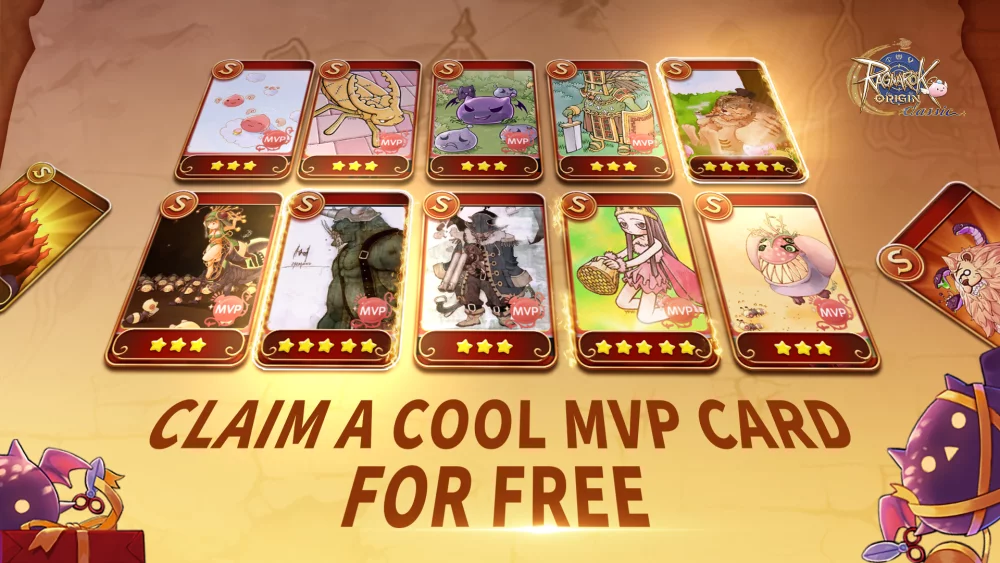
In Ragnarok Origin: Classic, developers frequently release promotional codes to help players boost their progression. These codes often provide essential materials, currency, or temporary buffs that can accelerate your early-game growth or assist in mid-game resource management.
This guide outlines the practical steps required to locate the redemption menu and successfully claim your rewards.
How to Redeem Codes in Ragnarok Origin: Classic
To claim your items, you must use the in-game interface. Follow these steps to ensure your rewards are credited to your character correctly:
- Access the Menu: Open the main game interface and locate the "Settings" or "Benefit" icon, typically found in the top-right corner of the screen.
- Locate the Redemption Tab: Look for an option labeled "Redeem Code," "Gift Code," or "Exchange." This is usually nested under the events or welfare section.
- Enter Your Code: Carefully type or paste your code. Codes are often case-sensitive, so verify the spelling to avoid errors.
- Confirm and Claim: After entering the code, click the claim button. Once successful, the items will typically be sent directly to your in-game mailbox.
Managing Your Rewards
Once you have redeemed a code, follow these tips to manage your incoming items efficiently:
- Check Your Mailbox: If your inventory is full, rewards will often be held in your system mailbox. Always check your mail immediately after redeeming a code to ensure you don't miss any time-sensitive items.
- Prioritize Resource Usage: Use consumable rewards (such as XP potions, refinement stones, or currency boosters) based on your current progression goals. Avoid using high-value items until you are ready to commit to a specific build or upgrade path.
- Monitor Expiration Dates: Some promotional codes are valid for a limited time or have a specific usage cap. If a code returns an "Invalid" or "Expired" message, it is likely no longer active.
- Account Binding: Ensure you are logged into the correct character before redeeming, as rewards are usually non-transferable between different characters on the same account.
Troubleshooting Common Issues
If you encounter issues while trying to redeem your rewards, consider the following checklist:
| Issue | Potential Cause | Solution |
|---|---|---|
| "Invalid Code" | Typo or expired code | Double-check the characters; check the official community channels for active codes. |
| "Already Used" | Code is single-use | Ensure you haven't already redeemed the code on this account. |
| No Items Received | Inventory full or mail delay | Clear inventory space or wait a few minutes for the server to process the transaction. |
| "Requirement Not Met" | Level or server restriction | Some codes are only for new players or specific server launches; verify the code requirements. |
By keeping an eye on official social media channels and community forums, you can stay updated on the latest distributions for Ragnarok Origin: Classic. Always prioritize official sources to avoid phishing links or fraudulent sites claiming to offer "infinite" currency.
Free Ragnarok Origin: Classic Codes
Current active codes and how to redeem them.

Emily Johnson
Emily writes practical mobile strategy guides with a focus on resource planning, base progression, and the early decisions that shape a long-term account.
COMMUNITY
Player Comments
25 players commented on this guide.
Nice guide. I am checking the other Ragnarok Origin: Classic articles next.
The tips are practical and easy to follow.
Good guide for Ragnarok Origin: Classic players. The redeem codes part was useful.
This saved me time in the early game.