

Download RAVEN2 Official Windows PC Client
Official Windows PC client provided by LDPlayer.
About the Official RAVEN2 PC Client
Developer: Netmarble Corporation
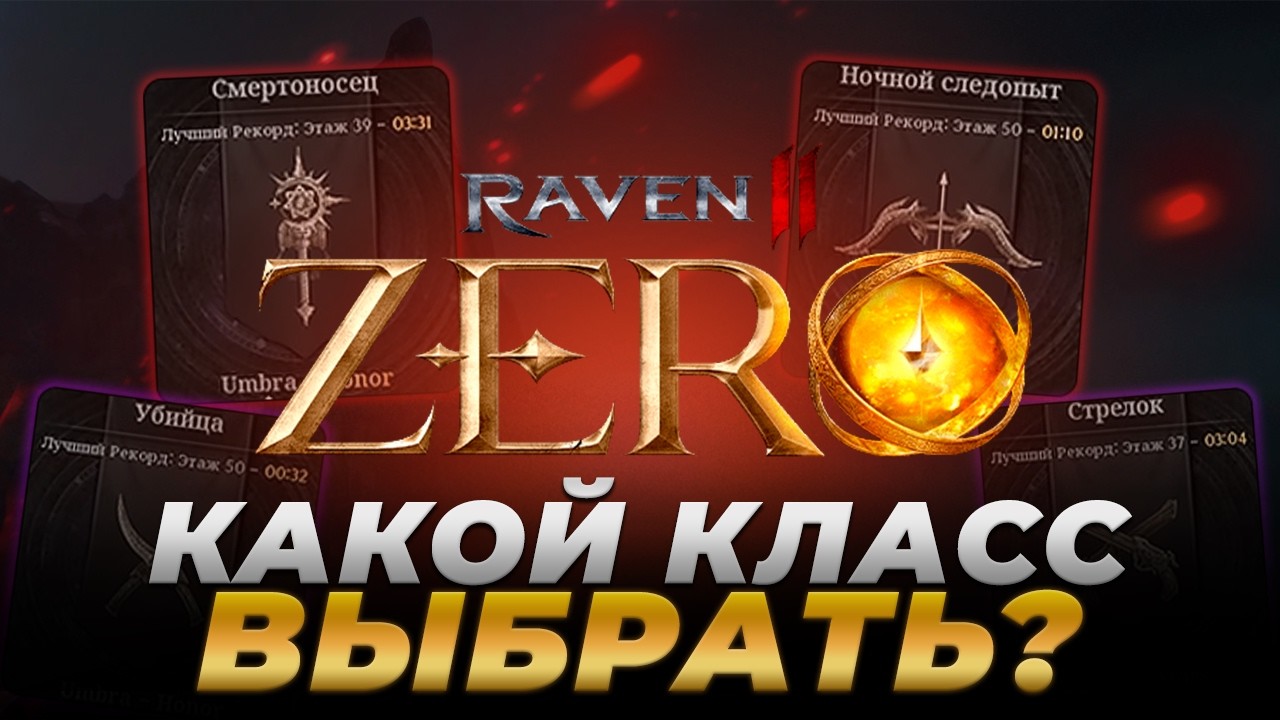
The central loop begins with choosing a class and shaping a hero around its distinct combat role. The Assassin specializes in lethal strikes from the shadows, the Berserker relies on overwhelming destructive power, and the Vanguard protects allies with a shield. Other options include the Elementalist, who controls the battlefield with magic; the Divine Caster, who supports allies with divine power; and the Night Ranger, who subdues enemies from a distance. The roster also includes the Destroyer, Deathbringer, Gunslinger, and Warlord, giving the game a broad range of approaches to combat. As you move through the open world and its story, you are not simply increasing a number on a character sheet: you are refining a combat identity, selecting the kind of pressure your hero applies, and preparing for battles filled with striking visual effects and increasingly dangerous opposition.
Customization is another important part of the progression experience. RAVEN2 emphasizes intricate visual customization, allowing you to create a hero that reflects your preferred style rather than relying on a fixed protagonist. The current Heart of the Halted Empire, or Walthar, update expands that long-term growth with Skill Awakening, a new Rune, a Special Task Force level expansion, and a new dimension in the Dimensional Rift. These additions point to a progression loop built around testing your strengthened character against new challenges, improving abilities, and pursuing greater rewards. Walthar introduces a new imperial land where stronger enemies await, so advancement has a practical purpose: the more your hero grows, the more prepared you are to confront the next tier of threats and push beyond previous limits.
Playing RAVEN2 on PC also gives this presentation and its combat systems more room to breathe. A larger display makes it easier to read the battlefield during major encounters, follow the position of enemies and allies, and distinguish the visual effects associated with different attacks and abilities. It is also useful when exploring the open world, where a wider view can help you orient yourself while moving through the imperial lands and deciding which encounter or objective to approach next. Keyboard-and-mouse input can make repeated movement, camera adjustments, target selection, and access to combat actions feel more deliberate, particularly when you are switching between offense, defense, and support roles. The precision of a mouse is also helpful when examining your hero’s skills, Rune choices, and customization options, while a keyboard gives you quick access to frequently used actions during extended battles. Together, the larger screen and flexible controls suit a game focused on class decisions, visual combat information, character growth, and the ongoing effort to survive a dark fantasy world where stronger enemies and greater rewards are always ahead.
Screenshots
How to Download and Install the Official RAVEN2 PC Client
- Download and install the official Windows client distributed by LDPlayer.
- Open the app and sign in with your Google Play account.
- Search for RAVEN2 in the app store.
- Install the game and finish the first-launch download.
- Use the same game login if account sync is available.
Why Play RAVEN2 on PC?
Menus, maps, resources, and combat details are easier to read on a desktop display.
Keyboard and mouse input makes repeated actions and long sessions more comfortable.
Desktop play avoids phone battery drain during longer farming sessions.
Keep guides, codes, and notes open alongside the game on PC.
Controls and Performance
These three settings solve most common issues when playing on PC.
Map navigation, skill use, and repeated resource actions first.
Lower resolution or graphics quality if crowded scenes lose frames.
Link your account before switching devices so progress can be restored safely.
RAVEN2 Official PC Client FAQ
Can I play RAVEN2 on PC?
Yes. Download the official Windows PC client distributed by LDPlayer and play with a larger screen, keyboard, and mouse controls.
Is RAVEN2 better on PC than mobile?
Playing on PC can make longer sessions, detailed menus, and resource management more comfortable, while mobile is still convenient for quick check-ins.
Will my RAVEN2 progress sync on PC?
Progress depends on the sign-in options supported by the game. Use the same linked Google, Facebook, Apple, or game account on both devices.
Why does RAVEN2 lag on PC?
Lag can be caused by limited RAM, demanding graphics settings, outdated client files, or background apps. Lower the graphics settings and keep the PC client up to date.
DOWNLOAD STARTED
Your download is starting
Check your browser Downloads if it does not appear.
Official PC client for Windows, distributed by LDPlayer.
Download again