
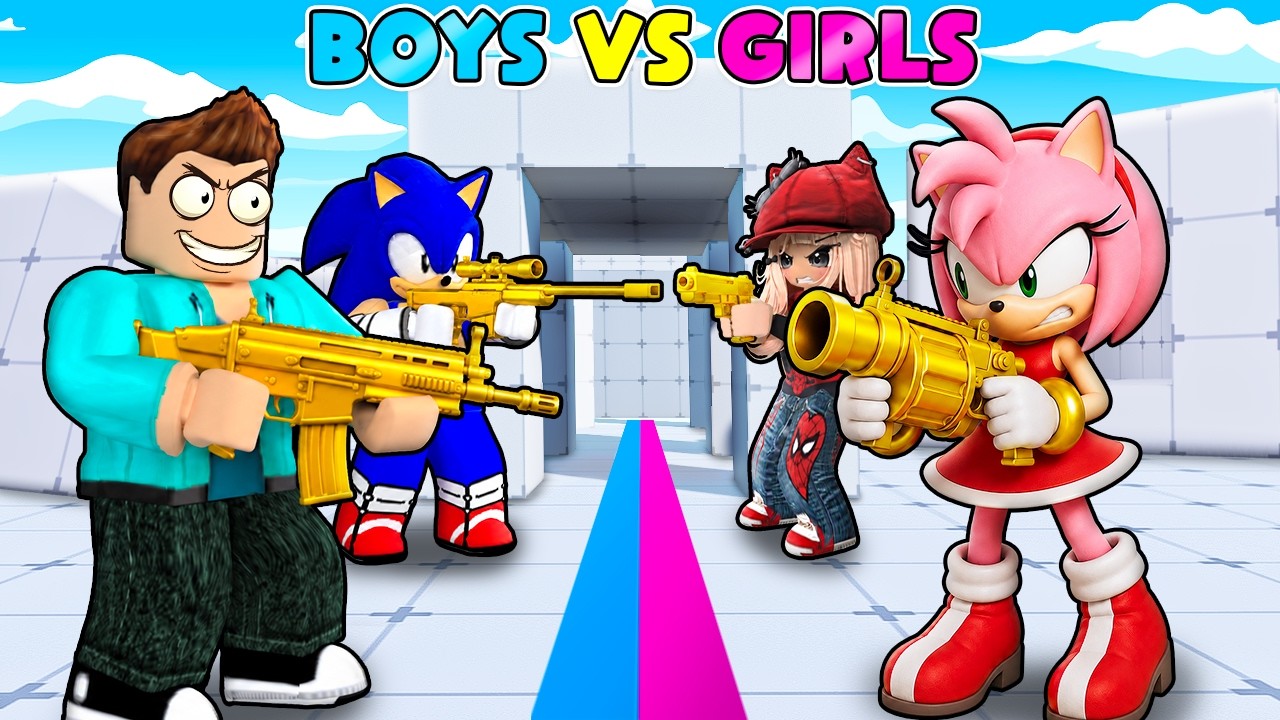
To set up a custom team challenge in Roblox Rivals, assemble your group in the pre-game lobby to lock in symmetrical team sizes, select win conditions, and establish skill handicaps before starting the match.
Setting Up Custom Match Parameters
Before entering the arena, establish clear match rules so all players understand their roles and objectives.
- Team Formatting: Divide your group into distinct factions, such as a "Boys vs. Girls" split or custom squad rosters.
- Equal Team Sizes: Keep player counts balanced on both sides. Uneven rosters lead to quick eliminations that prevent effective strategy testing.
- Victory Conditions: Agree on a specific match goal in the pre-game lobby. Common options include reaching a set total elimination count or maintaining control over a targeted map location for a specific duration.
In-Game Positioning and Teamwork Tactics
Winning custom group challenges requires organized movement and clear communication across the map.
Defensive Formations
Avoid clustering in narrow hallways or tight corridors. Grouping too closely leaves your squad vulnerable to splash damage from explosive weapons or area-of-effect attacks. Maintain a loose formation that covers multiple lines of sight while keeping teammates close enough for quick support.
Synchronized Attacks
Coordinate pushes so your entire group attacks an objective simultaneously. Single, uncoordinated pushes allow defenders to eliminate players one by one. If an opposing team establishes a defensive perimeter, use long-range weapons to break their formation or send a squad member to flank their position.
Managing Respawns and Momentum
When your team loses members or falls behind, use the respawn reset period to adjust tactics rather than rushing back into combat individually. When your team holds the advantage after securing multiple eliminations, push forward immediately to claim central map points or secure high ground.
Balancing Matches for Mixed Skill Levels
When hosting group challenges with players of varying experience levels, implement adjustment rules to keep competition fair across multiple rounds:
| Rule Type | Action | Purpose |
|---|---|---|
| Weapon Restrictions | Limit the more experienced team to specific weapon classes while allowing opponent teams full access. | Prevents one-sided blowouts without excluding skilled players. |
| Roster Rotations | Swap players between team factions after each round. | Balances overall group skill distribution and prevents repeated sweeps. |

Free Roblox Codes
Current active codes and how to redeem them.

Emily Johnson
Emily writes practical mobile strategy guides with a focus on resource planning, base progression, and the early decisions that shape a long-term account.
COMMUNITY
Player Comments
72 players commented on this guide.
This guide answered the exact question I had.
The explanation is clear, especially for beginners.
This saved me time in the early game.
Nice guide. I am checking the other Roblox articles next.