
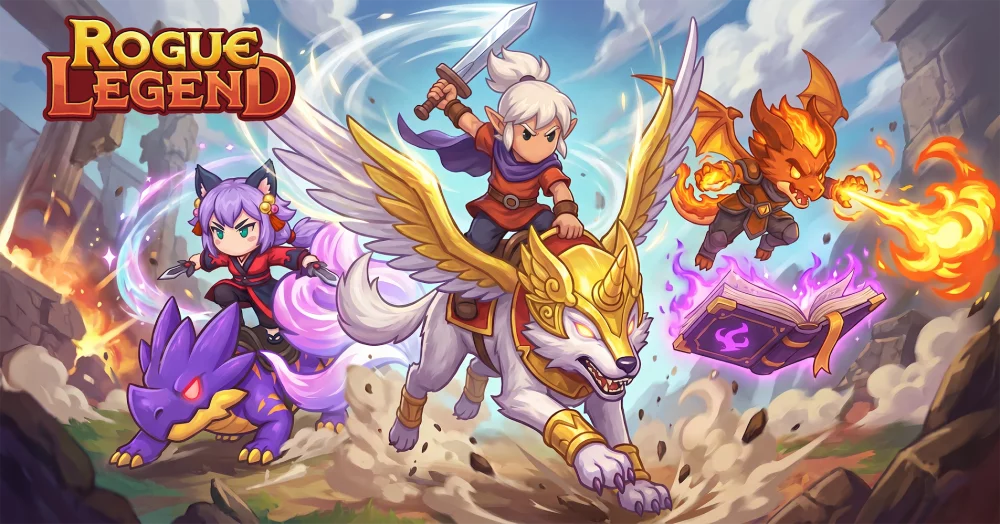
NPC followers in Rogue Legend often exhibit persistent tracking behaviors that can impact your movement and overall exploration flow. By understanding the triggers that cause specific characters to shadow your path, you can better manage your positioning during intense encounters or while navigating complex environmental puzzles. This guide breaks down the underlying logic of NPC proximity and provides practical tips to maintain control over your movement when dealing with persistent companions during your journey.
Understanding Persistent NPC Tracking Mechanics
The primary reason NPCs follow your character in Rogue Legend is tied to quest-specific scripting and proximity-based triggers. When an NPC is assigned to your party or follows you as part of an active mission objective, the system prioritizes keeping them within a certain radius of your character model.
- Proximity Anchors: Most followers are tethered to your coordinates. If you move too quickly, the game forces them to "teleport" or sprint to catch up to your current location.
- Pathfinding Limitations: In complex environments with verticality or narrow corridors, NPCs may get stuck behind geometry. If you notice a follower is constantly "following" but lagging, pause momentarily to allow their pathing AI to recalculate the route.
- Scripted Events: Some NPCs follow you as a narrative device to signal that a story event is ready to trigger. If an NPC refuses to stop following you, check your active quest log to see if you have reached the necessary map milestone to resolve their current dialogue state.
Tips for Managing Follower Positioning
Effective movement while accompanied by NPCs involves anticipating how their AI reacts to your combat and traversal choices. Use these strategies to keep your followers from hindering your progress:
| Strategy | Benefit |
|---|---|
| Clear Line of Sight | Prevents NPCs from getting snagged on environment assets. |
| Hold Position Commands | Stops aggressive followers from engaging enemies prematurely. |
| Check Quest Triggers | Ensures the NPC is not stuck waiting for an interaction prompt. |
| Map Z-Axis Awareness | Prevents AI pathing errors in multi-level dungeon zones. |
Troubleshooting NPC Stuck States
If an NPC continues to follow you despite completing an objective, it is often a sign of a "soft-locked" state. First, attempt to interact with the NPC to see if a dialogue menu triggers a change in their status. If that fails, fast-traveling to a different zone or region in Rogue Legend usually resets the follower's tether, forcing them to respawn in a neutral state or return to their designated home area. Avoid rapid save-loading, as this can sometimes preserve the glitching AI state.

Free Rogue Legend Codes
Current active codes and how to redeem them.

James Brown
James focuses on Android gaming on PC, emulator setup, controls, performance tuning, and practical troubleshooting for longer play sessions.
COMMUNITY
Player Comments
86 players commented on this guide.
I wish I had read this before upgrading the wrong thing.
This saved me time in the early game.
This helped me understand strategy much better.
Good guide for Rogue Legend players. The strategy part was useful.