
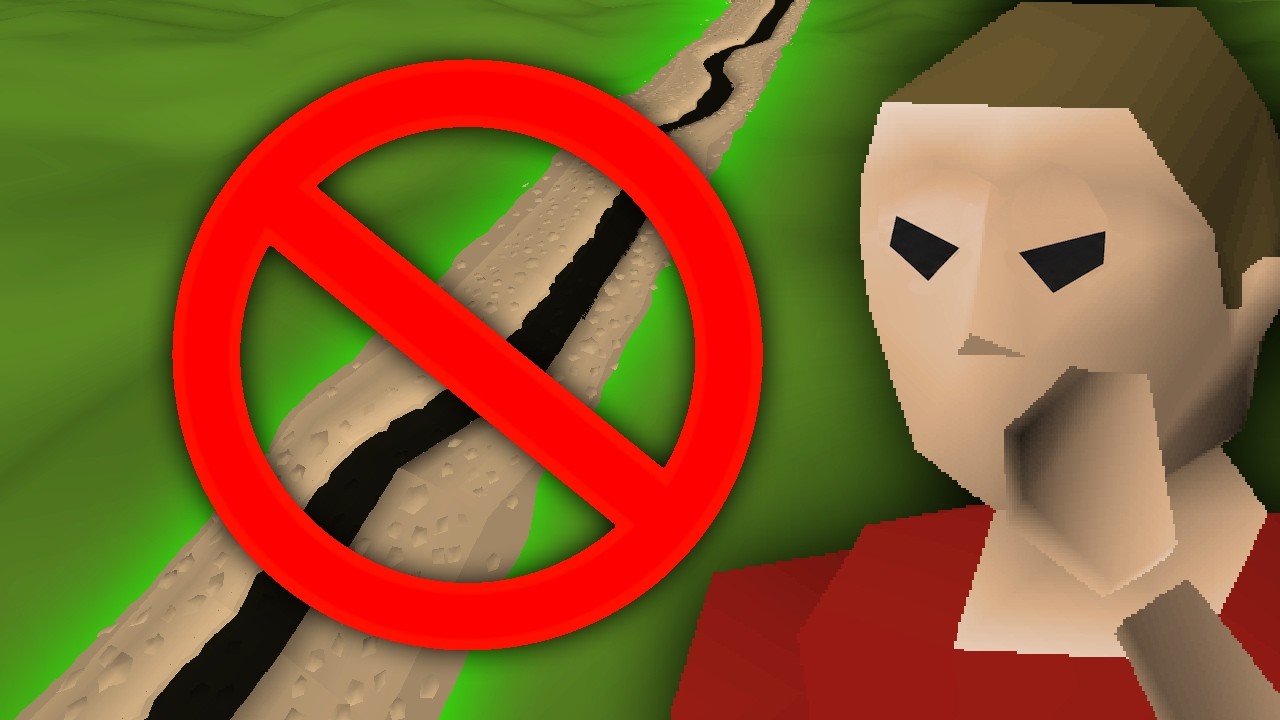
The Wilderness Ditch in RuneScape is a continent-wide physical barrier that separates the safe southern kingdoms from the northern player-versus-player (PvP) Wilderness. Crossing requires an intentional jump interaction that breaks automated movement paths, protecting accounts from fatal boundary lures and accidental combat entry.
Whenever carrying valuable skilling equipment, clue scrolls, or non-combat gear, leave the ditch crossing warning enabled and set player attack options to "Always Right-Click" or "Hidden" before stepping near the border.
Anti-Luring Mechanics and Protections
Before the ditch was introduced, regions such as Edgeville and northern Varrock transitioned into the Wilderness across open dirt paths marked only by subtle landscape cues and easily ignored signs. Malicious players used automated movement queues and interface freezes to pull unsuspecting victims into combat zones.
The ditch functions as a hard physical divider that stops these tactics:
- Movement Path Interruption: Clicking north of the ditch halts your character at the southern rim. You cannot be path-baited across the border by following another player or clicking dropped loot.
- Drop Lure Prevention: Scammers frequently leave coins or items just inside dangerous territory. Clicking the item stops your character at the edge, forcing an explicit jump input rather than a seamless walk into lethal territory.
- Interface Stall Defense: Deceptive interactions like Trade requests or Tele-Other spells previously froze player clients while dragging them across borders. Because the ditch requires an independent leap animation, automated dragging fails.
- Displacement Immunity: Forced-movement combat abilities, such as the Dragon Spear special attack, cannot shove a player across the ditch from safe ground.
| Feature | Open Border System | Wilderness Ditch System |
|---|---|---|
| Crossing Method | Uninterrupted walking or running | Mandatory jump interaction |
| Movement Queue | Continuous across boundary lines | Hard reset upon reaching the edge |
| Lure Resistance | Low (susceptible to stalls and path traps) | High (requires manual confirmation) |
| Displacement | Vulnerable to forced-movement attacks | Blocked by southern barrier collision |
| Visual Warning | Ambient terrain shifts | Explicit trench and warning prompt |
Why the Ditch Remains in RuneScape
Players frequently debate the ditch because the trench breaks visual immersion across the map. However, technical engine limits and player polls have kept it intact:
- Player Polling: Community discussions consistently show that account and item protection far outweigh visual nostalgia. Players routinely vote to preserve the barrier.
- Collision and Zone Rules: Safe regions and PvP areas rely on clear tile partitions to govern combat tagging, single-way versus multi-combat parameters, and player-killing (PJ) timers. Removing the barrier would require re-engineering decades of border collision data.
- Border-Hopping Exploits: Without a physical barrier, players could rapidly step back and forth across a single boundary line to abuse combat delays, bait teleblock spells, or disrupt PvP encounters.
How to Safely Cross the Border
Configure your game settings and control boundary positioning before approaching active crossing areas:
- Keep Crossing Warnings Enabled: Jumping the ditch triggers an interface prompt confirming your choice to enter the Wilderness. Keep this warning turned on whenever doing clues or skilling. Only disable it if you are engaging in dedicated PvP combat where entry speed is critical.
- Avoid Border Idling at Common Chokepoints: Areas directly north of Edgeville and the Grand Exchange shortcut frequently host scout accounts looking for high-value targets. Stand several tiles back from the ditch until you are ready to leap.
- Hide Player Attack Options: Disguised players often stand north of the ditch in weak equipment to bait retaliatory clicks. Set your player attack options to "Always Right-Click" or "Hidden" in your controls interface to prevent misclicking, accidental skulling, and losing your gear.

Free RuneScape Codes
Current active codes and how to redeem them.

James Brown
James focuses on Android gaming on PC, emulator setup, controls, performance tuning, and practical troubleshooting for longer play sessions.
COMMUNITY
Player Comments
86 players commented on this guide.
Nice guide. I am checking the other RuneScape articles next.
Good guide for RuneScape players. The strategy part was useful.
This helped me understand strategy much better.
The tips are practical and easy to follow.