

Download RuneScape Official Windows PC Client
Official Windows PC client provided by LDPlayer.
About the Official RuneScape PC Client
Developer: Jagex
The central RuneScape loop is the gradual development of your character through 29 skills, exploration, quests, resource gathering, crafting, trading, and combat. Woodcutting, Fishing, Herblore, and Cooking support a more practical or self-sufficient style, while Crafting, Farming, Smithing, and Construction let you create and manage useful resources and projects. Other skills, including Hunting, Divination, Invention, Runecrafting, Summoning, Slayer, and Dungeoneering, open different routes into the game’s broader systems and objectives. When you are ready for direct action, you can fight with melee weapons, attack from range, or use Magic, choosing an approach suited to your character and the enemies ahead. Encounters range from demons, dragons, rock monsters, and serpents to epic bosses that demand preparation and a willingness to risk your progress. Outside combat, owning your own port, running a farm, and making money through The Grand Exchange add management and economic goals, while the Bank helps organize the equipment and exotic wares you collect. RuneScape also supports both solitary play and social adventures, whether you prefer an evening of relaxed, AFK second-screen activities or a risky raid with friends. On PC, the larger display makes it easier to read combat information, keep track of your character’s surroundings, and compare the equipment or resources you are carrying while moving between areas such as Catherby, the Wilderness, and the Kharidian Desert. Keyboard-and-mouse controls are especially useful when navigating the world, selecting distant targets, managing inventory and Bank items, or repeating gathering and crafting actions without relying on a small touch interface. The free game provides a substantial starting experience, while optional membership adds eight more skills, over 120 additional quests, and access to the entire world map. With cross-play between PC and mobile, a community connected through forums and regular developer livestreams, and a world shaped by more than 20 years of new content, RuneScape gives you room to set your own priorities and steadily turn them into a personal adventure.
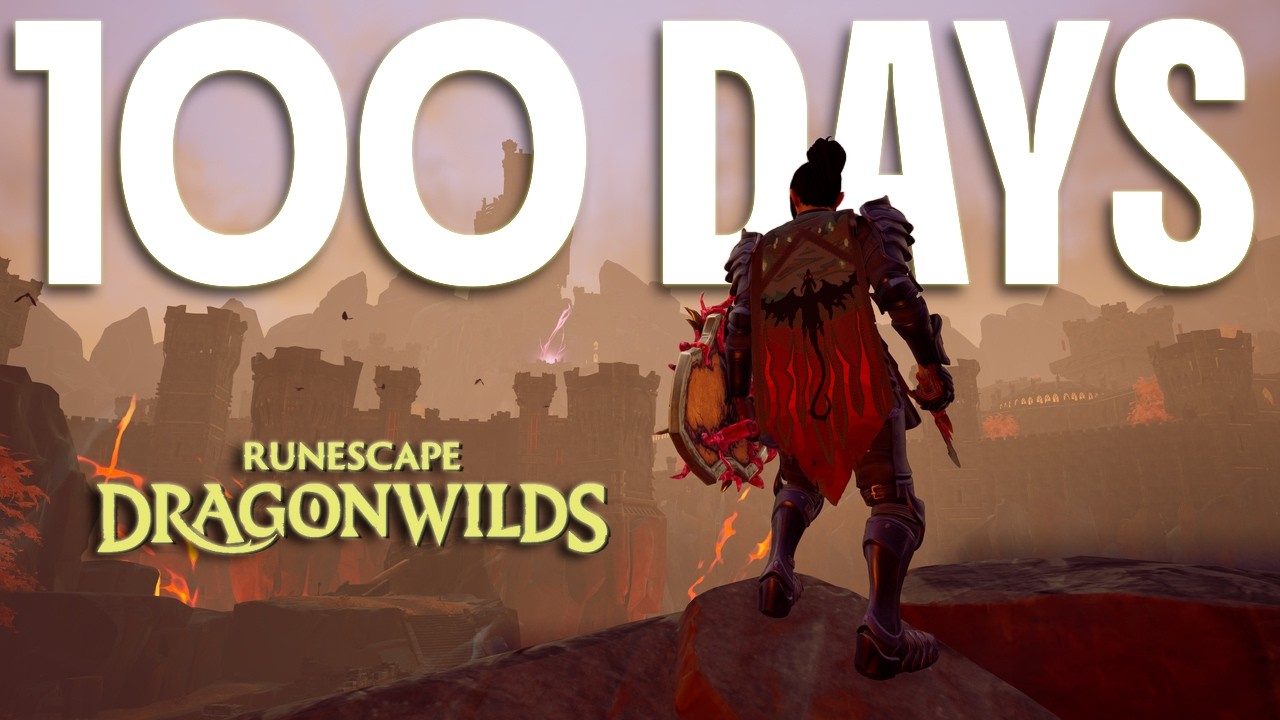
Screenshots
How to Download and Install the Official RuneScape PC Client
- Download and install the official Windows client distributed by LDPlayer.
- Open the app and sign in with your Google Play account.
- Search for RuneScape in the app store.
- Install the game and finish the first-launch download.
- Use the same game login if account sync is available.
Why Play RuneScape on PC?
Menus, maps, resources, and combat details are easier to read on a desktop display.
Keyboard and mouse input makes repeated actions and long sessions more comfortable.
Desktop play avoids phone battery drain during longer farming sessions.
Keep guides, codes, and notes open alongside the game on PC.
Controls and Performance
These three settings solve most common issues when playing on PC.
Map navigation, skill use, and repeated resource actions first.
Lower resolution or graphics quality if crowded scenes lose frames.
Link your account before switching devices so progress can be restored safely.
RuneScape Official PC Client FAQ
Can I play RuneScape on PC?
Yes. Download the official Windows PC client distributed by LDPlayer and play with a larger screen, keyboard, and mouse controls.
Is RuneScape better on PC than mobile?
Playing on PC can make longer sessions, detailed menus, and resource management more comfortable, while mobile is still convenient for quick check-ins.
Will my RuneScape progress sync on PC?
Progress depends on the sign-in options supported by the game. Use the same linked Google, Facebook, Apple, or game account on both devices.
Why does RuneScape lag on PC?
Lag can be caused by limited RAM, demanding graphics settings, outdated client files, or background apps. Lower the graphics settings and keep the PC client up to date.
DOWNLOAD STARTED
Your download is starting
Check your browser Downloads if it does not appear.
Official PC client for Windows, distributed by LDPlayer.
Download again