
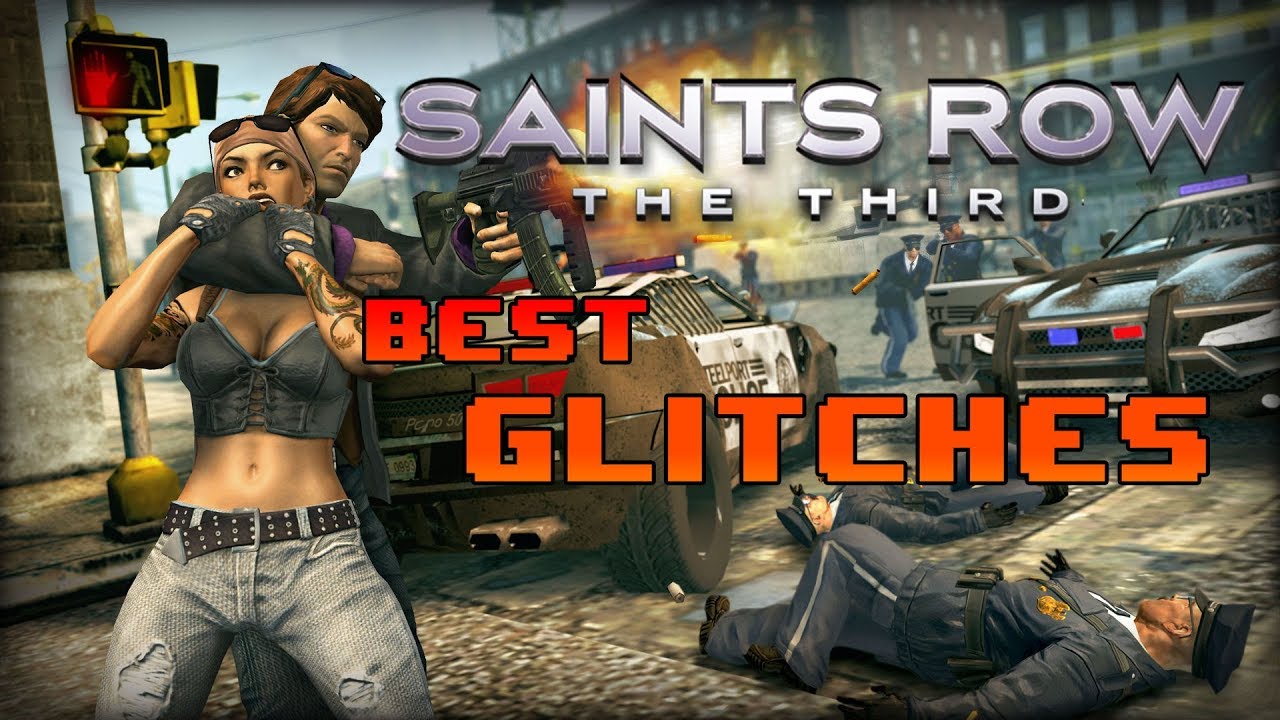
In Saints Row: The Third, you can exploit engine collision detection and animation cancels to launch your character into the air, clip through walls, and skip movement recovery lag. Save your manual progress before attempting any physics exploits during free-roam exploration in Steelport, as falling out of bounds or breaching quest areas can break mission triggers or force a character position reset.
How to Perform the Super Jump Glitch
The super jump glitch manipulates mantle physics on low-profile geometry to boost your upward vertical momentum beyond a standard jump. This technique gives you quick access to rooftops in free roam without relying on helicopters or specific vehicle spawns.
- Locate a low-profile obstacle or ledge that triggers a standard character mantle animation.
- Sprint directly toward the edge of the object.
- Jump at the exact moment of collision with the ledge geometry.
Executing the jump at the precise hit moment converts mantle animation collision into vertical velocity. Smooth, flat ledges yield consistent height boosts, whereas complex or irregular models often fail. If your timing is off, your character will perform a normal mantle without taking damage, allowing for immediate reattempts.
Vehicle Geometry Clipping and Out-of-Bounds Entry
Vehicle clipping exploits how the physics engine positions your character when exiting a vehicle parked near solid boundaries. This permits entry into locked interior zones or out-of-bounds map areas.
- Placement: Park your vehicle at a tight angle against a building wall, corner, or interior mission transition barrier.
- Execution: Exit the vehicle so the exit animation forces your character model into the adjacent solid geometry.
- Result: Your character will pop through to the opposite side of the locked wall or clip through the map entirely.
Clipping out of bounds carries the risk of dropping into the unrendered void beneath Steelport, which will eventually reset your character to the nearest valid safe terrain.
Speed Traversal via Animation Canceling
Animation canceling bypasses the end-recovery frames of combat and interaction actions, allowing you to sustain forward movement speed through dense urban areas.
To execute an animation cancel, initiate a melee attack or object interaction and immediately perform a weapon swap or a dodge roll. This cuts off the animation lag while carrying your forward momentum forward.
Because animation canceling relies on input timing rather than environmental objects, it is more consistent than ledge jumps or vehicle clips. However, mistiming the cancel leaves your character briefly immobile, making it risky while actively pursued by police or rival gang members.
Exploitation Risks and Save Safety
Physics and collision exploits are unstable and should generally be avoided during active mission storylines.
| Glitch Type | Primary Mechanism | Best Application | Failure Risk |
|---|---|---|---|
| Super Jump | Mantle momentum transfer | Rooftop access in free roam | Normal mantle on mistiming |
| Vehicle Clip | Exit animation collision | Bypassing locked barriers | Falling into void / position reset |
| Animation Cancel | Weapon swap / roll cancel | Street-level traversal speed | Brief immobility on bad input timing |
If textures begin flickering or your character enters an endless falling state while clipped inside geometry, look for a nearby exit point or reload your last manual save file to prevent mission progression issues.

Free Saints Row: The Third Codes
Current active codes and how to redeem them.

Sarah Williams
Sarah specializes in RPG and collection games, explaining team building, character growth, and beginner-friendly ways to avoid expensive early mistakes.
COMMUNITY
Player Comments
38 players commented on this guide.
This guide answered the exact question I had.
This saved me time in the early game.
The tips are practical and easy to follow.
The explanation is clear, especially for beginners.