
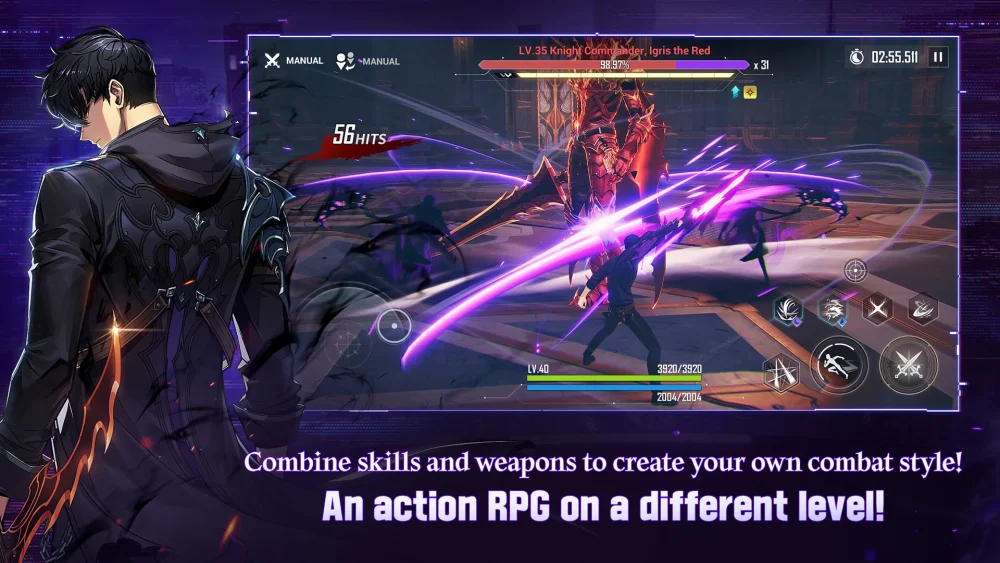
To claim supporter rewards like Essence Stones and Custom Draw Tickets in Solo Leveling:Arise, you must pledge support to an approved creator through Netmarble's creator platform and redeem the generated coupon codes. Because creator support cycles expire periodically, you must re-pledge support during new campaign periods to remain eligible for fresh reward codes.
How to Register for Creator Support Codes
Coupons from the Netmarble Partner Creator program are distributed through an external web portal rather than standard in-game event notices. Follow these steps to link your account and collect available codes:
- Find your Member Code: Open Solo Leveling:Arise, go to the Options menu, select the Account tab, and copy your alphanumeric Member Code (Account ID).
- Open the Creator Portal: Visit the official Netmarble Partner Creator website on a web browser.
- Log In: Sign in with the credentials linked to your active game account (such as Google, Apple, email, or Netmarble ID).
- Select a Creator: Search for an approved Solo Leveling:Arise creator and select Support on their profile.
- Retrieve Your Codes: Check the platform's coupon tab or the creator's campaign milestone section to view the promotional codes assigned to your account.
Support agreements reset at the end of each promotional period. If a new reward campaign begins, you must return to the creator portal and renew your support to receive new coupons.
How to Redeem Codes by Platform
Redemption steps depend on the operating system you use. Android and PC users can redeem codes directly in the game client, while iOS users must use an external redemption webpage.
| Platform | Redemption Location | Required Information |
|---|---|---|
| Android & PC Launcher | In-game Options menu | Coupon code |
| iOS | Official Netmarble coupon website | Member Code and coupon code |
In-Game Redemption (Android and PC)
- Open the game menu in the upper-right corner.
- Select the Options gear icon and go to the Account Settings tab.
- Select Redeem Code.
- Paste the coupon code into the text field and confirm.
- Open your in-game mailbox to collect the items.
Web Redemption (iOS)
- Open the official Solo Leveling:Arise coupon redemption page in a browser.
- Enter your Member Code in the top field.
- Enter your coupon code in the designated box and submit.
- Open the game client and check your in-game mailbox to collect your rewards.
Troubleshooting Redemption Errors
If a coupon fails to deliver rewards, check the following failure points:
- Incorrect Member Code: On the web portal, copying and pasting the code directly from your Account tab prevents typos that route items to invalid accounts.
- Single-Use Restrictions: Supporter coupon codes are valid for only one redemption per account ID per promotional period.
- Expired Support Status: If a creator campaign cycle ends, coupon distribution pauses until you log into the portal and click the Support button again for that creator.
Free Solo Leveling:Arise Codes
Current active codes and how to redeem them.

James Brown
James focuses on Android gaming on PC, emulator setup, controls, performance tuning, and practical troubleshooting for longer play sessions.
COMMUNITY
Player Comments
57 players commented on this guide.
I wish I had read this before upgrading the wrong thing.
The tips are practical and easy to follow.
This guide answered the exact question I had.
Good guide for Solo Leveling:Arise players. The redeem codes part was useful.