
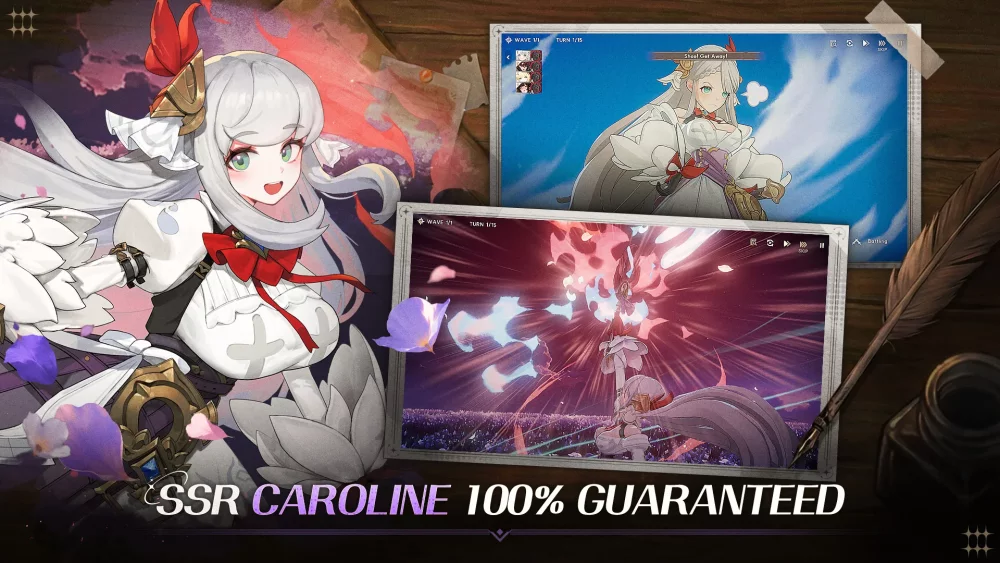
Navigating a global launch can be tricky, especially when managing account synchronization across different platforms. If you are preparing to dive into Star Sailors on your preferred mobile device or emulator, understanding the technical setup for account binding and regional access is essential for a smooth experience.
Ensuring Seamless Account Synchronization
To prevent progress loss, especially when switching between Android, iOS, or PC-based emulators, you should prioritize binding your account immediately upon your first login. Star Sailors utilizes a multi-platform infrastructure, and failing to link your account to a permanent service (such as Google, Apple, or the designated social media login provided at launch) can lead to difficulties in retrieving your data if you switch devices or clear your application cache.
- Bind Early: Always link your account before attempting any major progress milestones.
- Platform Consistency: Ensure that your account binding method is supported on all devices you intend to play on.
- Data Backups: If you are using an emulator, keep a backup of your instance settings once your account is successfully linked.
Regional Access and APK Installation Tips
For players accessing Star Sailors during the global rollout, regional availability can sometimes vary. If you are downloading the APK directly from official channels, follow these best practices to ensure your client remains updated and stable:
| Feature | Recommendation |
|---|---|
| Official Sources | Only download APKs from the developer’s official website or verified app stores. |
| Update Management | Enable automatic updates in your app store to avoid version mismatch errors. |
| Permissions | Grant only the necessary permissions required for the app to function (e.g., storage for assets). |
| Network Stability | Use a stable Wi-Fi connection for the initial asset download to prevent file corruption. |
Troubleshooting Common Launch Issues
When a game like Star Sailors goes live globally, servers may experience high traffic. If you encounter connectivity issues or "stuck at loading" screens, try the following steps:
- Clear Cache: If the game fails to boot, navigate to your device settings and clear the Star Sailors cache.
- Verify Version: Ensure you are running the most recent version of the client. Outdated versions often prevent login to global servers.
- Check Server Status: Monitor official social media channels for announcements regarding server maintenance or known login bugs during the first 24–48 hours of launch.
- Re-login: If currency or rewards from pre-registration do not appear, log out and back in to force a server-side synchronization.
Optimizing Your Launch Day Experience
As you begin your journey in Star Sailors, remember that the global launch period is the best time to participate in limited-time events. Often, these events offer unique resources or currency that can accelerate your early-game progression. Keep an eye on your mailbox and the event dashboard regularly to ensure you do not miss out on time-sensitive rewards that are typically distributed to all players during the initial launch window.

Free Star Sailors Codes
Current active codes and how to redeem them.

Michael Smith
Michael covers live-service games, events, reward systems, and efficient daily routines, turning frequent updates into clear actions for players.
COMMUNITY
Player Comments
102 players commented on this guide.
Good guide for Star Sailors players. The strategy part was useful.
This saved me time in the early game.
I wish I had read this before upgrading the wrong thing.
Can you add more details about strategy in a future update?