
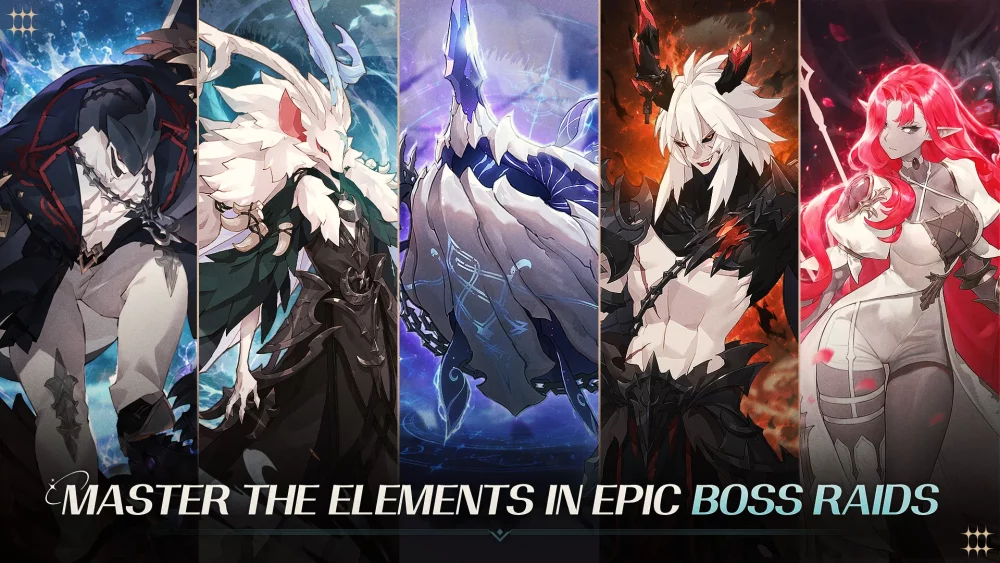
Star Sailors offers players more than just tactical combat and resource management; it features a robust Photo Mode that allows you to capture your favorite characters and the game’s detailed environments. Whether you want to document your squad’s progression or showcase specific character outfits, mastering the camera tools is essential for any player who enjoys the aesthetic side of the experience.
Accessing and Navigating Photo Mode
Photo Mode in Star Sailors is designed to be accessible directly from the main interface or specific character menus. Once active, you gain control over the camera to frame your shots.
- Free Camera Movement: Use the directional controls to pan, tilt, and zoom. This allows you to bypass fixed viewing angles and find unique perspectives on character models.
- Depth of Field: Adjust the focus distance to blur the background, effectively highlighting the character in the foreground. This is particularly useful when taking portraits in busy, high-detail zones.
- Filters and Overlays: Experiment with the available visual filters to change the mood of the scene. These can be adjusted in real-time to match the lighting of the environment.
Best Practices for Character Portraits
If you are looking to showcase your "Overprotective Brother" or other key characters, consider these tips to get the highest quality result:
| Feature | Tip for Better Shots |
|---|---|
| Lighting | Position your character near natural light sources or glowing environmental elements to enhance textures. |
| Framing | Use the "Rule of Thirds" by placing your character off-center for a more professional photographic look. |
| Expression | Cycle through available idle animations or poses before entering Photo Mode to find the perfect character reaction. |
| Background | Choose locations that complement the character’s color palette or thematic design to create a cohesive image. |
Why Use Photo Mode?
Beyond just vanity, spending time in Photo Mode can deepen your appreciation for the art direction in Star Sailors. Many players use this tool to:
- Document Gear Progress: Capture high-resolution images of your characters after equipping rare gear or limited-time skins.
- Creative Content: Generate unique screenshots for social media or personal records of your current team composition.
- Environmental Study: Use the zoom function to scout hidden details in the game’s backgrounds that are often missed during fast-paced combat or navigation.
Tips for Better Framing
- Zoom vs. Distance: Instead of just zooming in, try moving the camera physically closer to the model to avoid lens distortion, which can sometimes occur at extreme zoom levels.
- Hide UI: Always ensure the user interface is completely hidden before taking the shot. Most platforms allow you to tap a specific "Hide UI" button in the menu to ensure a clean capture without text or buttons obstructing the view.
- Time of Day: If the location has a dynamic lighting cycle, wait for the "Golden Hour" (or the game’s equivalent of sunset/sunrise) to capture warmer, more dramatic lighting on character faces.
Free Star Sailors Codes
Current active codes and how to redeem them.

Sarah Williams
Sarah specializes in RPG and collection games, explaining team building, character growth, and beginner-friendly ways to avoid expensive early mistakes.
COMMUNITY
Player Comments
140 players commented on this guide.
This helped me understand resources much better.
The explanation is clear, especially for beginners.
Can you add more details about resources in a future update?
The tips are practical and easy to follow.