
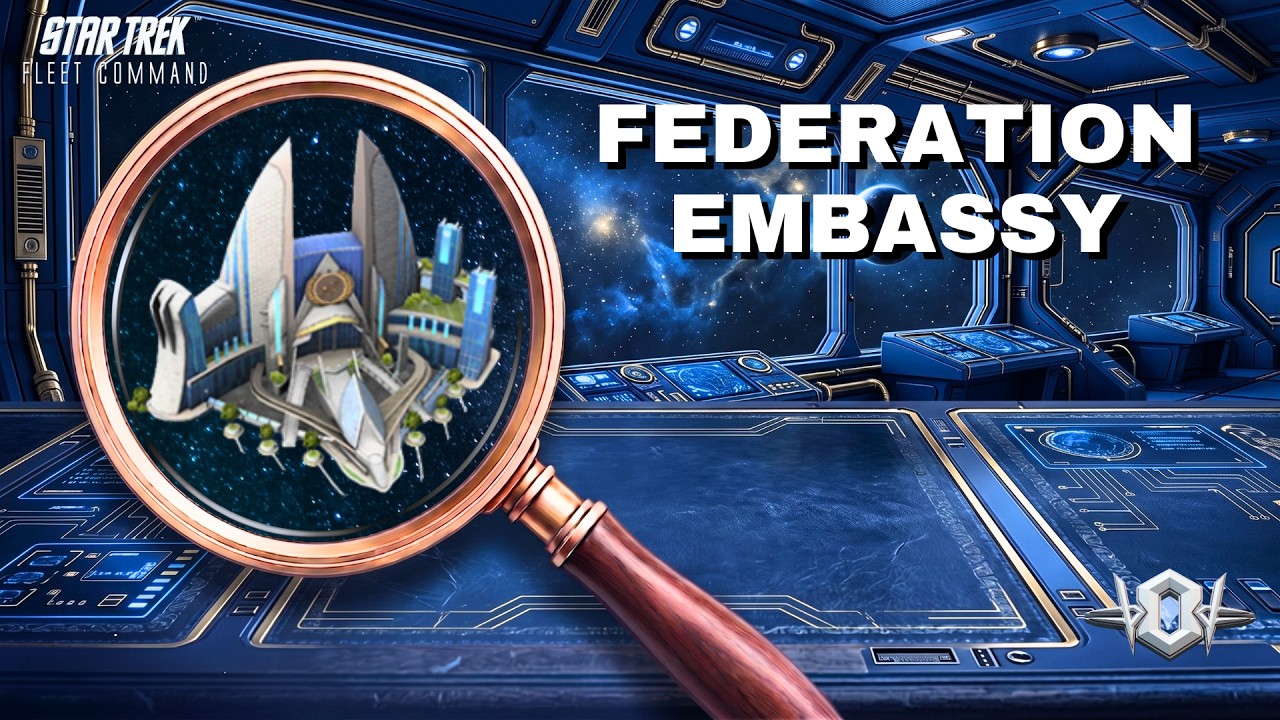
To complete the Federation Embassy mission in Star Trek Fleet Command, warp a combat warship with sufficient warp range to the target Federation sector, scan the planetary embassy installation, and destroy the hostile Interceptor raider that ambushes you. For the final resolution, choose Support the Embassy to earn Federation Reputation and unlock progression toward high-tier ships, or select Negotiate Ceasefire if you need to protect your standing with the Klingon and Romulan factions.
Fleet Preparation and Officer Lineups
Before leaving your station, confirm that your chosen warship meets the warp range requirement for the mission sector. Sending an under-leveled warship or an unescorted survey vessel will trigger a routing error or lead to rapid hull loss against mission enemies.
Because the embassy ambush spawns an Interceptor-class raider, deploy a Battleship—such as the early-game Talla—to leverage the ship combat triangle. Battleships provide elevated armor and mitigation against energy piercing, reducing post-battle repair costs. Activating an Exocomp combat buff that increases weapon damage or hull defense by 10% to 20% further lowers incoming damage.
Pair your warship with a damage-mitigation bridge crew:
- Early-Game Setup: Assign Cadet Pike as captain, supported by Cadet Spock and Cadet Uhura on the bridge. This activates Cadet synergy to accelerate shield regeneration and blunt incoming kinetic and energy damage.
- Mid-to-Late Game Setup: Place Christopher Pike in the command chair alongside Groppler Moreau and Chen. This crew drastically reduces hostile weapon penetration against Battleships and Interceptors. If you face Explorer hulls instead, replace Chen with T'Laan to counter kinetic weapon profiles.
Step-by-Step Mission Walkthrough
Complete the assignment by executing each phase in sequence:
- Accept the Mission: Open the galaxy map, locate the mission marker in the designated Federation frontier system, and confirm the contract in your active log.
- Warp to the Coordinates: Select your prepped combat ship, set a direct course to the embassy system, and verify that your shields are fully charged before arrival.
- Scan the Installation: Locate the planetary embassy structure in the system view, select it, and trigger the orbital scan to advance the mission dialogue.
- Destroy the Raider: Eliminate the hostile Interceptor immediately after it spawns to prevent damage to friendly vessels in the sector.
- Debrief at the Console: Re-engage the embassy installation console and select your preferred narrative branch to claim your rewards.
Dialogue Branches and Rewards
Your dialogue decision determines your immediate resource yield and affects your long-term faction diplomacy.
| Dialogue Choice | Immediate Rewards | Faction Standing Effect | Recommended Target |
|---|---|---|---|
| Support the Embassy | Federation Credits, Officer XP, Parsteel | + Federation Rep / - Klingon & Romulan Rep | Players pursuing Federation faction lock or daily goals |
| Negotiate Ceasefire | Dilithium, Tritanium, Ship XP | Neutral standing / Minimal rep loss | Dual-faction players balancing Klingon and Romulan reputation |
Choosing Support the Embassy accelerates your path toward key Federation blueprints, including the Mayflower and USS Enterprise. However, driving your Federation standing higher will eventually make Klingon and Romulan space hostile, causing automated bounty hunters to attack your fleet on sight.
If you choose the pro-Federation path, offset the negative standing by running daily hostile hunts and mining contracts for your secondary faction to maintain a manageable dual-faction balance until you reach the permanent 10-million reputation lock threshold.

Free Star Trek Fleet Command Codes
Current active codes and how to redeem them.

James Brown
James focuses on Android gaming on PC, emulator setup, controls, performance tuning, and practical troubleshooting for longer play sessions.
COMMUNITY
Player Comments
64 players commented on this guide.
I wish I had read this before upgrading the wrong thing.
The tips are practical and easy to follow.
This helped me understand strategy much better.
I tried this today and it worked better than my old setup.