
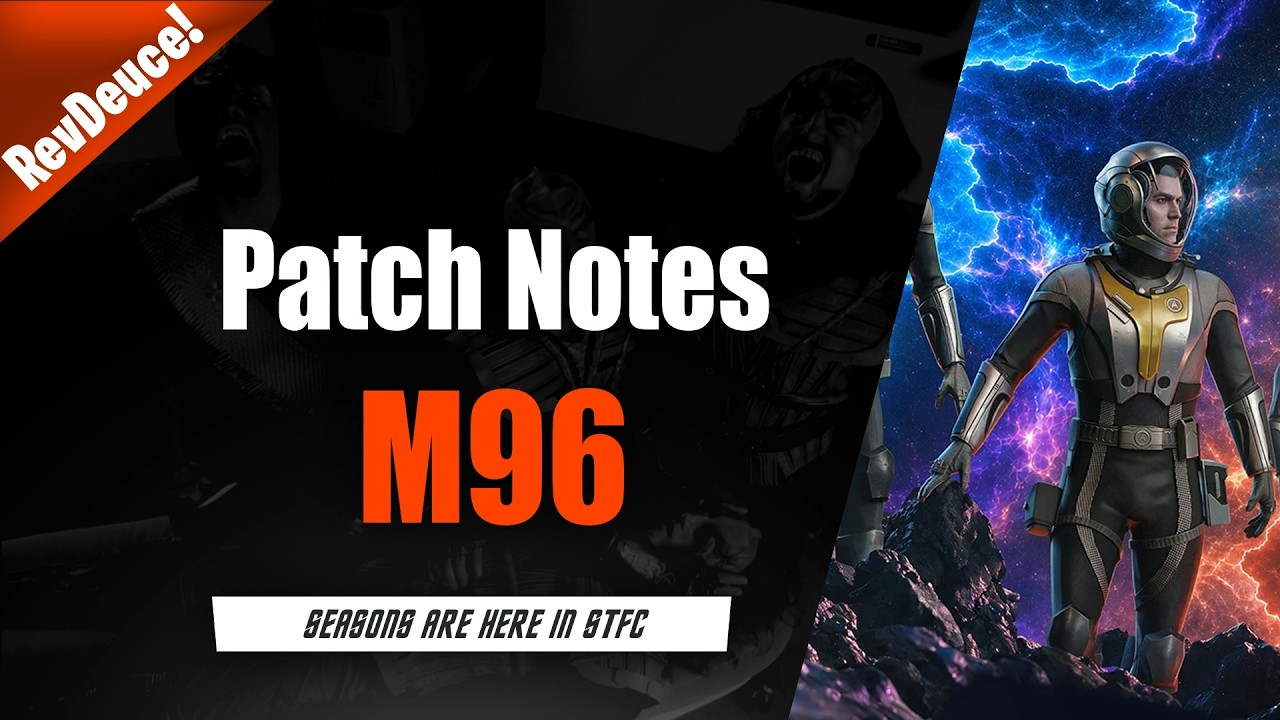
To progress efficiently through update M96 in Star Trek Fleet Command, focus your daily fleet operations exclusively on milestone tiers that award officer shards and Season Store currency, then stop before reaching high-cost diminishing returns. The introduction of Seasons adds dozens of simultaneous event tracks and milestones across all Operations levels. Attempting to clear every objective will quickly exhaust your hull repair speedups and ship resources on low-value filler.
The M96 Quantity Trap and How to Evaluate Milestones
Patch M96 emphasizes the sheer quantity of objectives over uniform reward quality. Many milestone ladders spread rewards thinly across extended tiers, requiring exponentially greater hostile kills, mining totals, or resource investments for basic speedups and common chests. Pushing deep into these tracks drains repair resources that are better reserved for core fleet development.
Before committing ships to any seasonal event track, apply a three-step evaluation:
- Calculate the Resource Cost: Estimate the required hull repairs, speedups, and transwarp cells needed to hit the next tier.
- Weigh the Account Impact: Verify whether the payout offers true progression bottlenecks—such as Syndicate XP, prime research tokens, or officer shards—rather than farmable materials.
- Set a Hard Stopping Point: Halt progression immediately if the next milestone demands more than double the points of the previous tier without offering a premium currency.
| Milestone Reward Category | Priority | Recommended Action |
|---|---|---|
| Exclusive Officer Shards | High | Push to the exact unlock or promotion breakpoint, then stop. |
| Seasonal Store Currency | High | Clear core tiers to fund target purchases in the seasonal refinery. |
| Syndicate XP & Prime Tokens | Moderate to High | Complete only when requirements naturally match your daily hostile routes. |
| Common Ship Parts & Resources | Low | Stop at base tiers; gather missing materials through standard mining loops. |
| Cosmetics & Minor Chests | Lowest | Skip entirely; repair costs outweigh any cosmetic payout. |
Aligning Seasons with Daily Fleet Routines
Sustained progress requires folding seasonal requirements into your standard daily routine rather than running separate grinding loops. Complete your faction daily hostiles, mining quotas, and standard armadas first, allowing seasonal points to accumulate from overlapping actions.
When farming seasonal hostiles, prioritize mitigation over damage output:
- Crew for Survivability: Deploy PvE bridge crews that emphasize shield regeneration and damage mitigation to keep your hull intact during long patrols.
- Drop Hostile Tiers When Necessary: If your fleet takes heavy hull damage from higher-tier hostiles, drop down one level. The minor drop in points per kill is far cheaper than spending speedups on extensive drydock repairs.
Season Store Spending Priorities
Seasonal currency earned from milestones should be spent exclusively on long-term progression bottlenecks rather than consumable materials:
- Top Priority: Officer shards and promotions. Target officers whose bridge or below-deck abilities enhance fleet mitigation, damage, or mining efficiency.
- Secondary Priority: Advanced research materials, including prime particles and rare ship blueprints.
- What to Avoid: Common Parsteel, Tritanium, and Dilithium. Standard station generation and mining vessels provide these resources continuously without expending seasonal currency.
Alliance Coordination and Pacing
Coordinating with your alliance minimizes individual resource drain. Pool armada directives by scheduling group rallies, and organize hostile-tagging fleets to clear shared alliance milestones without forcing single players to burn through drydock reserves. Set a firm stopping point each day once your core faction goals and primary seasonal breakpoints are met.

Free Star Trek Fleet Command Codes
Current active codes and how to redeem them.

Emily Johnson
Emily writes practical mobile strategy guides with a focus on resource planning, base progression, and the early decisions that shape a long-term account.
COMMUNITY
Player Comments
67 players commented on this guide.
Good guide for Star Trek Fleet Command players. The updates part was useful.
Nice guide. I am checking the other Star Trek Fleet Command articles next.
I tried this today and it worked better than my old setup.
Can you add more details about updates in a future update?