
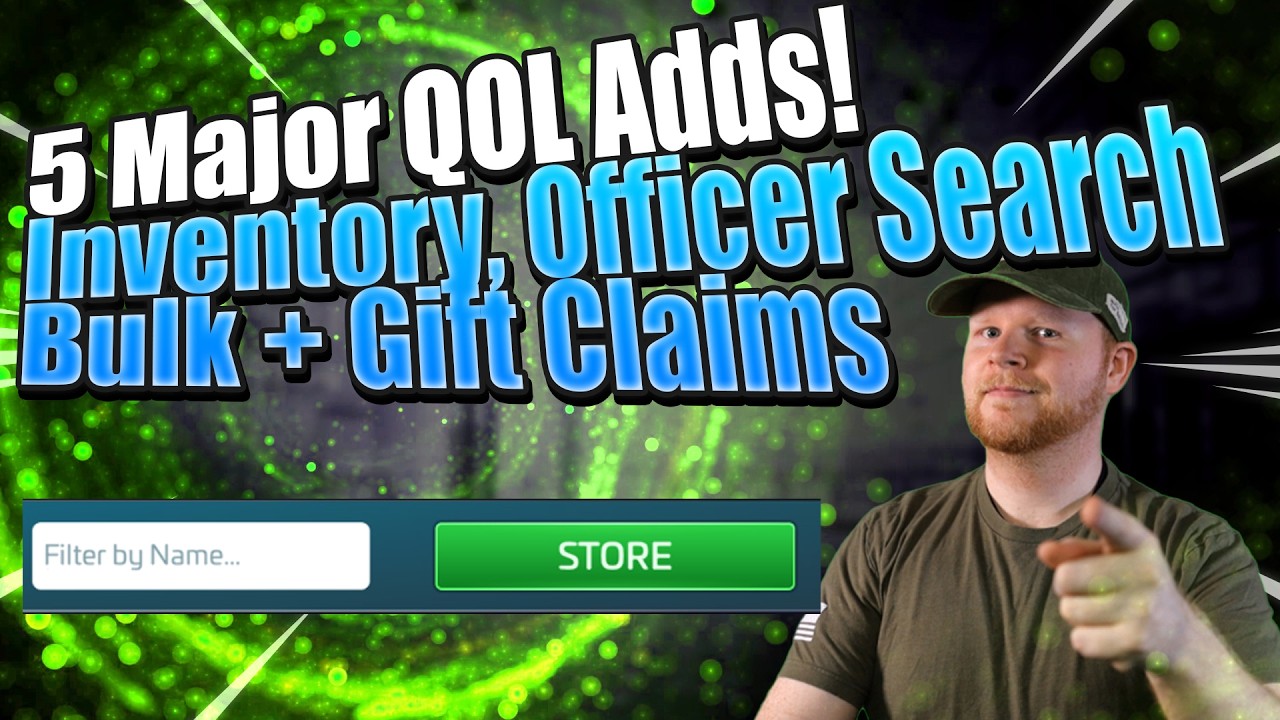
To minimize menu navigation and daily fleet setup in Star Trek Fleet Command, use the dedicated search bars in your officer and inventory screens, batch-submit reputation items using bulk faction donations, and verify ship health icons in the shipyard before launching missions.
Locating Officers and Inventory Items Quickly
Finding specific officers or stockpiled materials no longer requires manually scrolling through long menus.
- Officer Roster Filtering: Open the officer menu and select the search bar. Type the exact name of an officer to filter your collection instantly. This reduces crew assembly time when swapping between specialized PvE grinding setups and PvP battle configurations.
- Inventory Item Searching: Open the inventory screen and enter target keywords into the search bar. Use this feature to pull up specific item types—such as speed-ups, specialty ship parts, or faction credits—without navigating through sub-categories.
Managing Faction Reputation and Ship Hangar Status
Bulk actions and updated visual indicators streamline repetitive daily maintenance tasks for your fleet and faction standing.
- Submit Bulk Faction Donations: Navigate to your chosen faction interface (Federation, Klingon, or Romulan). Instead of selecting single items individually, open the donation screen and use the bulk donation tool to turn in accumulated reputation items or points in one transaction.
- Review Shipyard Indicators: Check the status icons over your vessels in the shipyard before assigning crews or setting launch commands.
- Prioritize Repairs: Identify vessels displaying hull damage or incomplete repair status. Complete necessary ship repairs prior to sending fleets out for mining runs, fleet commander missions, or alliance combat calls.

Free Star Trek Fleet Command Codes
Current active codes and how to redeem them.

Sarah Williams
Sarah specializes in RPG and collection games, explaining team building, character growth, and beginner-friendly ways to avoid expensive early mistakes.
COMMUNITY
Player Comments
98 players commented on this guide.
Can you add more details about strategy in a future update?
I wish I had read this before upgrading the wrong thing.
This saved me time in the early game.
This guide answered the exact question I had.